
Vista completa
Articoli simili
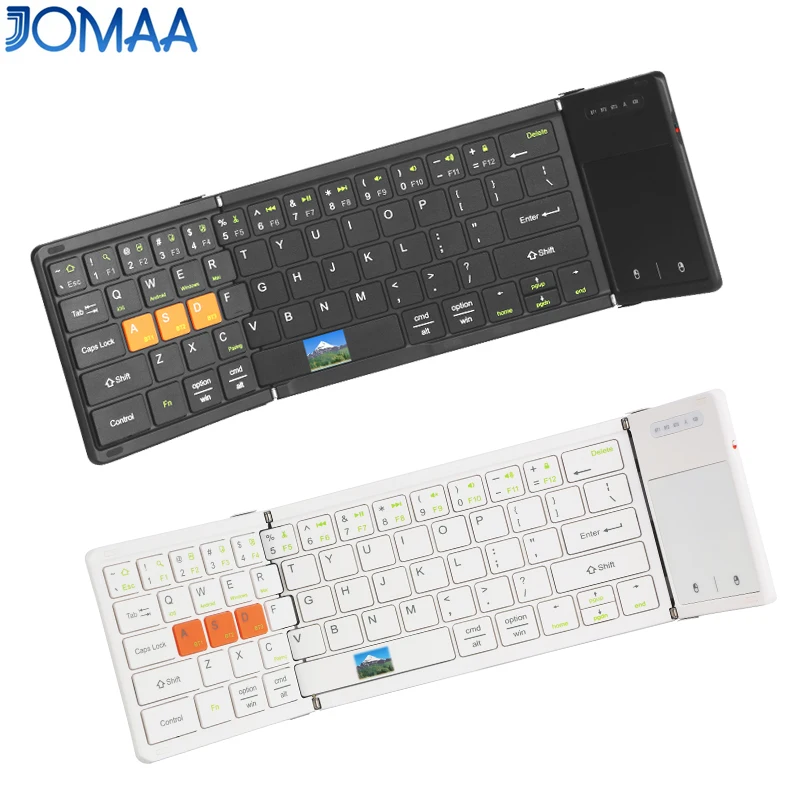
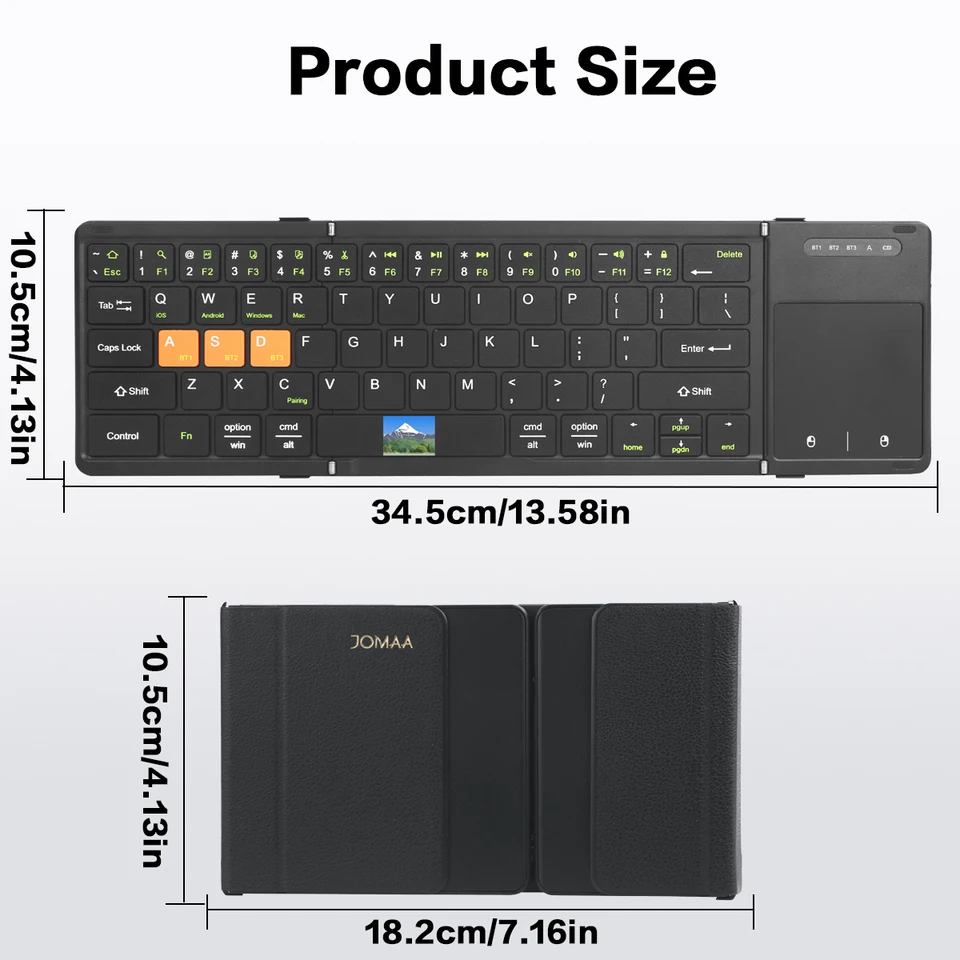
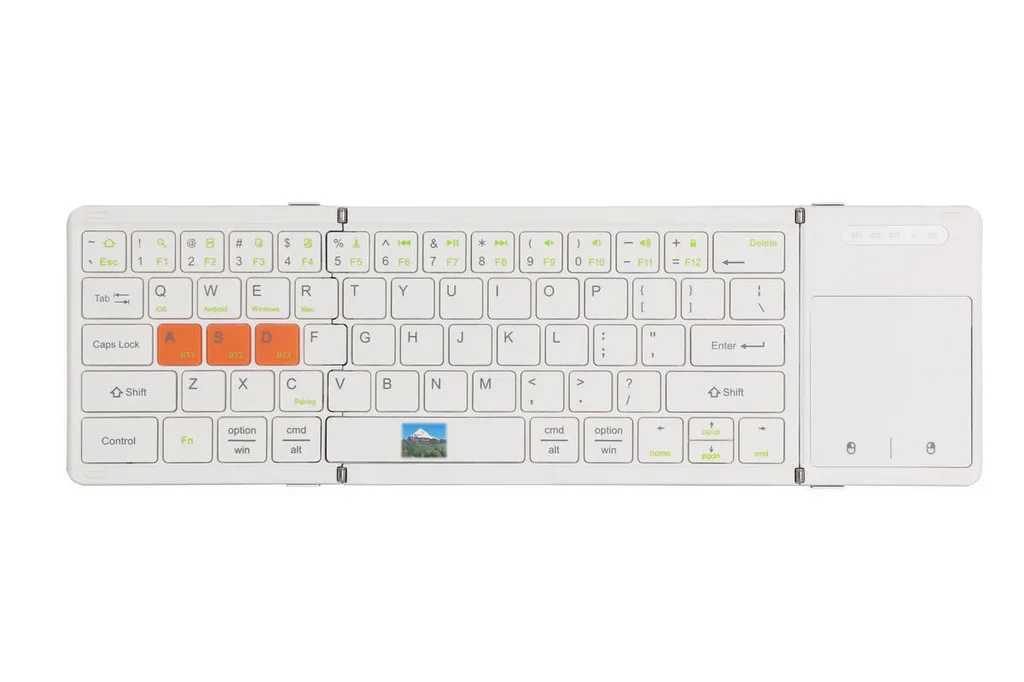
Telefono cellulare pieghevole Jomaa con Bluetooth, touchpad, ricaricabile, smartphone con tastiera.
60,72€76,21€
Colore : Bianco
Quantità :

Rapporto
Includere la violazione del copyrightSpedizione standard gratuita. Guarda i detagli
Stimato tra Tue, Jul 14 e Sat, Jul 18
Puoi restituire il prodotto entro 30 giorni dal ricevimento. Guarda i detagli
Acquista con fiducia

Garanzia di rimborso
Ricevi l'articolo che hai ordinato o ti verrà restituito il denaro. Saperne di più
Informazioni su questo articolo
Tratto da TechNex
Il venditore si assume ogni responsabilità per questa inserzione.Codice articolo: 39287758
Specifiche degli articoli
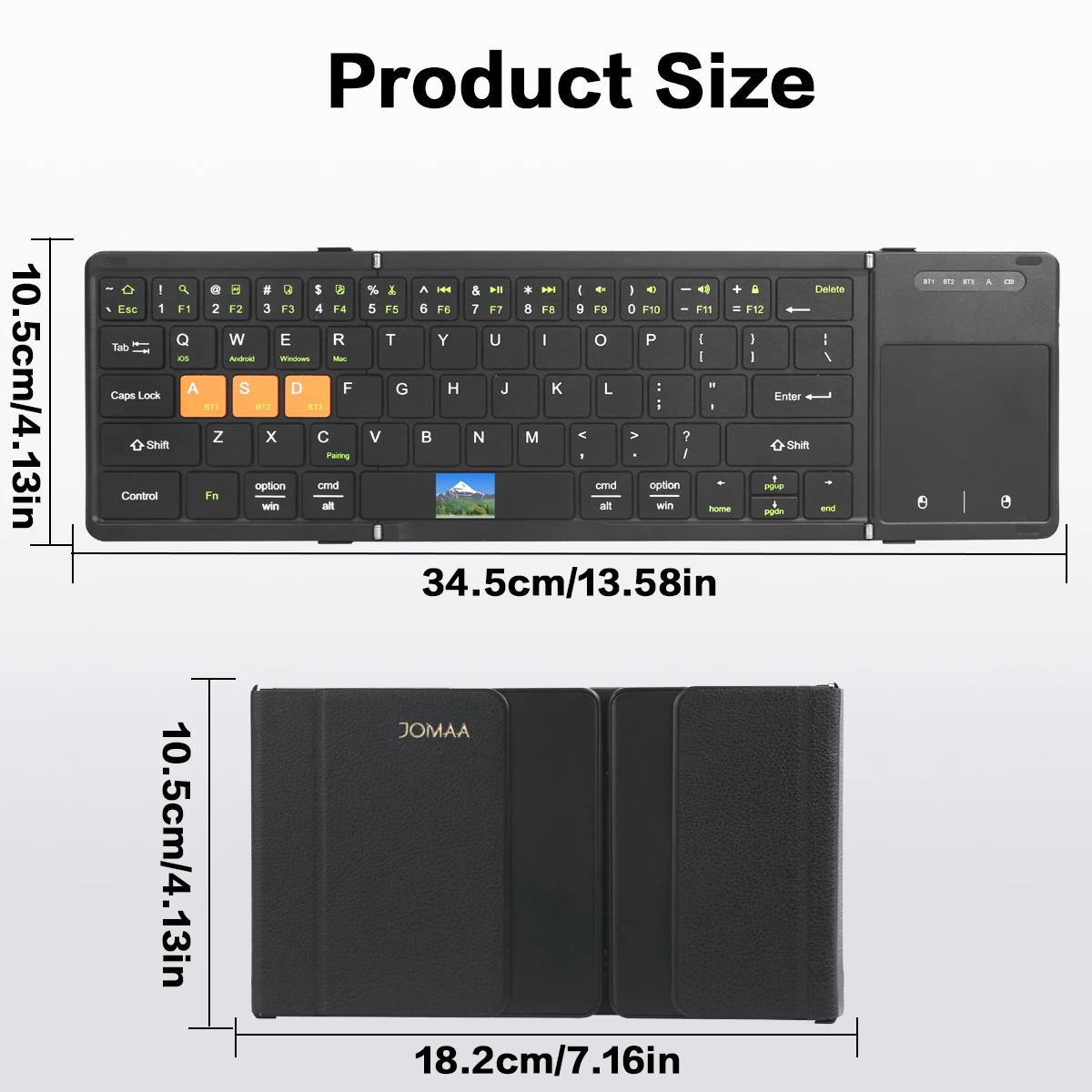
Misurare
Dimensioni complete
Tipo di chiave
Interruttori meccanici
Tipo di interruttore
Lineare, tattile, clicky
Compatibilità
Windows, macOS, Linux
Dispositivi connessi
1
Tasti illuminati
SÌ
Connettività
Bluetooth, Logi Bolt USB
Tipo USB
USB-A
Opzioni Logi
SÌ
Descrizione dell'articolo da parte del venditore
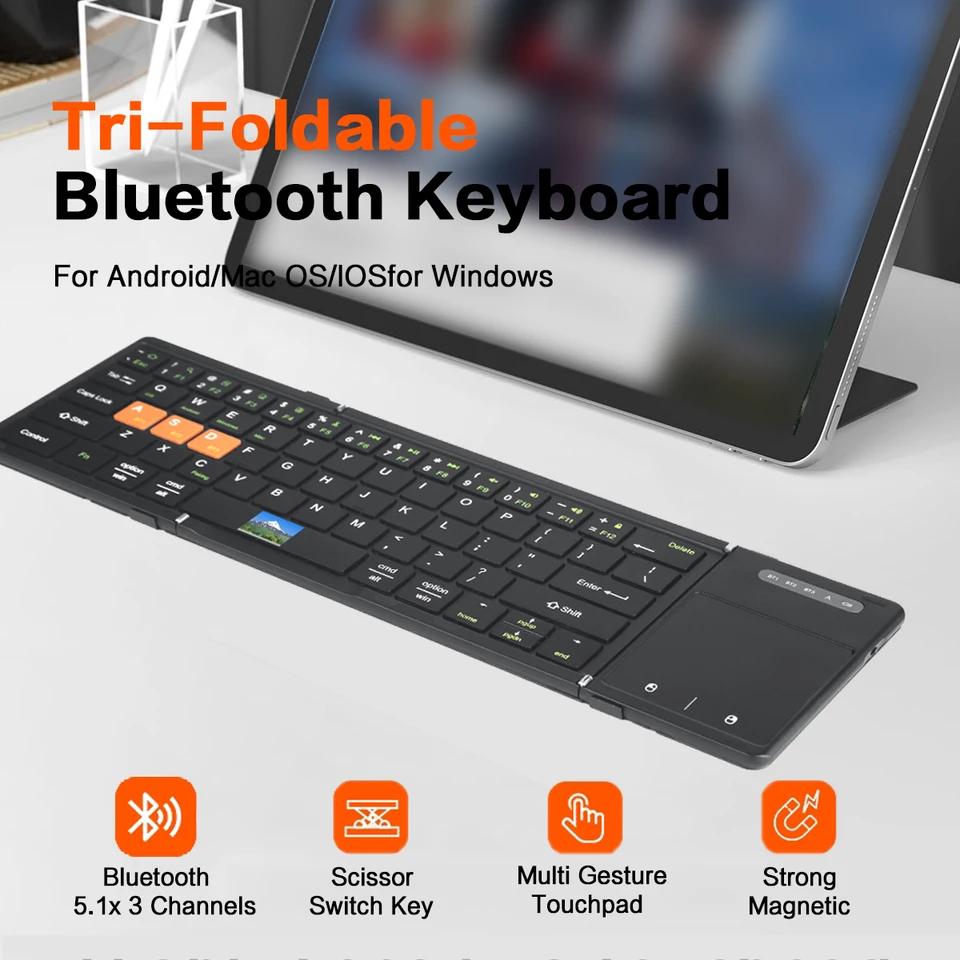
[ Boardcom US Bluetooth 5.1 Chipset ]-Low latency and stable performance,an assurance for high quality keyboard.
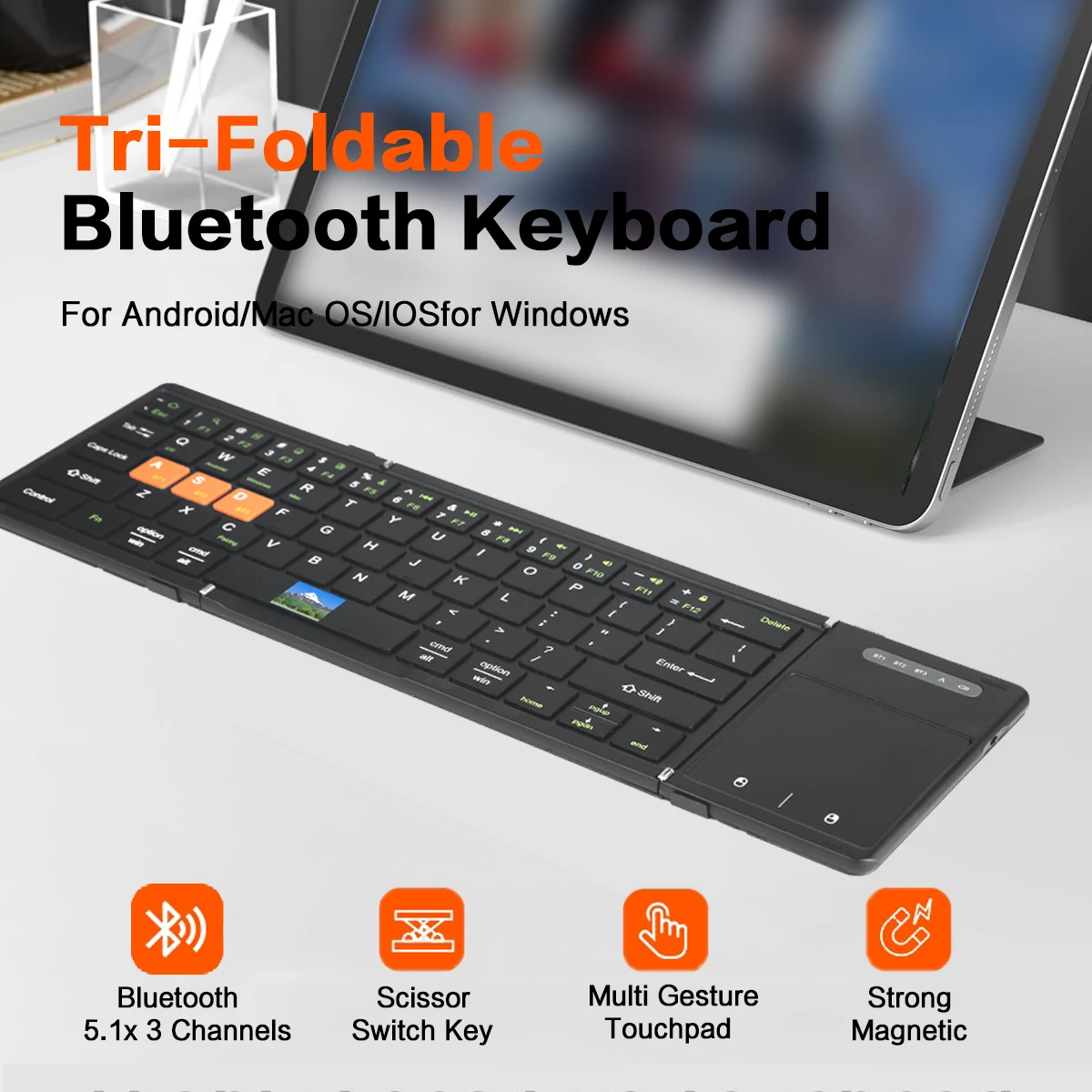
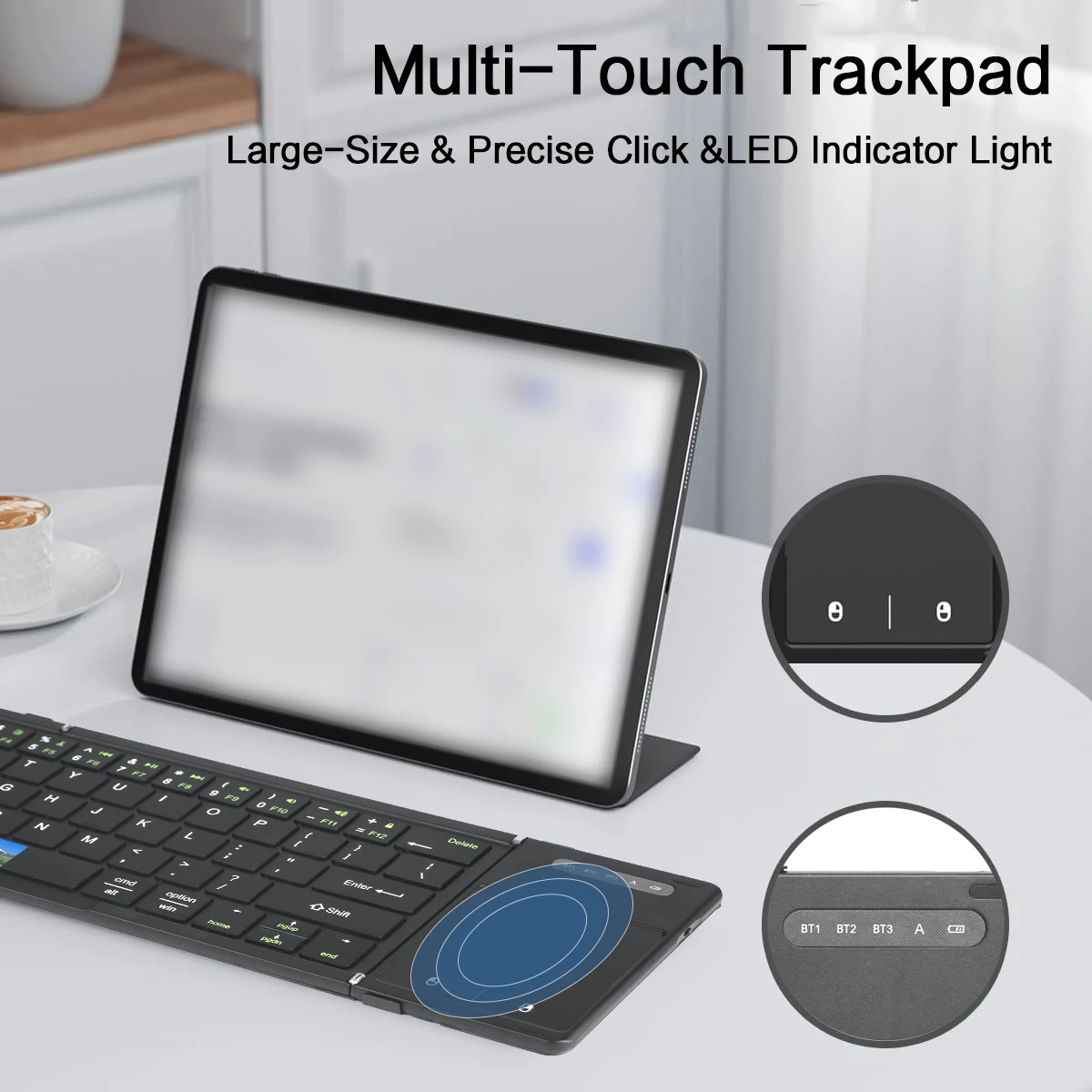
[ Ultra Big Touchpad with Left&Right Click ]-Maximumly approach the user experience of laptop touchpad.
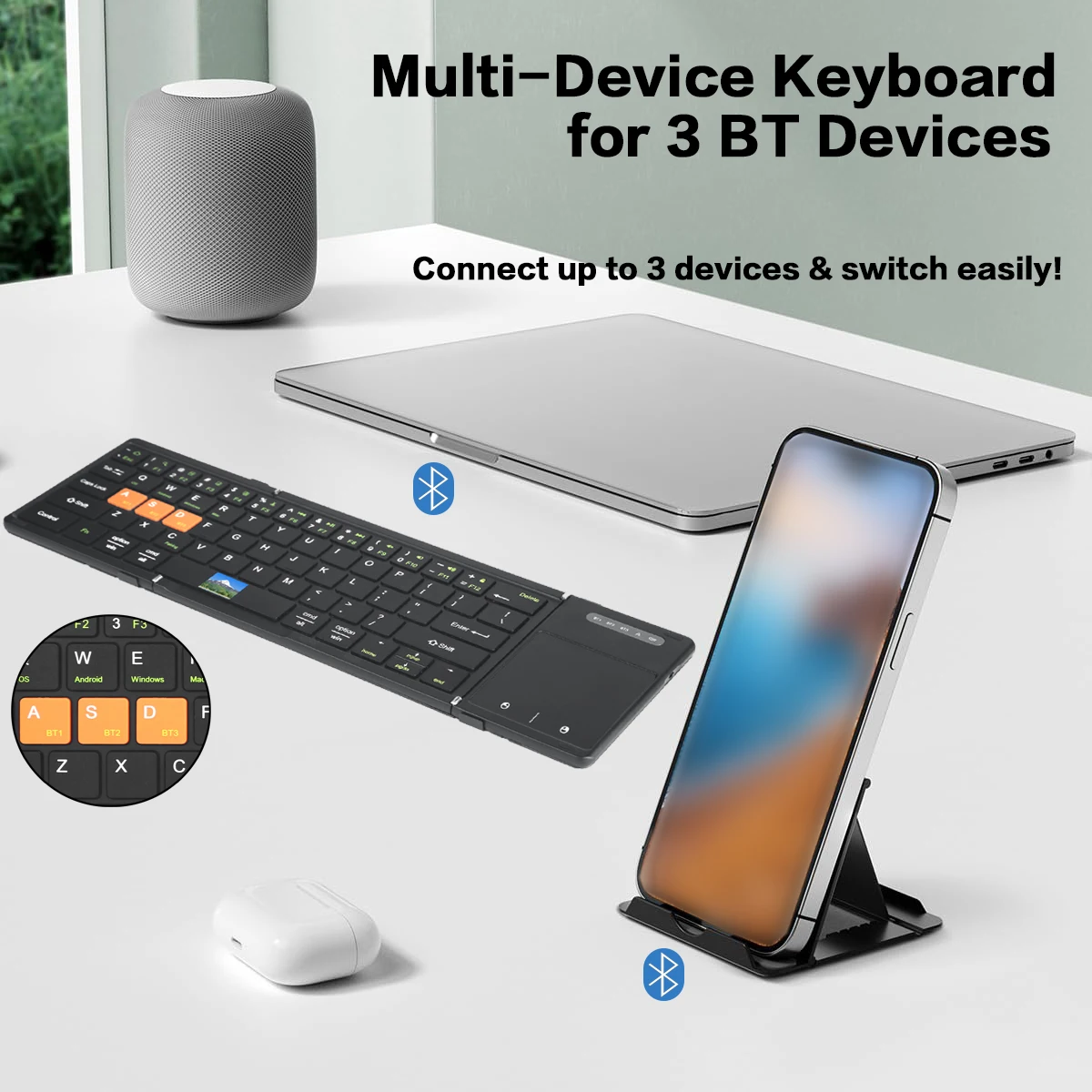
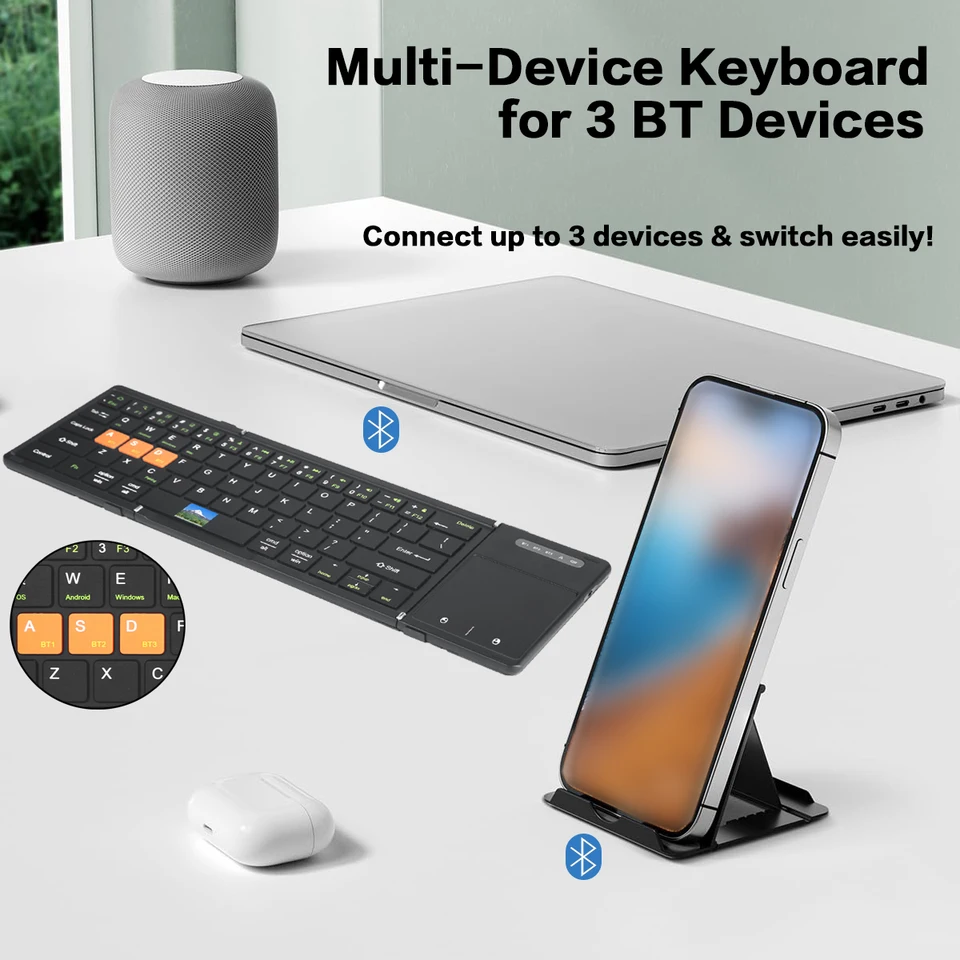
[ 3 Channels Bluetooth Connection ] -3 bluetooth device can connect with the folding keyboard and switch between each other randomly.
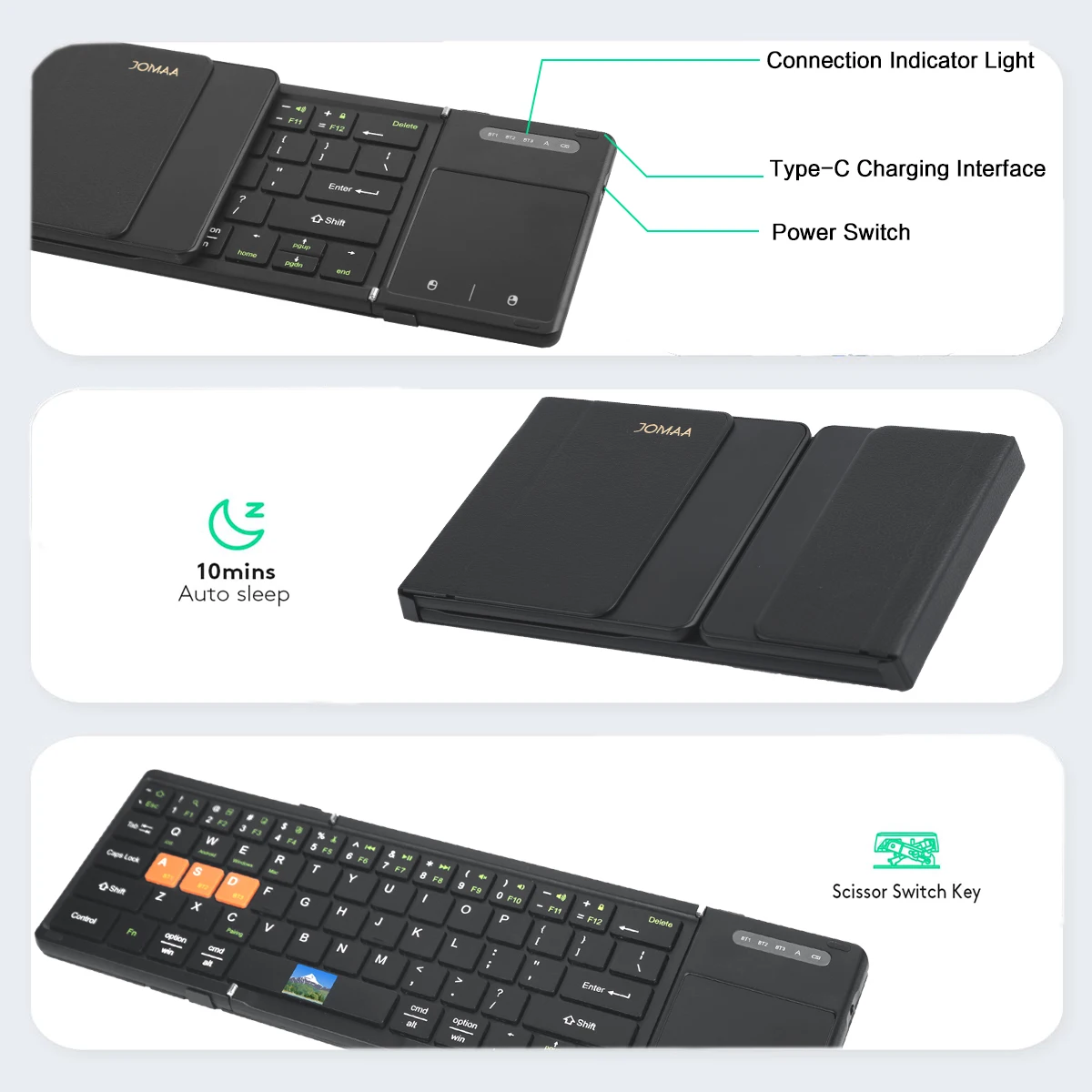
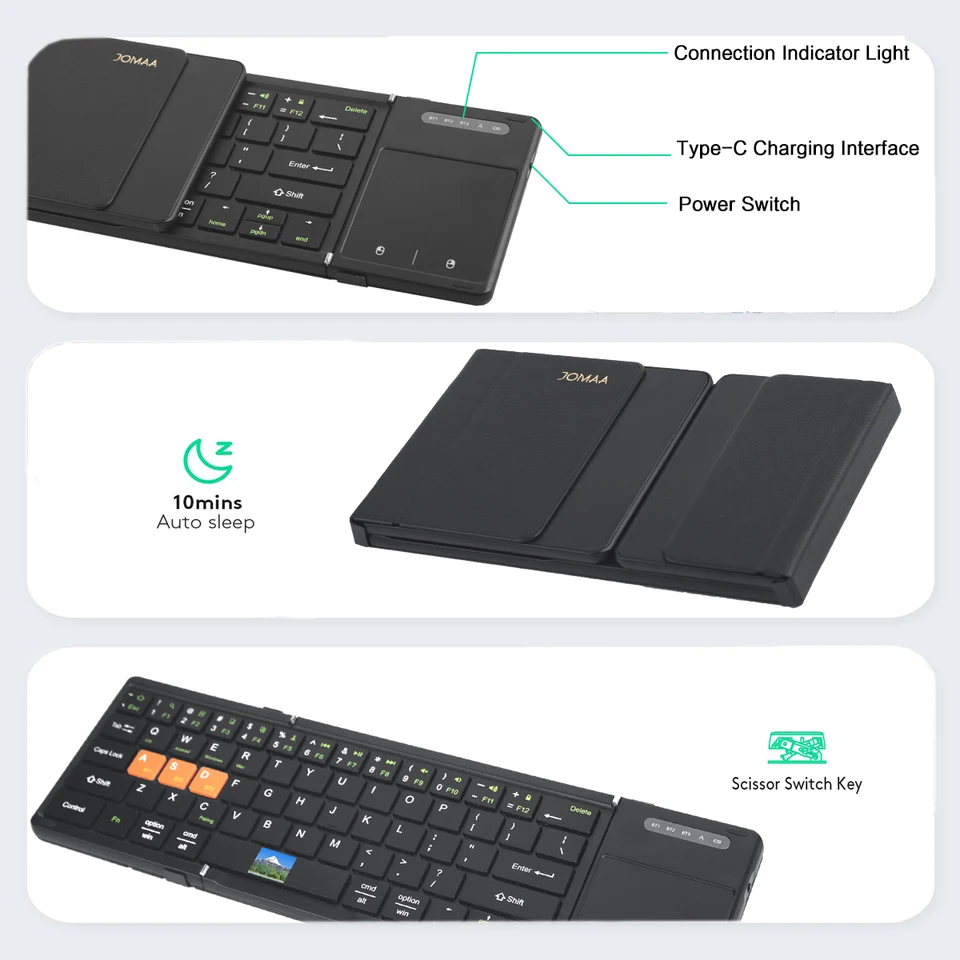
[ Big Size Keycap&Scissors Switch ] -1:1keycap size &layout as laptop and comfortable scissors switch.
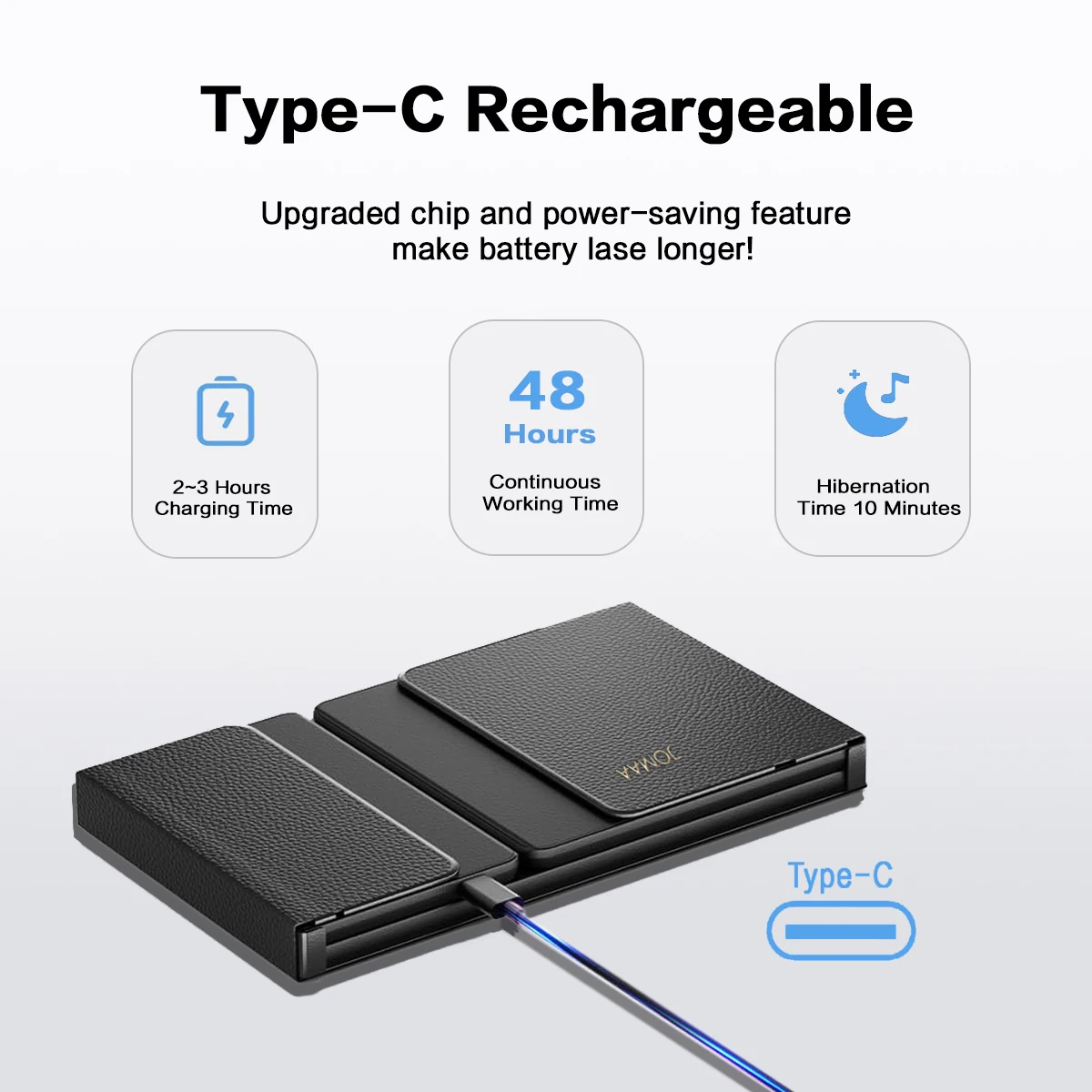
[ Rechargeable Lithium Battery ] -Build in 210mAh big capacity rechargeable lithium battery,long standby time and environment friendly.
[ Multi System Compatible ] -Compatible with Windows,Android,IOS and Mac(Desk,lock key can not use),fully satisfy your of input requirement.
[ Textured PU Leather Back Cover ] -Nice hand feeling and business style.
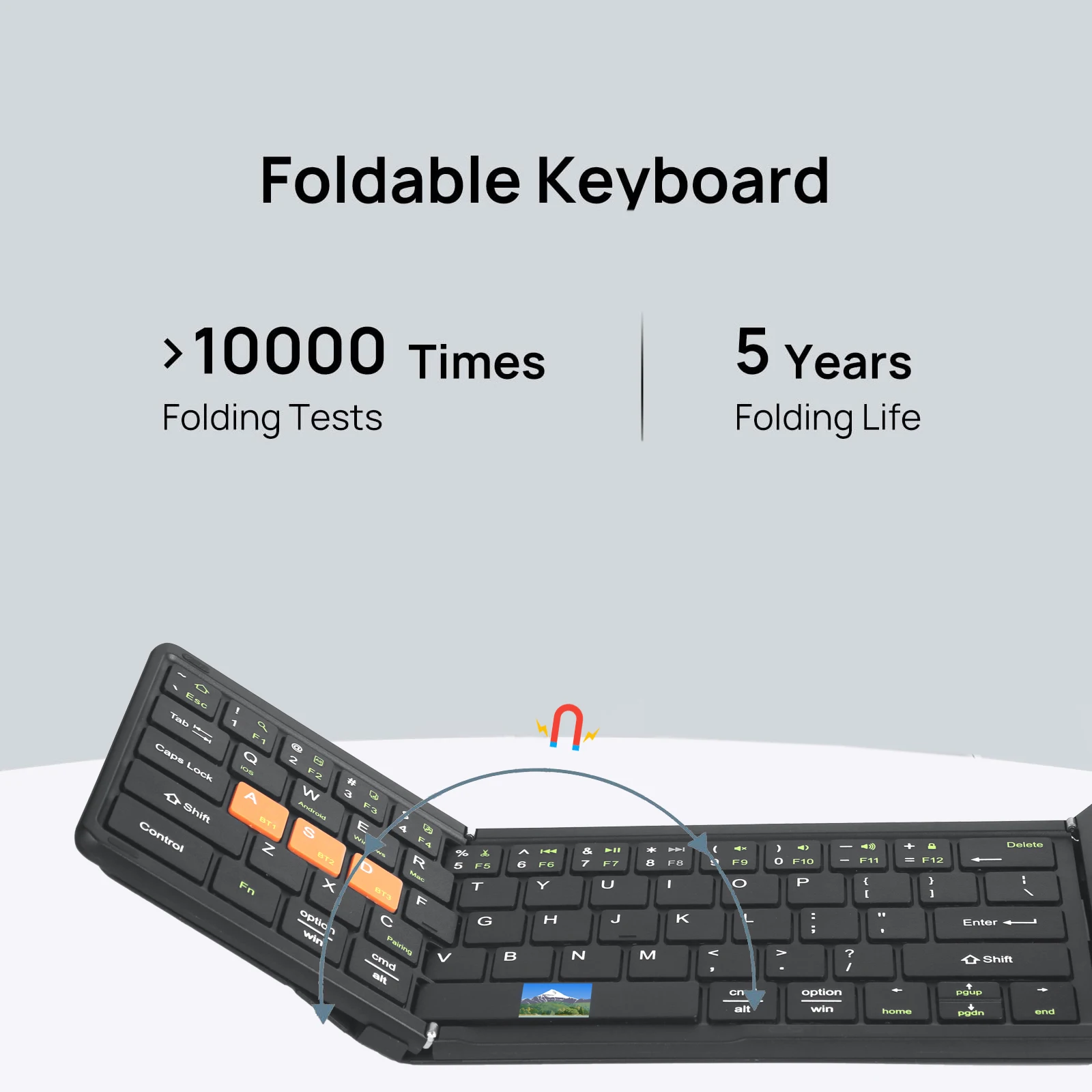
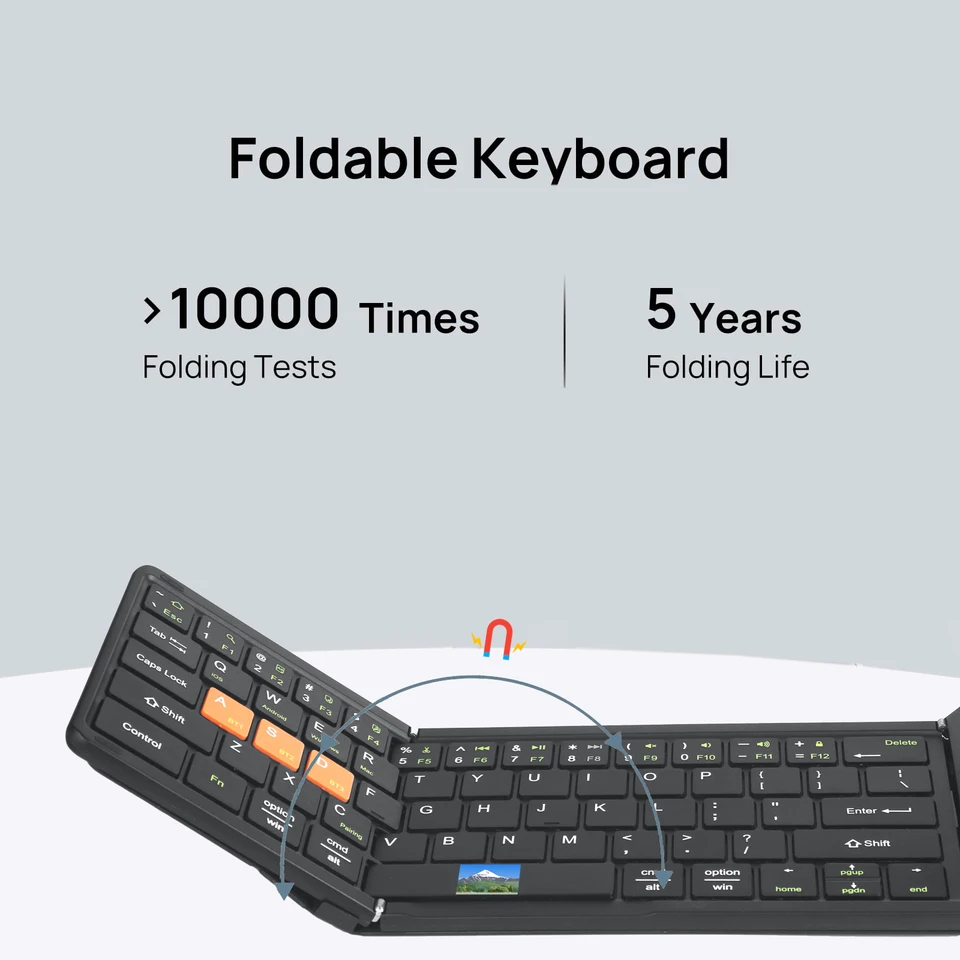
[ Tri Folding Keyboard ] -Combine the nice input user experience of standard size keyboard and portable mini size advantage into one keyboard.
Multi-channel connection Munual
first device, first press "Fn+ BTi" and then press"Fn+C "to start the connection.
*Before connecling the second device, press "Fn+ BT2 "once, thenpress" Fn+C "to start the connection.
.Before connecting the third device, press "Fn+ BT3" once, then press"Fn+C" lo slart the conneclion.
*Td use multiple devices at the same time, press Fn + BT1 / BT2 BT3 to switch to the connected devices freely