
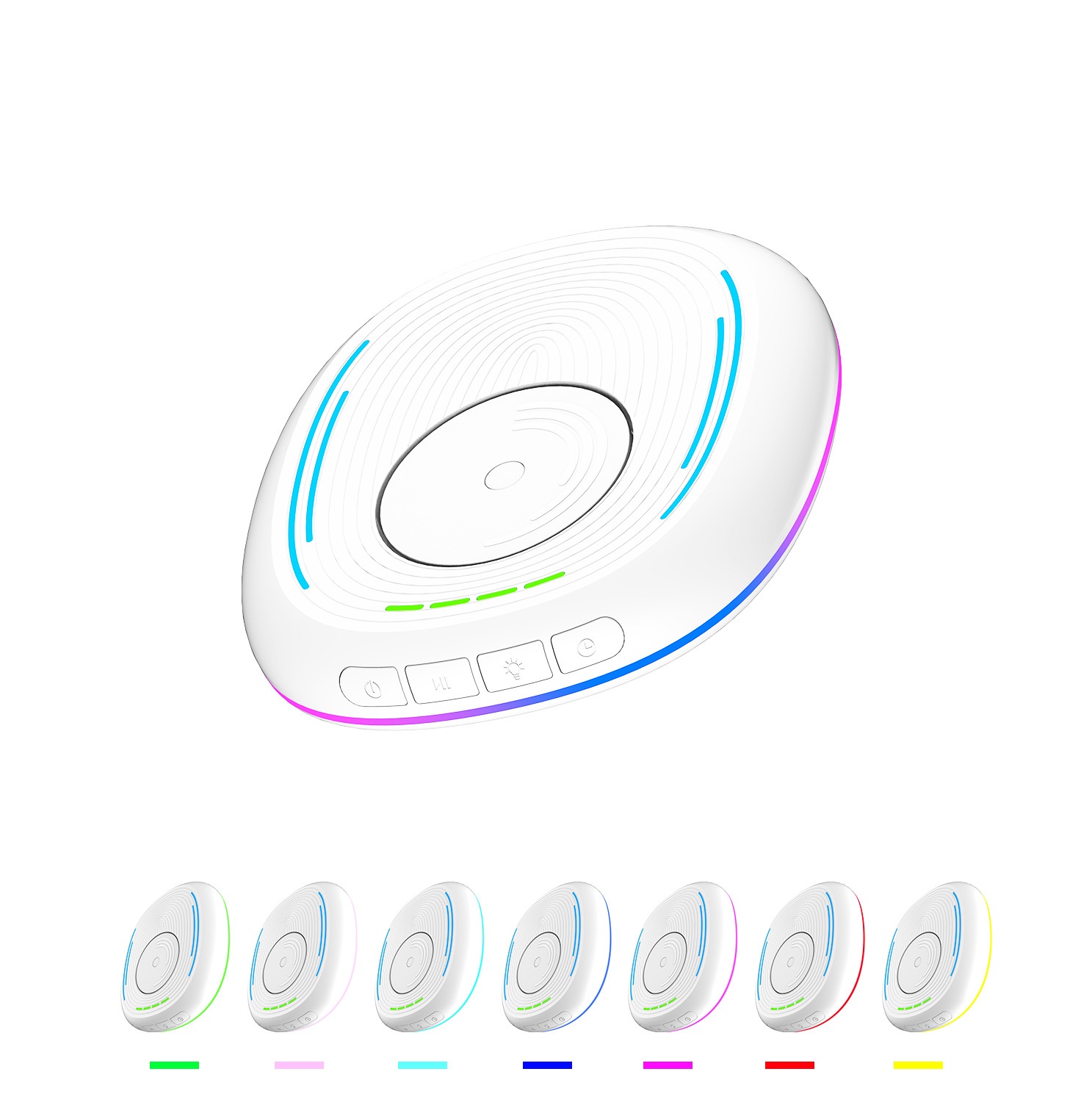
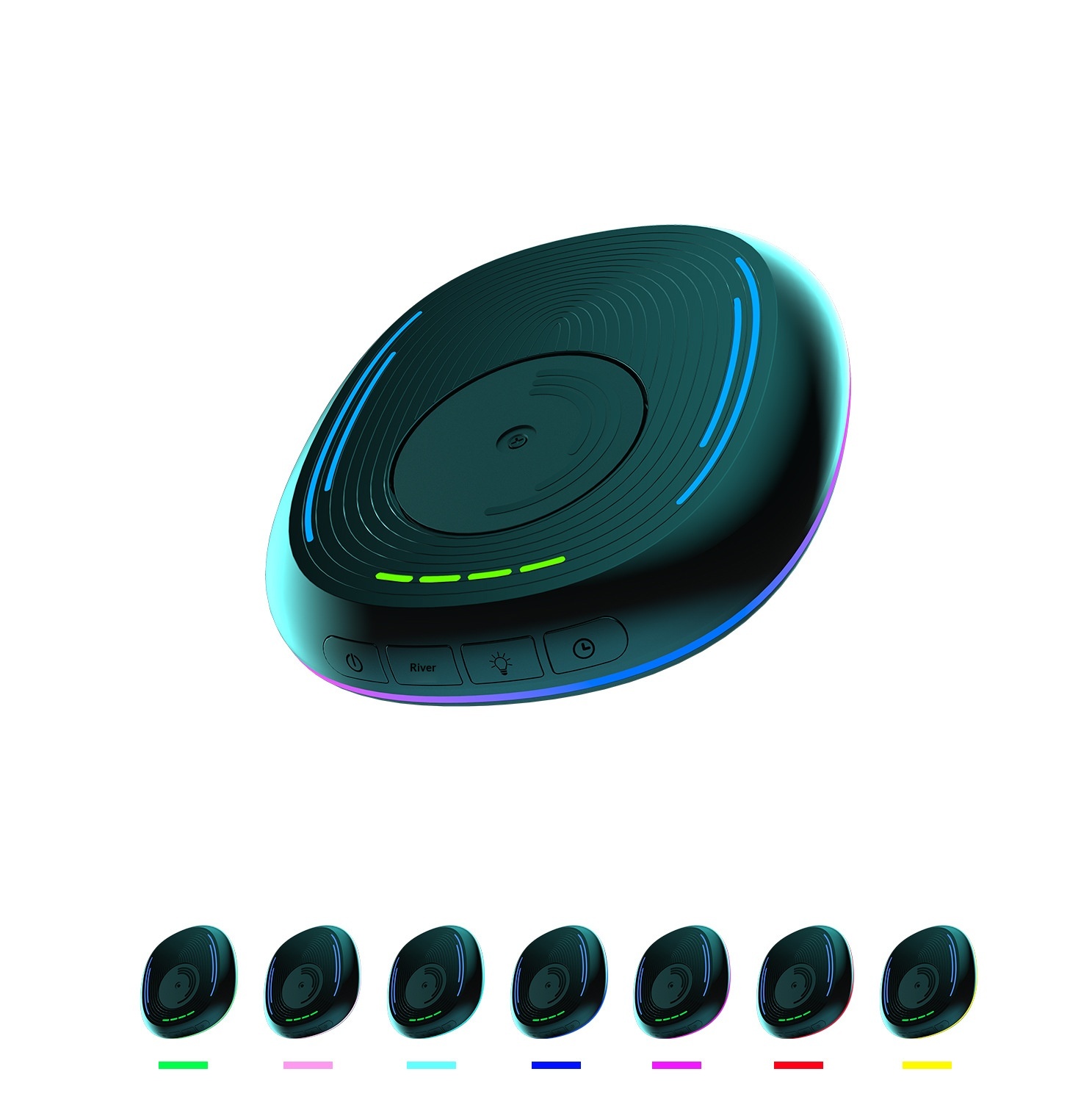

Vista completa
Articoli simili
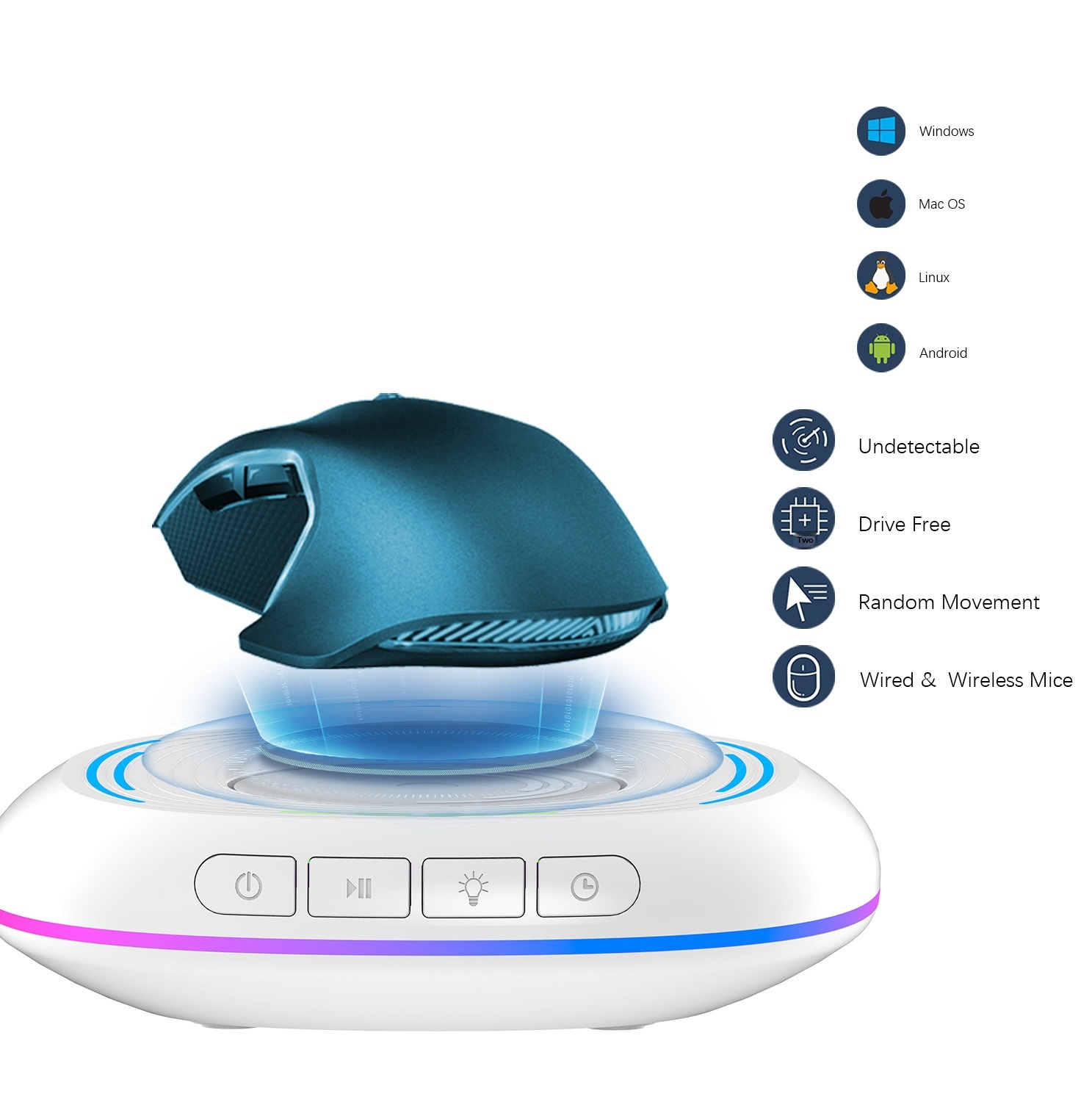
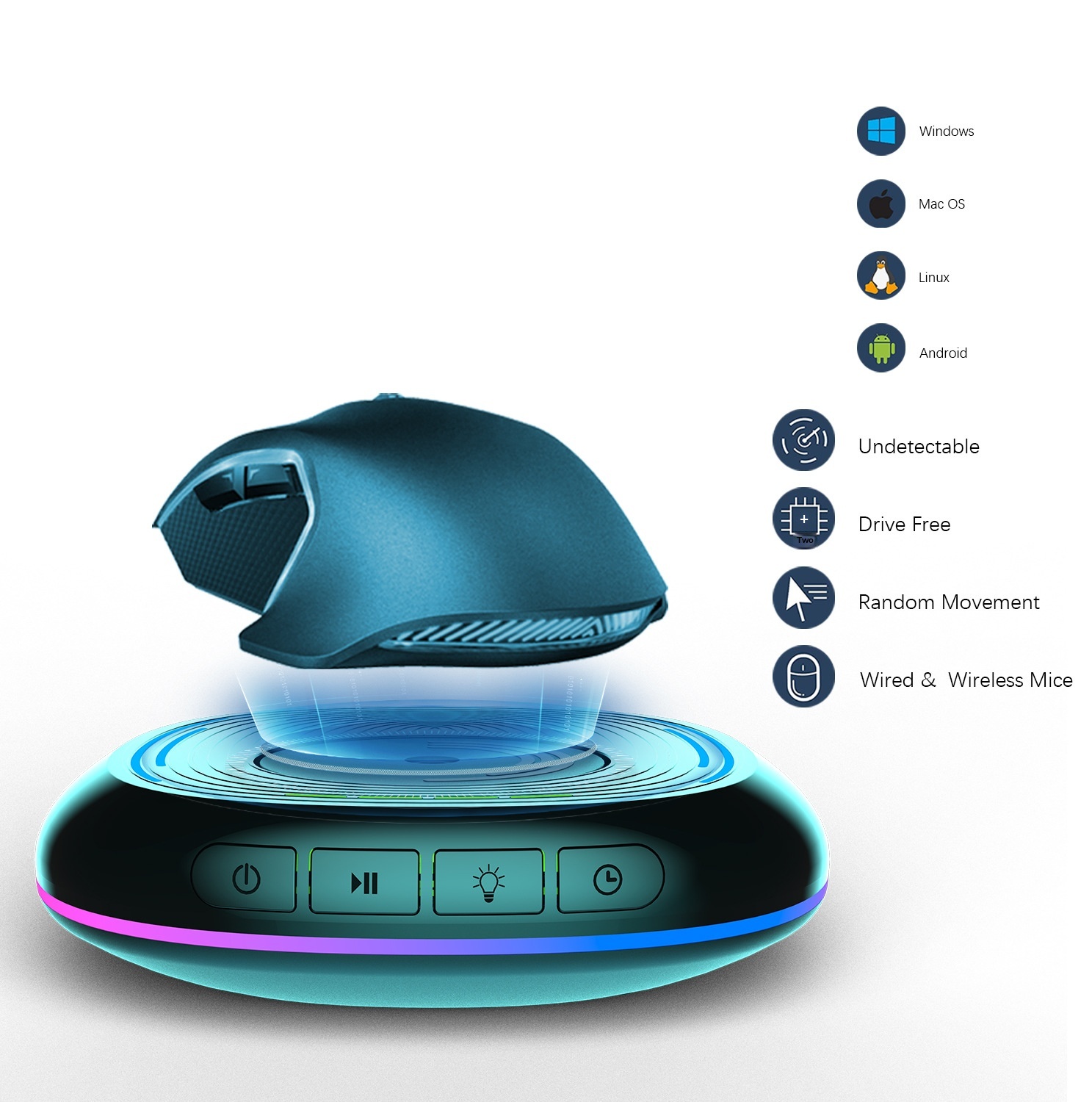
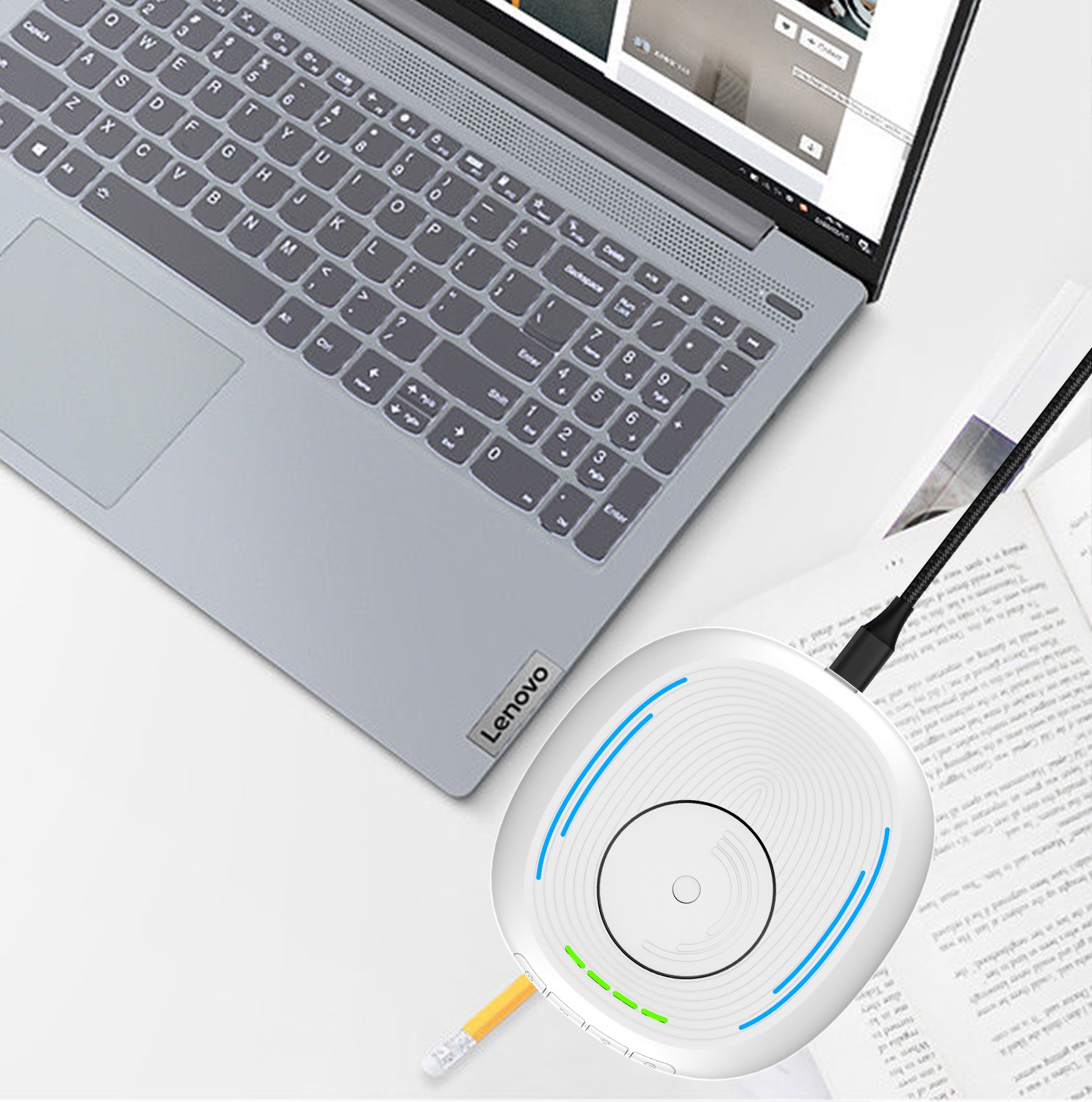
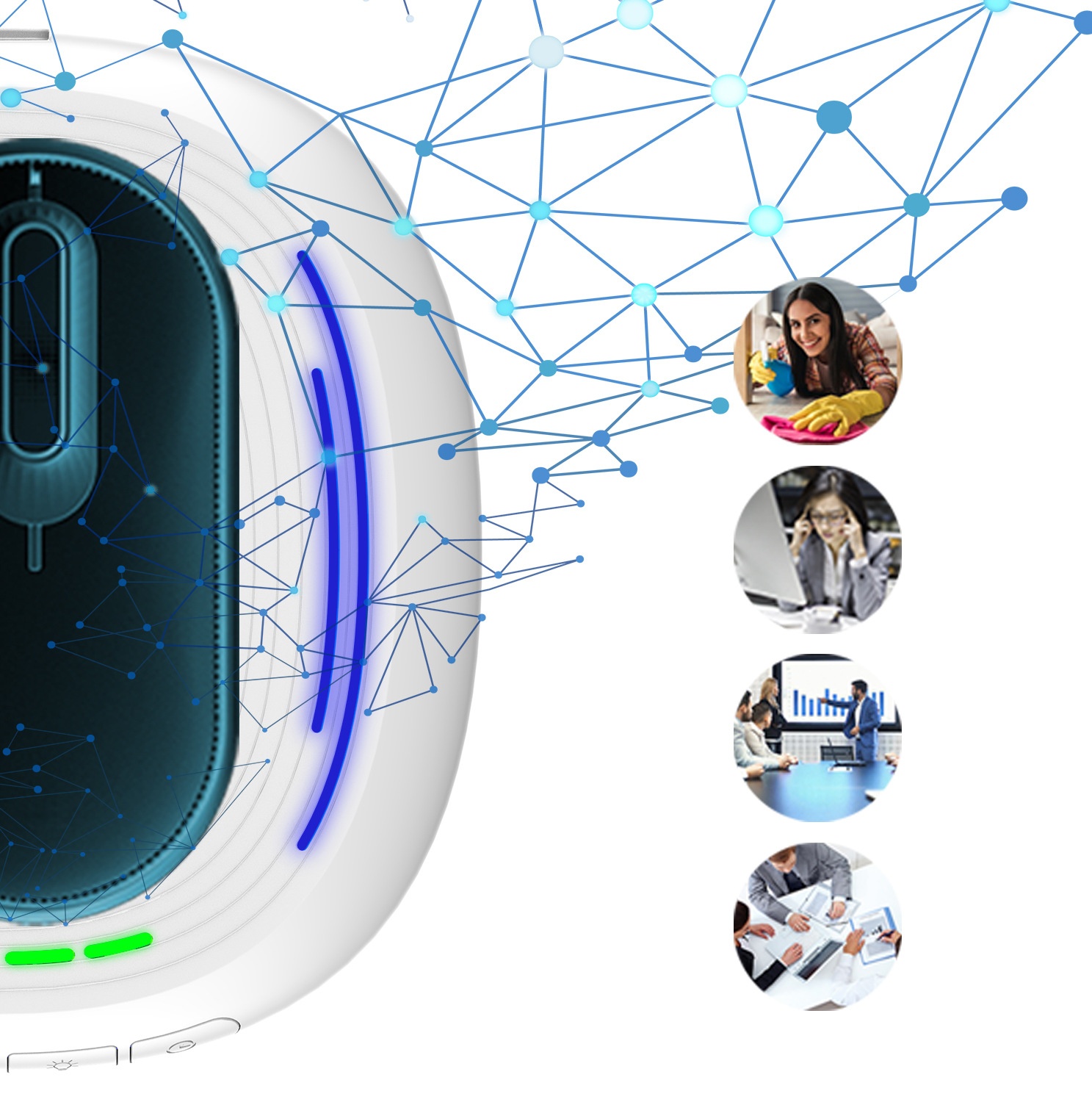
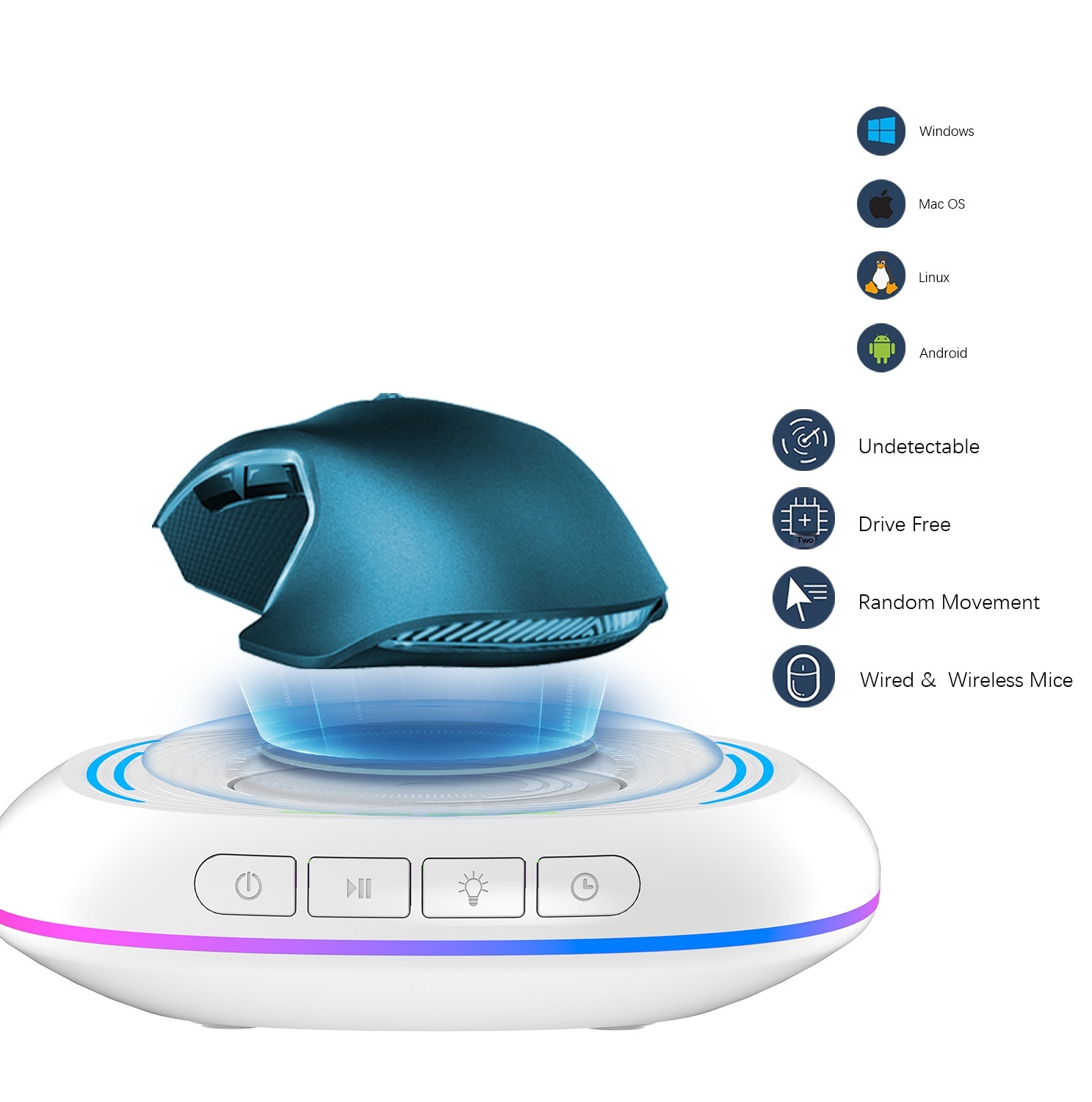
Luce LED anti-sonno con movimento automatico per evitare il blocco dello schermo del computer, gadget da gioco, mouse mobile
32,00€49,21€
Colore : Bianco
Quantità :
 Customer Service
Rapporto
Includere la violazione del copyrightSpedizione standard gratuita. Guarda i detagli
Stimato tra Sun, Apr 26 e Sun, May 3
Puoi restituire il prodotto entro 30 giorni dal ricevimento. Guarda i detagli
Acquista con fiducia

Garanzia di rimborso
Ricevi l'articolo che hai ordinato o ti verrà restituito il denaro. Saperne di più
Informazioni su questo articolo
Tratto da DigitalHubShop
Il venditore si assume ogni responsabilità per questa inserzione.Codice articolo: 35896931
Specifiche degli articoli
Caratteristiche
Altro, RGB, Luce mista
Asse
Altro, Asse ottico, Asse verde
Tastiera numerica
No sì
Connessione
Altro, Multimodale, Cablato
Misurare
100 mm-120 mm, 121 mm-130 mm, <100 mm
Descrizione dell'articolo da parte del venditore
This product has been exclusively licensed to Amazon in the United States. Please do not list it on Amazon in the United States, otherwise complaints will not be withdrawn!
Product Name: Mouse Mover
Product material: ABS.PC
Product model.LZD-Q18
Product weight: 184g
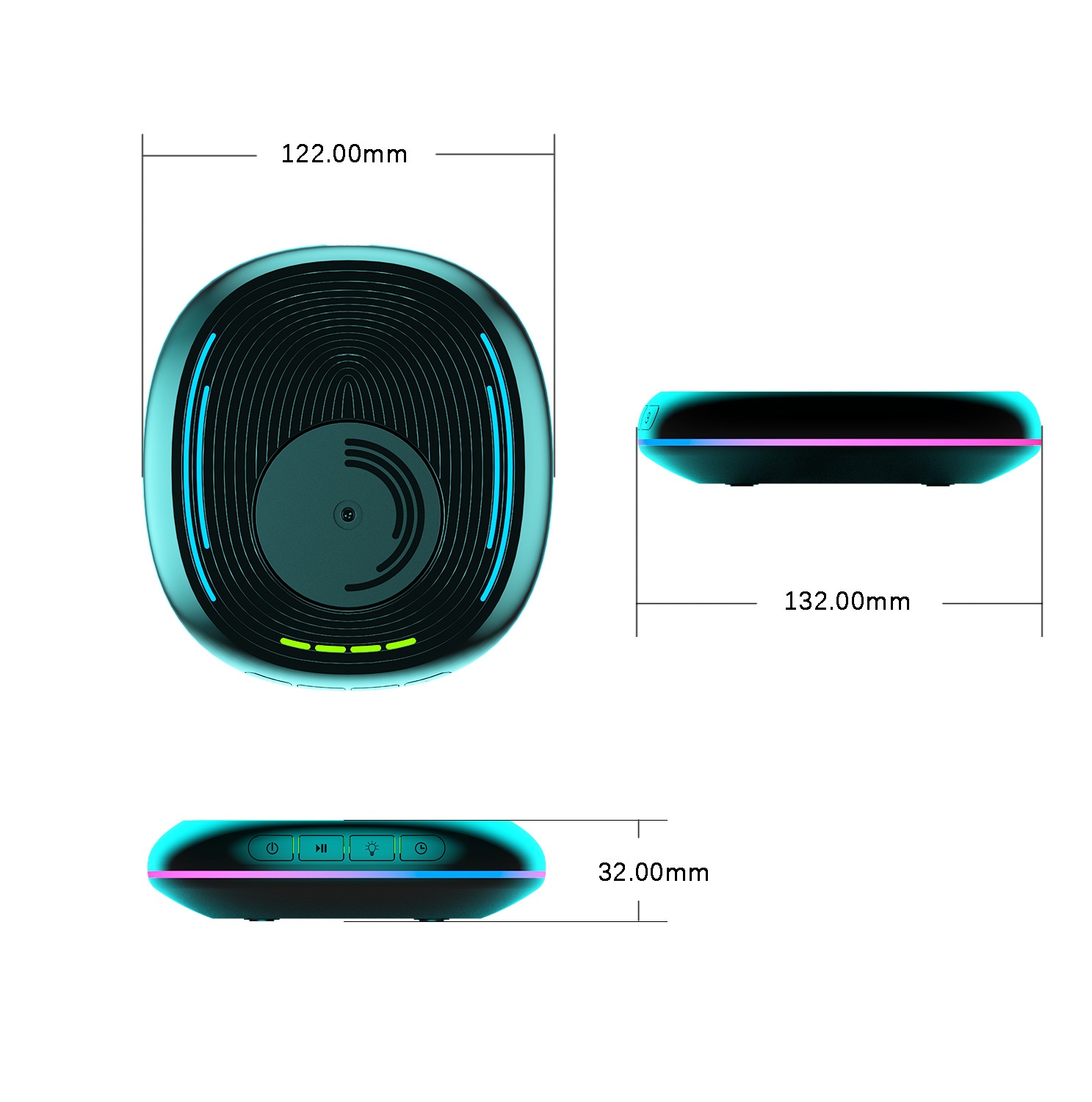
Product dimensions: Length 132MM*122MM*30.2MM
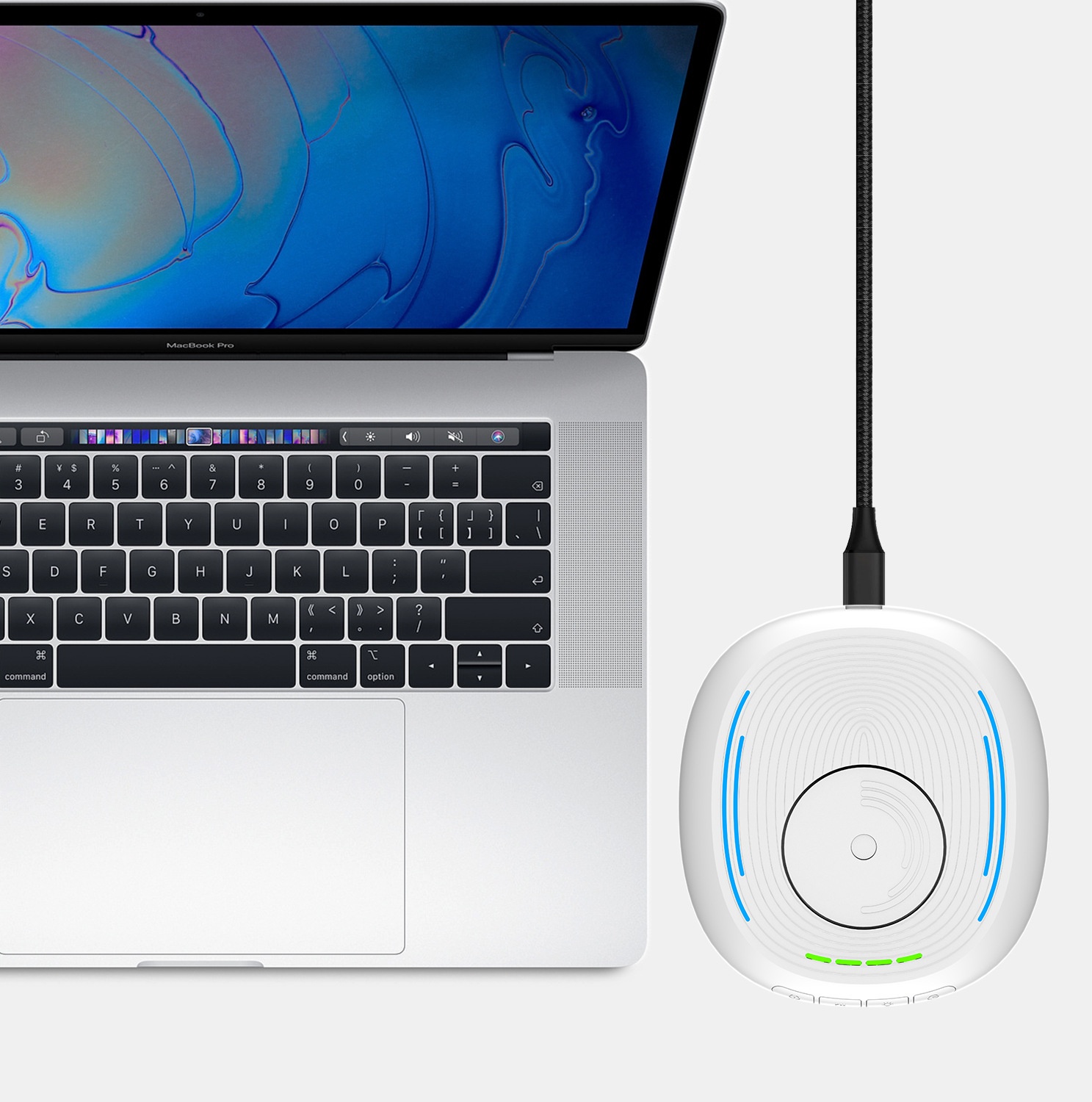
Power supply interface: USB-Type-C
Operating Voltage: 5V
Operating current: Less than 500mA
Operating temperature: 5℃-85℃
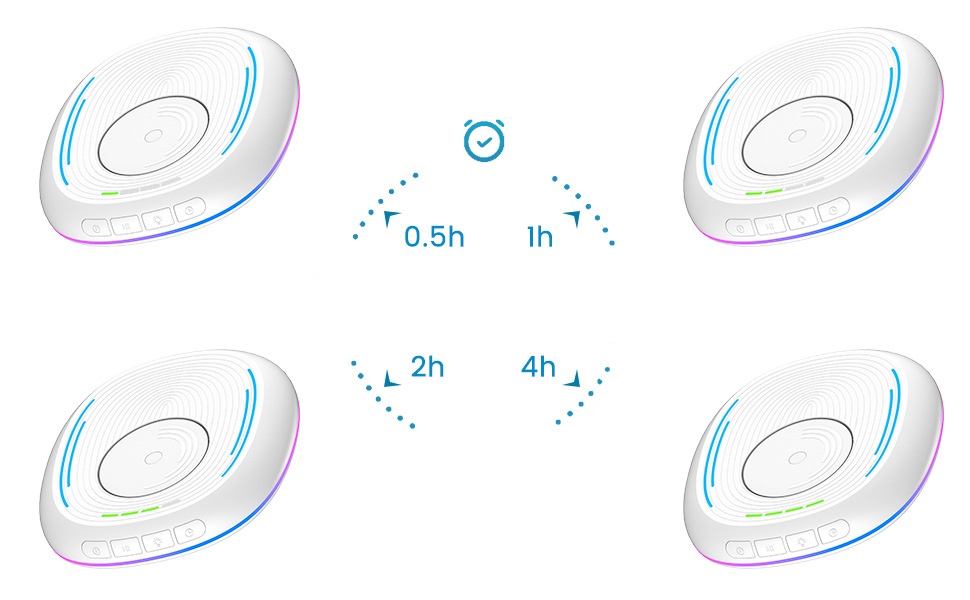
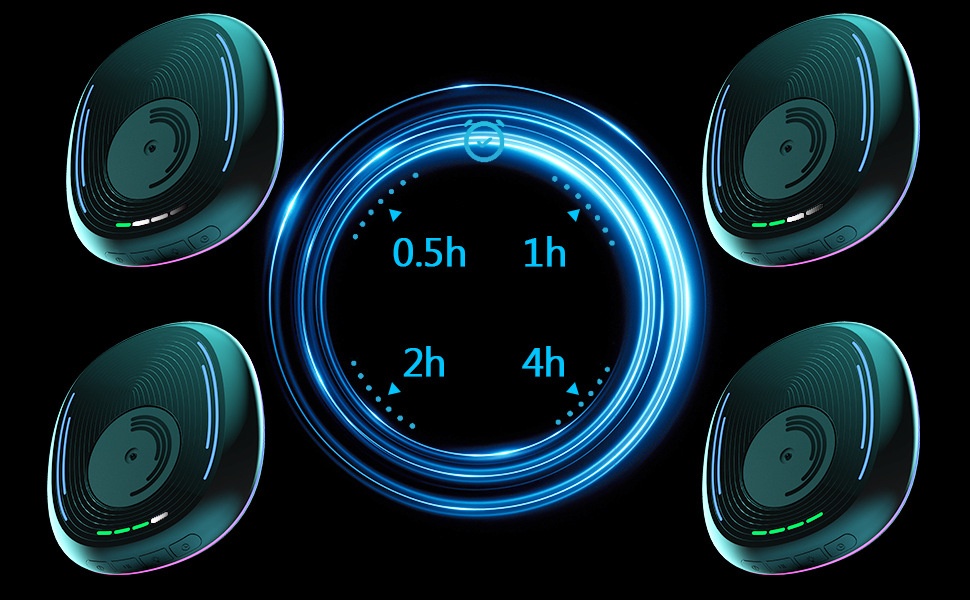
Scheduled working time: 0.5 hours/1 hour/2 hours/4 hours
2. Usage Functions:
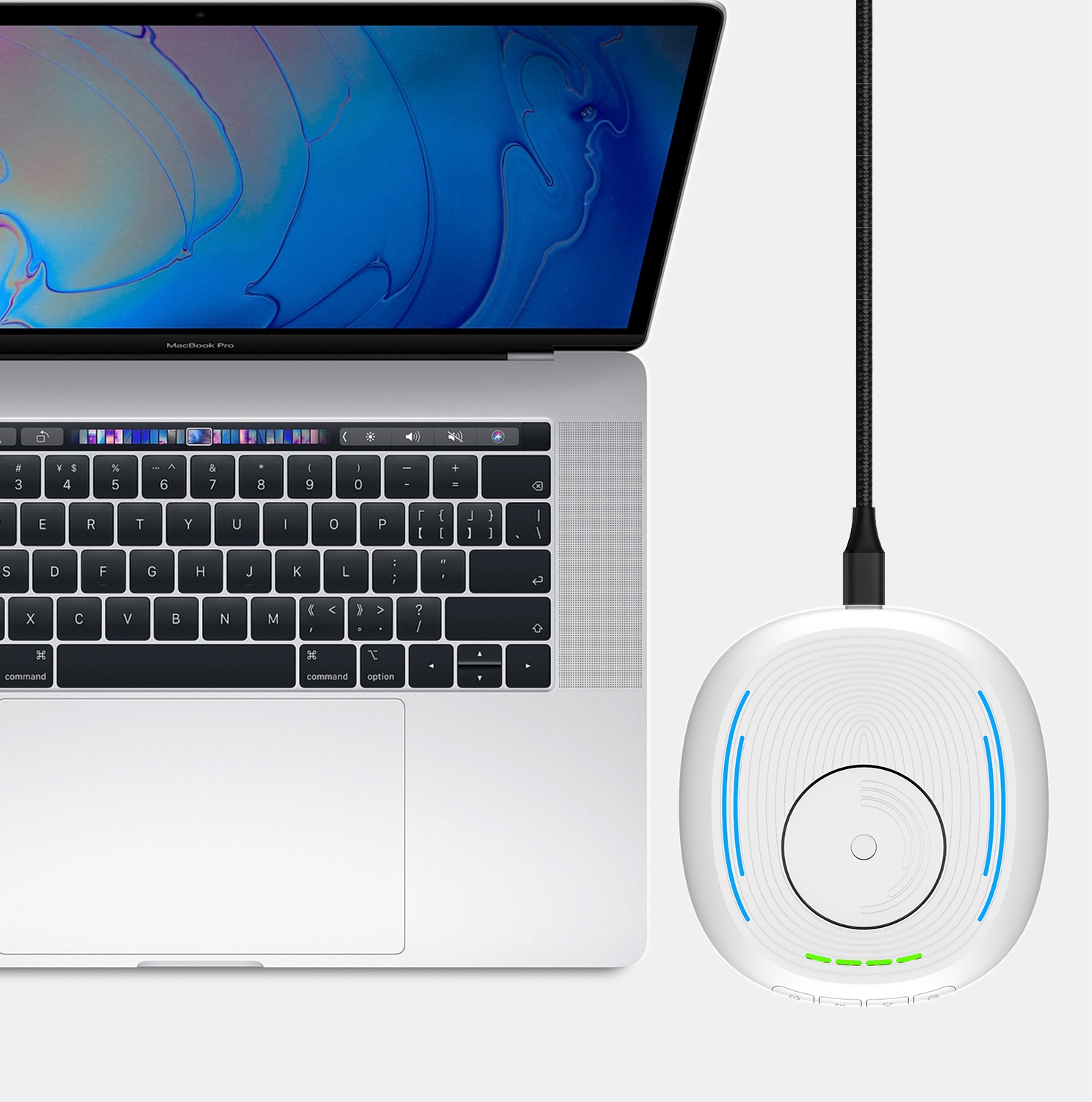
1.Use a Type-C power cable to connect this product to a computer or charger. Charger power: 5V1A.
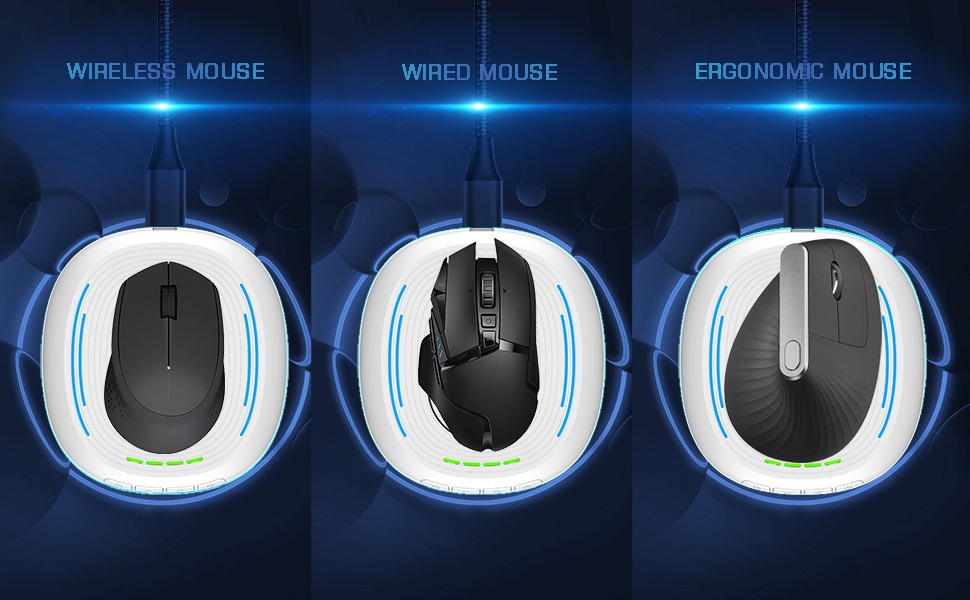
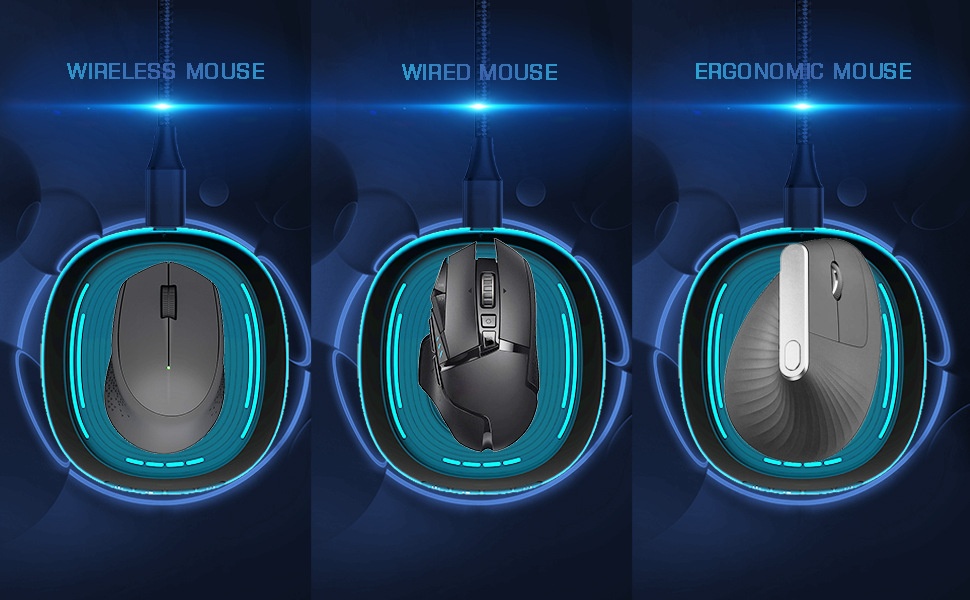
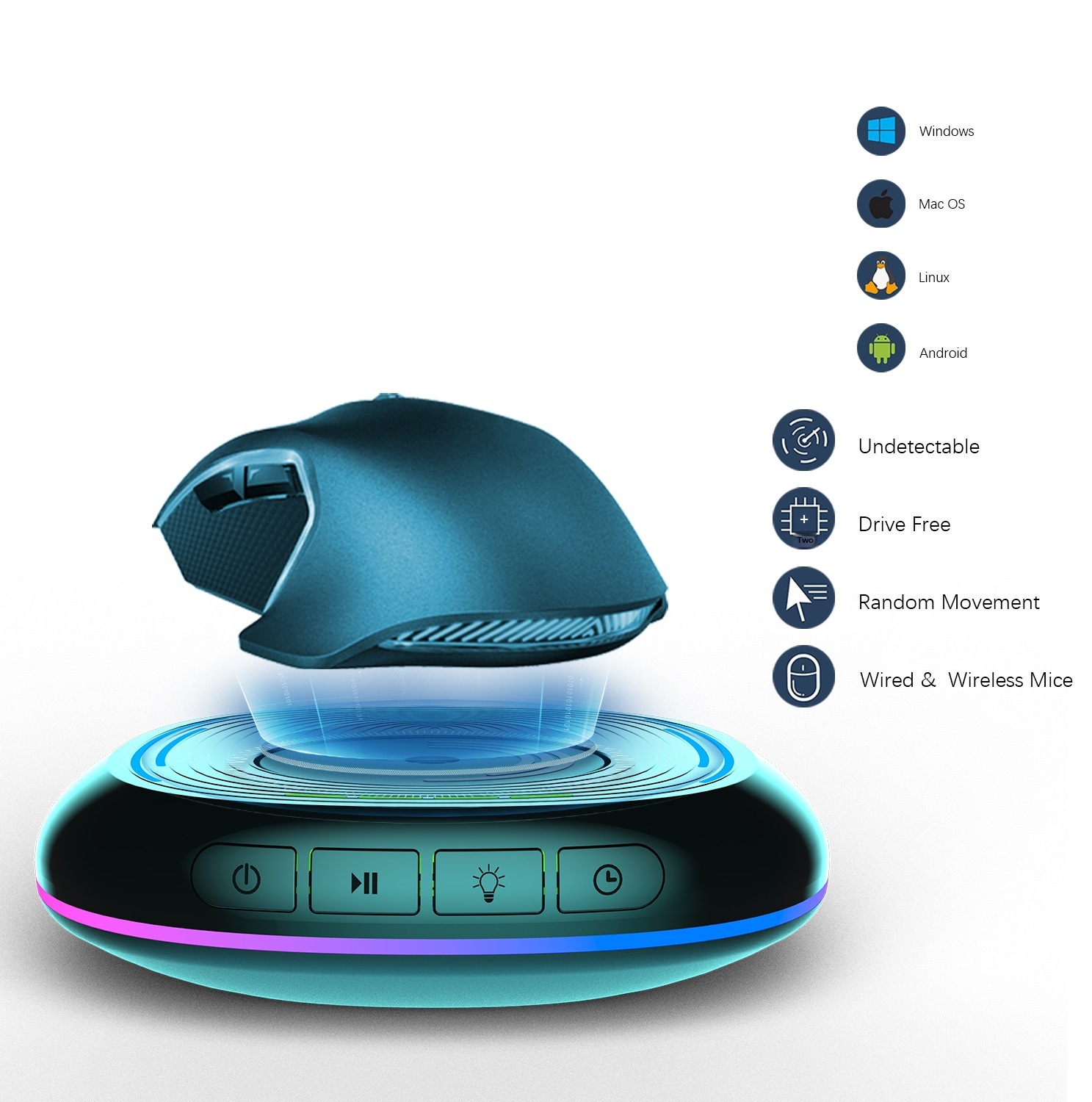
2.Place the mouse on this product and align the sensor light at the bottom of the mouse with the rotating disc of this product.
3. When powered on, it defaults to shutdown, the turntable does not rotate, and all lights are off.
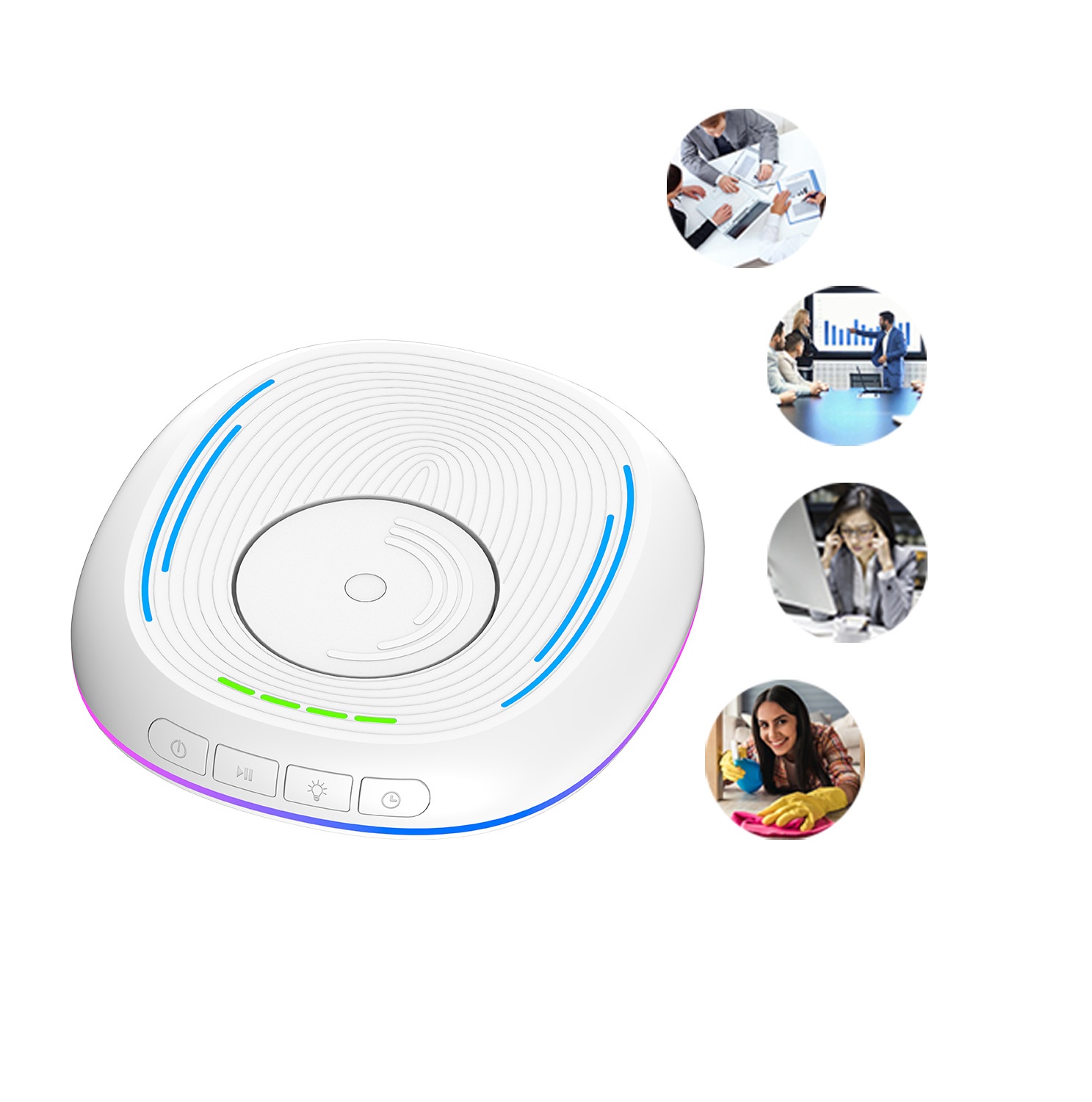
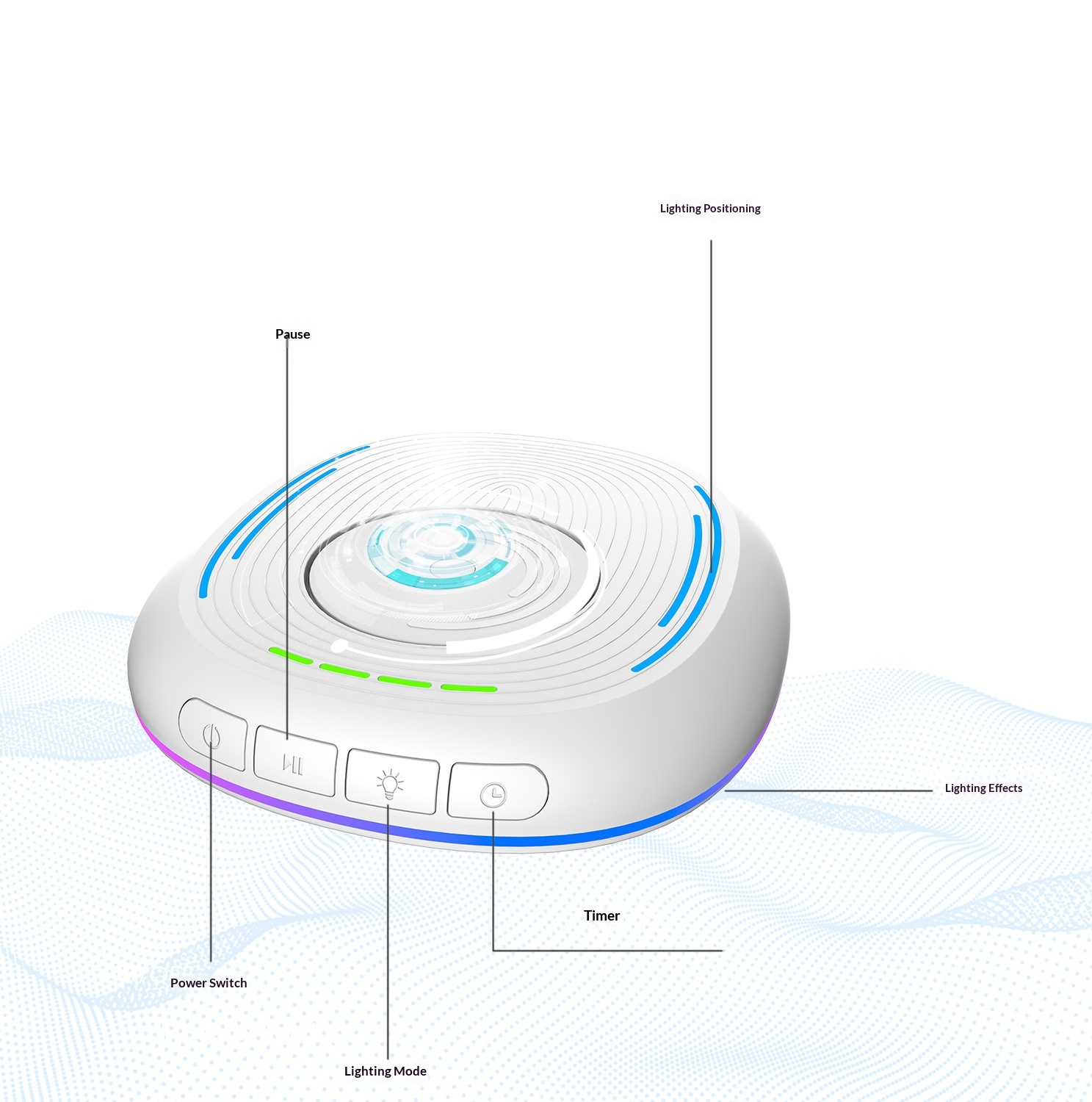
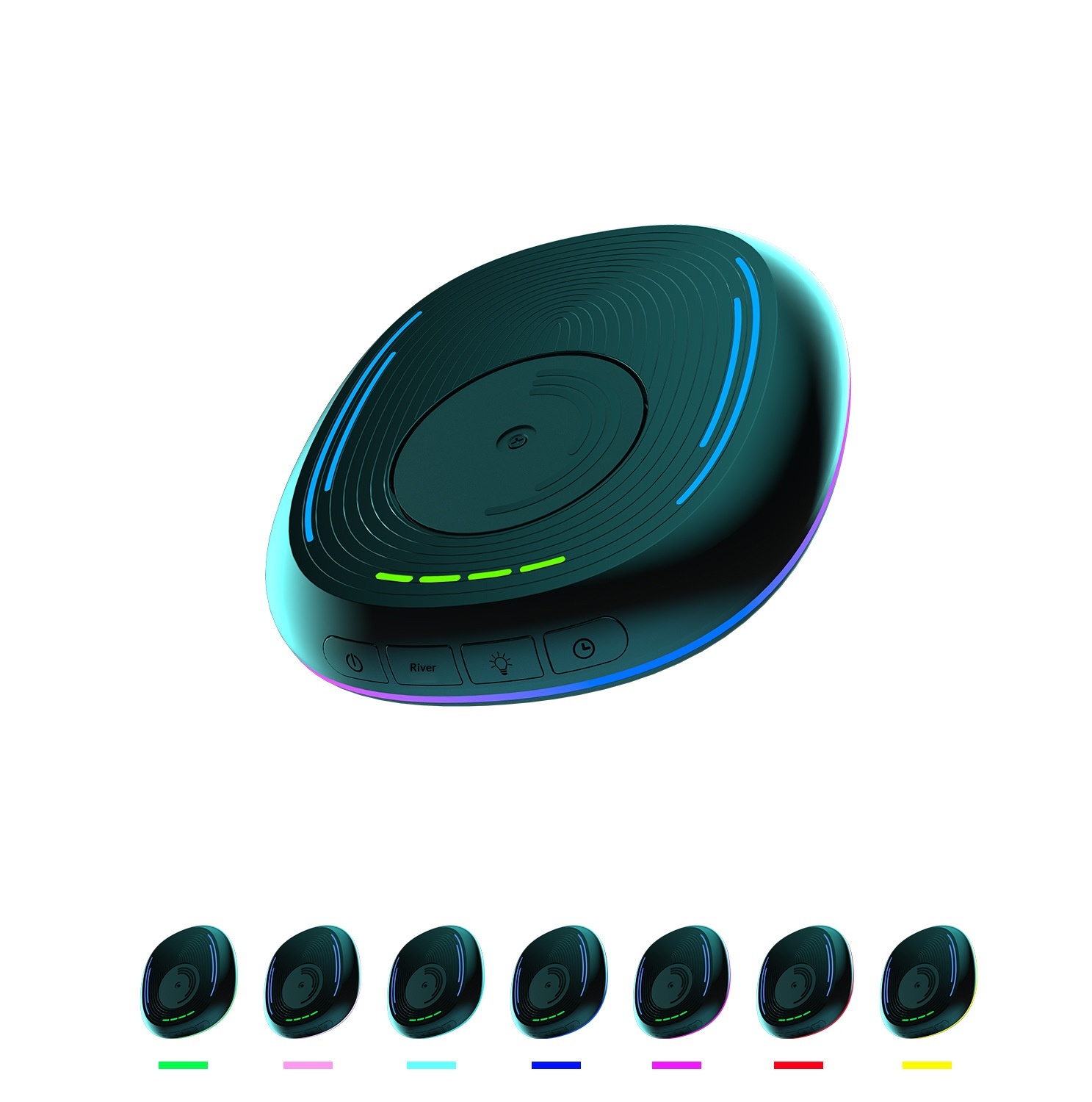
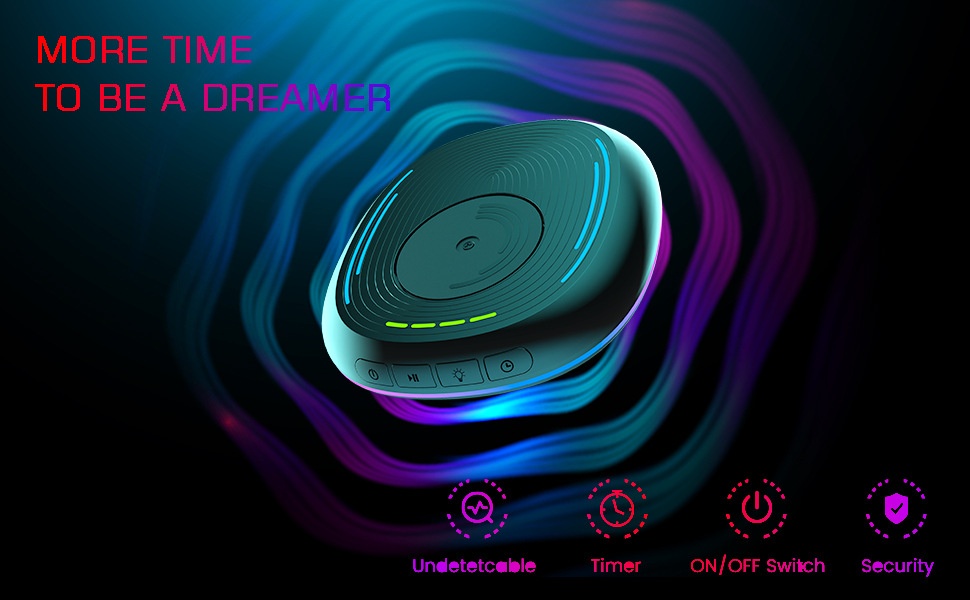
4. Main switch: Press once to turn on, the dial rotates and the light turns on; press again to turn off, the dial stops rotating and the light turns off.
5. Pause: With the main switch turned on, briefly press the dial to stop its rotation, and press it again to resume rotation.
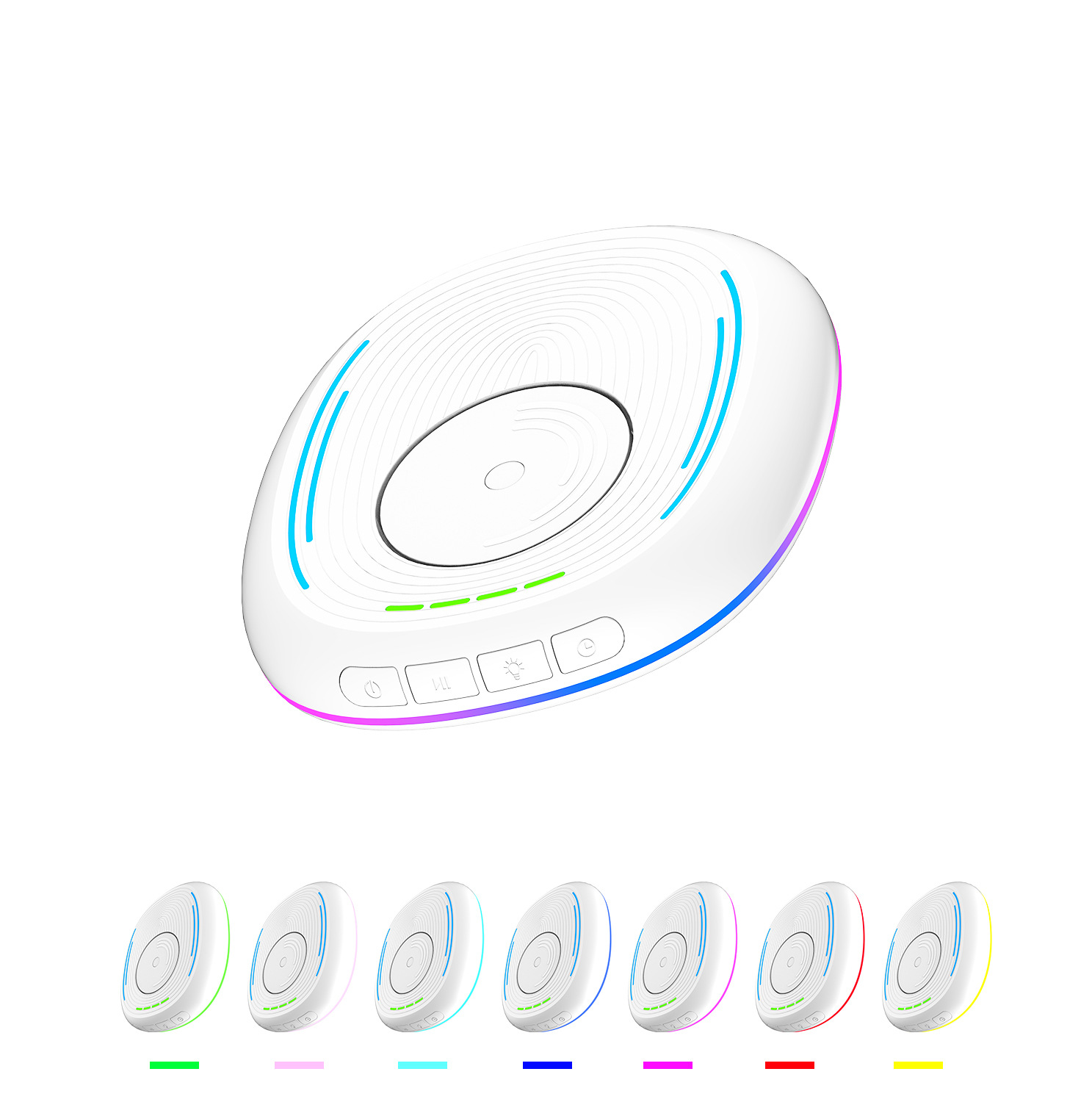
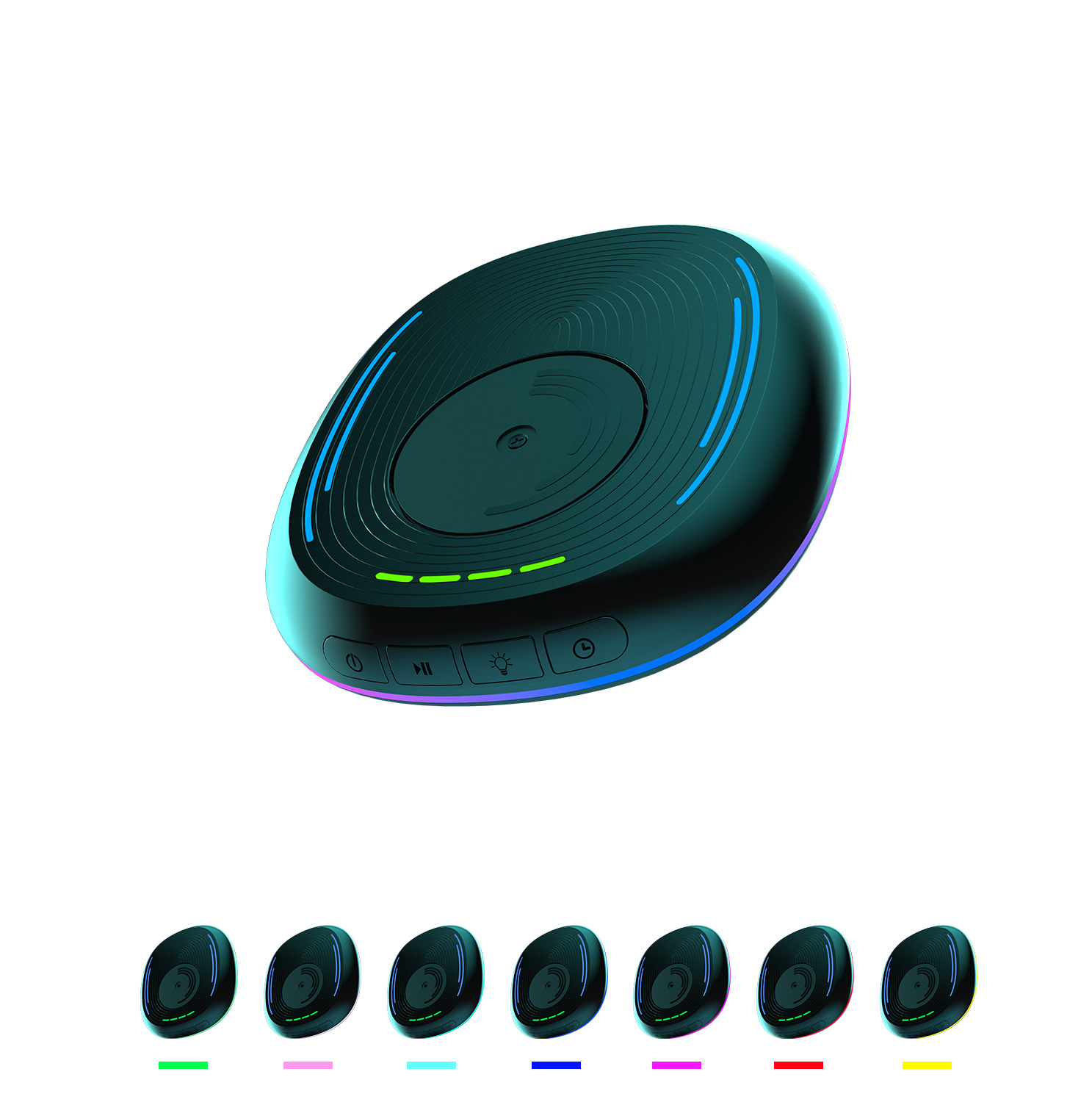
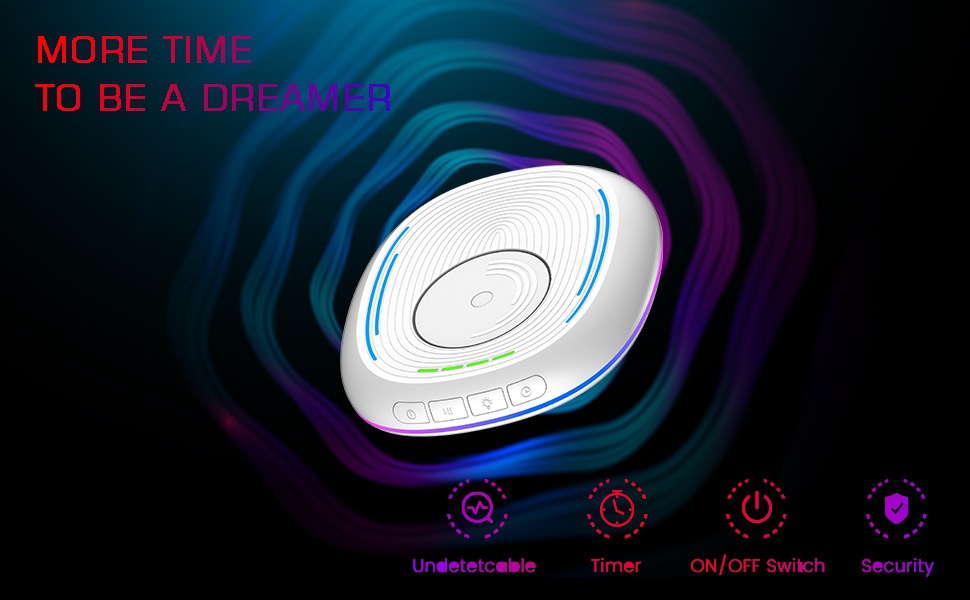
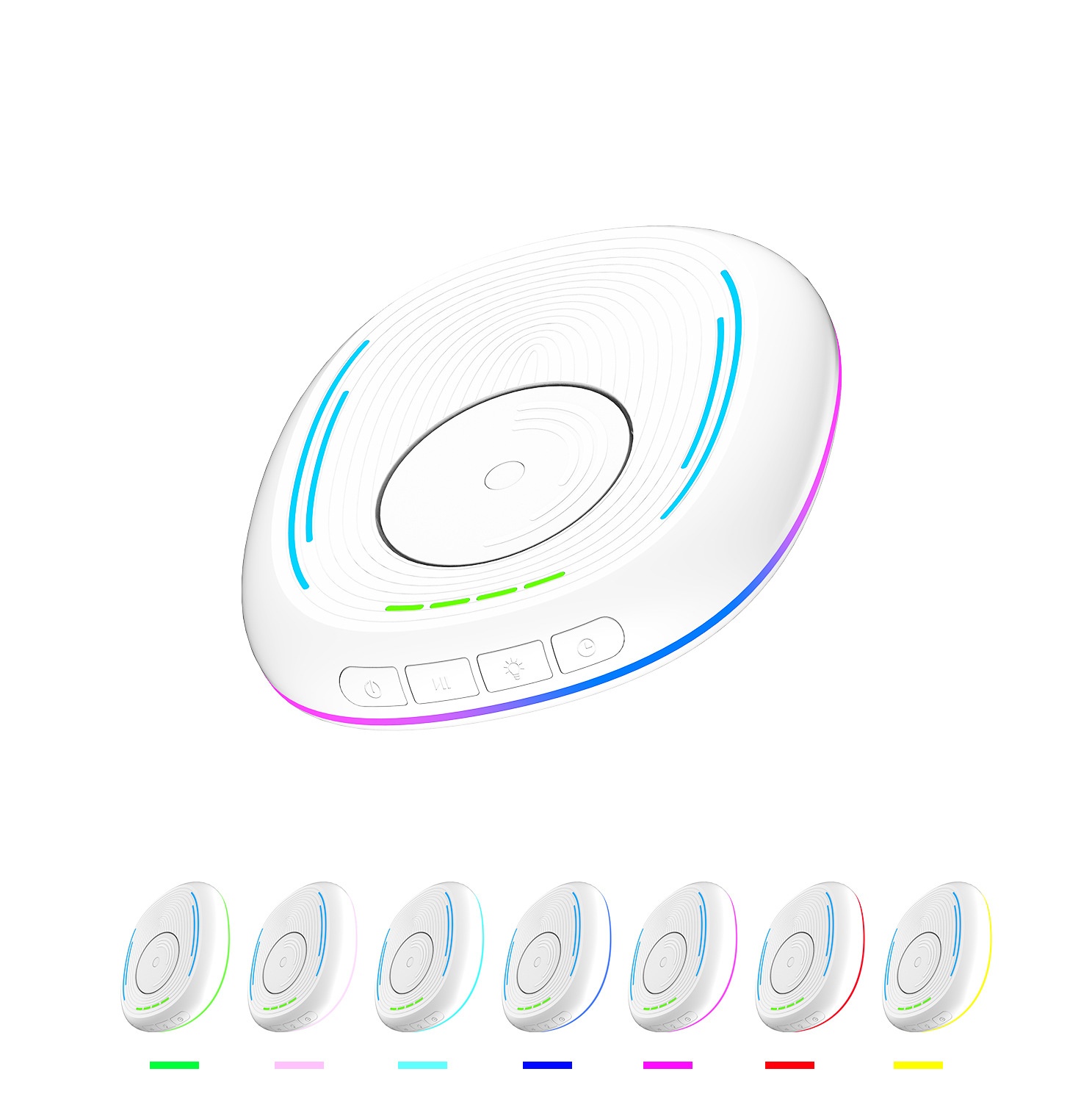
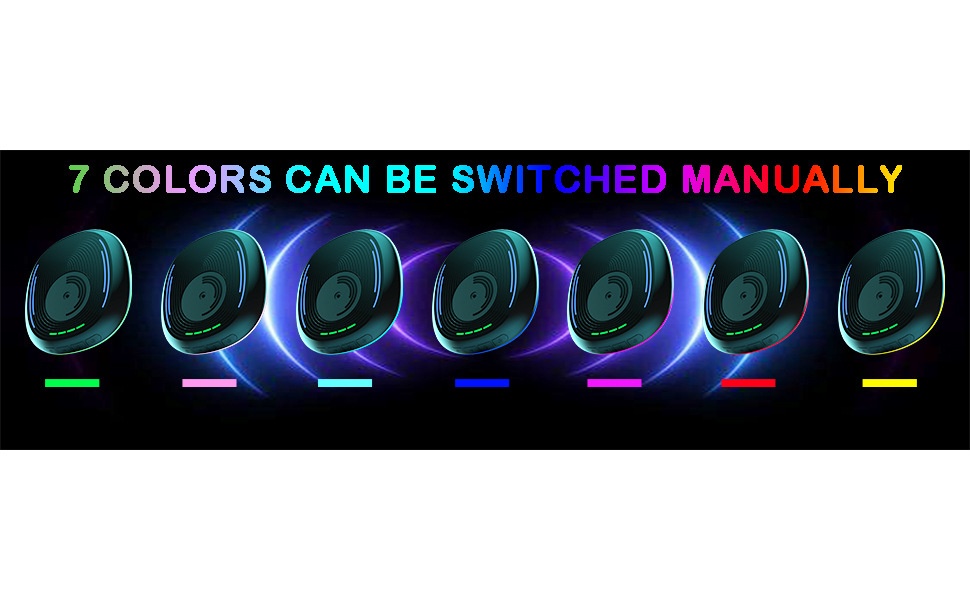
6. Lighting: Short press to switch to RGB light mode, with various modes to choose from, such as colorful lights, breathing lights, running lights, etc.; long press to turn off the lights, but the green timer indicator light will not turn off.
7. Timer: When powered on, the timer is set to be off by default, and the green indicator light does not illuminate.Short press to select the timer duration.One indicator light on indicates a 0.5-hour timer, two indicators on indicate a 1-hour timer, three indicators on indicate a 1.5-hour timer, four indicators on indicate a 2-hour timer, and no indicators on indicates the timer function is disabled.
Precautions:
This product should be placed flat on the computer desk, and please pay attention to its placement direction.
Please note that this product should be placed in a location where it is not prone to slipping, to avoid accidental damage from falling off the computer desk.
When using the product, place the mouse on top of it, and make sure the sensor light at the bottom of the mouse is aligned with the rotating disc of this product.
This product is only compatible with optical mice.

 4.4 su 5 basato su 9,249 recensioni