



Vista completa
Articoli simili
Console di gioco portatile retrò BATLEXP G350 Sistema Linux a 64 bit Schermo IPS da 3,5" Lettore video tascabile portatile RK3326 da 64 GB
65,32€
101,13€ -35% SPENTO

Cartuccia EVERGAME FLASHEMUL PLUS MD V3 ricondizionata, formato Mega SD TF, per console di videogiochi a 16 bit (US/JP/EU), nuova con accessori.
35,85€
44,22€ -18% SPENTO
Hub USB-C 4K60Hz Nintendo 2/OLED 2K120Hz Adattatore switch Type-C 10Gbps 100W Docking Station per Steam Deck Laptop
42,75€
57,68€ -25% SPENTO
Controller cablato GameCube, gamepad e joystick per console NGC. Accessori per videogiochi.
26,38€
39,88€ -33% SPENTO
Nuovo kit di aggiornamento ESP32DIV V2 con antenna più grande, scheda di sviluppo IoT NRF24 CC1101, microcontrollore dual core compatibile con WiFi e Bluetooth.
105,88€
155,89€ -32% SPENTO
Hyper Base Lbox 500GB Gaming Hard Drive per PS4/PS3/PS2/Wii/Wii U/GameCube/Saturn con oltre 3700 giochi. Plug&Play per PC Windows.
39,86€
60,86€ -34% SPENTO
Hagibis Custodia portatile per Switch 2, borsa da viaggio grande per accessori NS, caricabatterie/cavo/dock con 14 giochi
36,42€
45,47€ -19% SPENTO
Batteria originale da 525 mAh HAC-006 HA06 per controller Nintendo Switch Ns Joy-Con HAC-015 HAC-016 HAC-A-JCL-
30,73€
46,22€ -33% SPENTO
BOYHOM R36S Console di gioco portatile retrò con sistema Linux, schermo IPS da 3,5 pollici, R35 Pro Lettore video tascabile portatile da 64 GB
55,17€
89,04€ -38% SPENTO
Ricarica Nintendo Switch 2 Joy-Con Impugnatura Comfort Controller Supporto per caricabatterie Accessori di gioco
27,16€
42,38€ -35% SPENTO
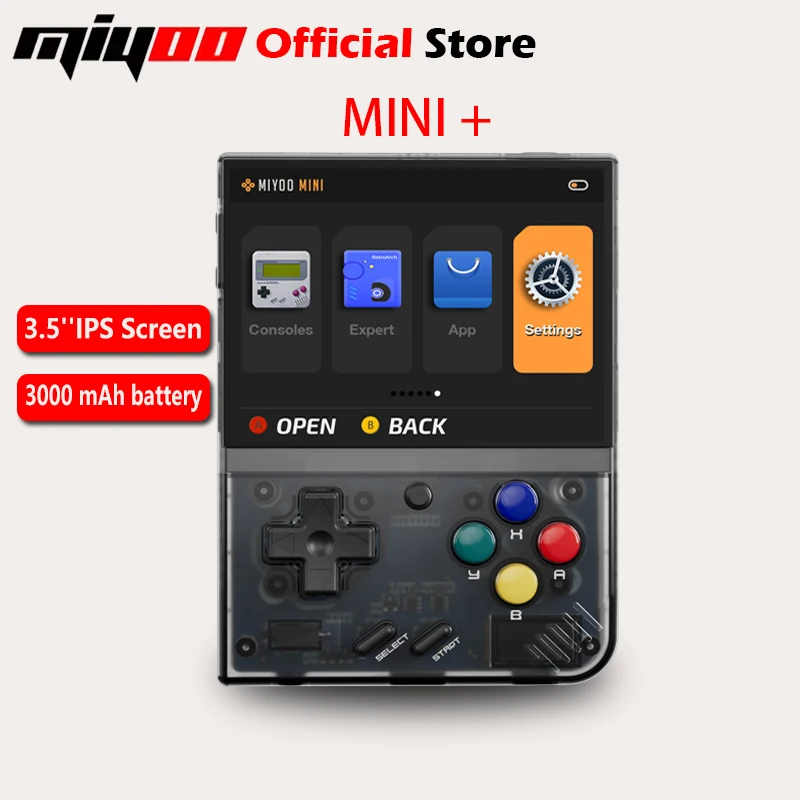
MIYOO Mini Plus Console di gioco portatile retrò con schermo IPS HD da 3,5 pollici, regalo per bambini, sistema Linux, giochi classici
76,58€95,85€
Colore : T nera


Fascio : 64 G
64 G
Viene spedito da : Cina continentale
Cina continentale
Quantità :

Rapporto
Includere la violazione del copyrightSpedizione standard gratuita. Guarda i detagli
Stimato tra Fri, Aug 7 e Wed, Aug 12
Puoi restituire il prodotto entro 30 giorni dal ricevimento. Guarda i detagli
Acquista con fiducia

Garanzia di rimborso
Ricevi l'articolo che hai ordinato o ti verrà restituito il denaro. Saperne di più
Informazioni su questo articolo
Tratto da General Merchandise
Il venditore si assume ogni responsabilità per questa inserzione.Codice articolo: 39239702
Specifiche degli articoli
Interesse
Animali e natura, Anime e manga, Fumetti
Materiale
Peluche, resina, legno
Fascia d'età
0-12 mesi
Caratteristiche
Educativo, accompagnamento, decorazione
Genere
Ragazze
Tipo di controllo
Manuale, a batteria, telecomandato
Certificazione
CE, EN71, ASTM
Imballaggio
Scatola colorata, blister, sacchetto con cerniera
Batteria
Batteria inclusa
Descrizione dell'articolo da parte del venditore
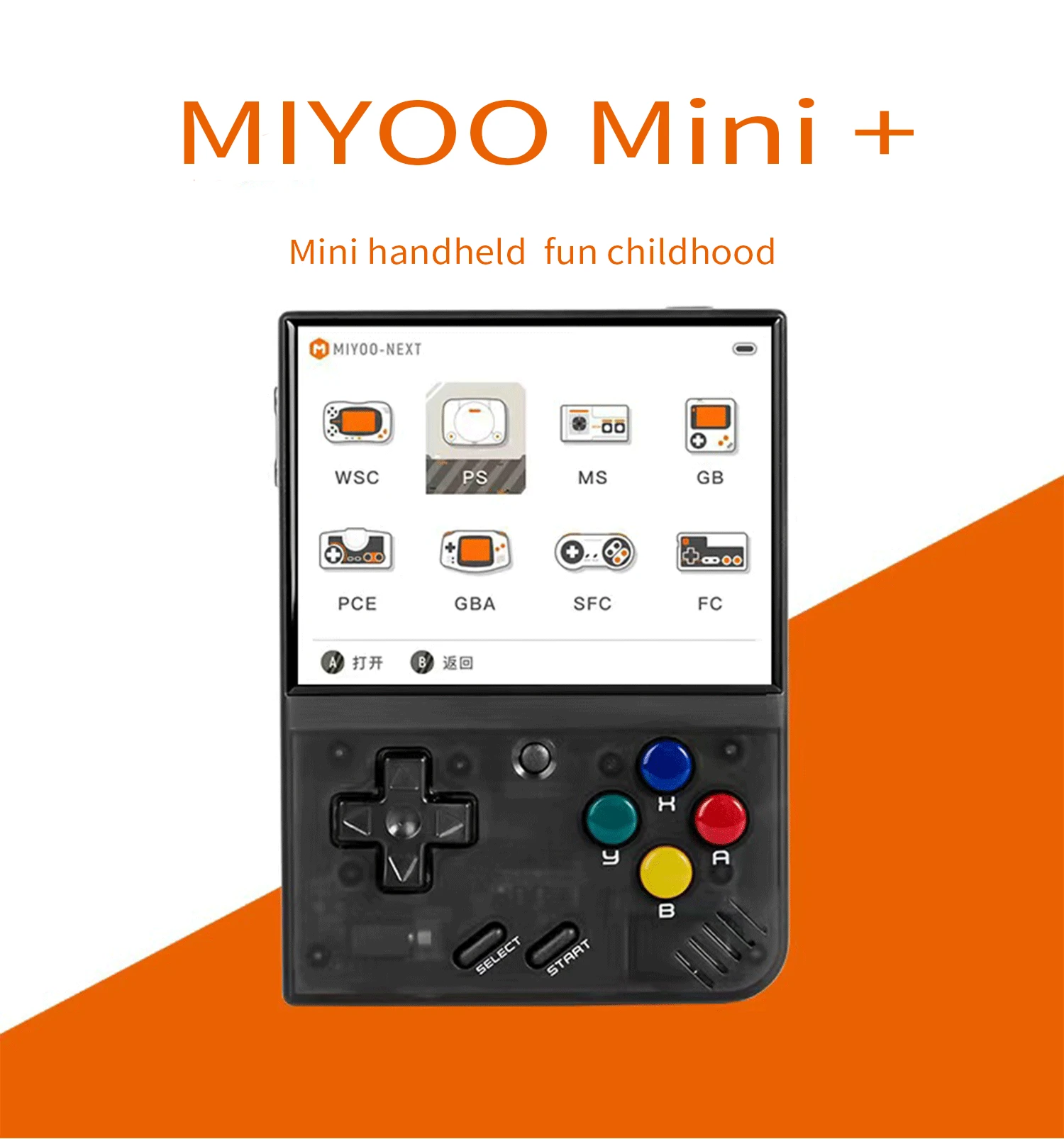
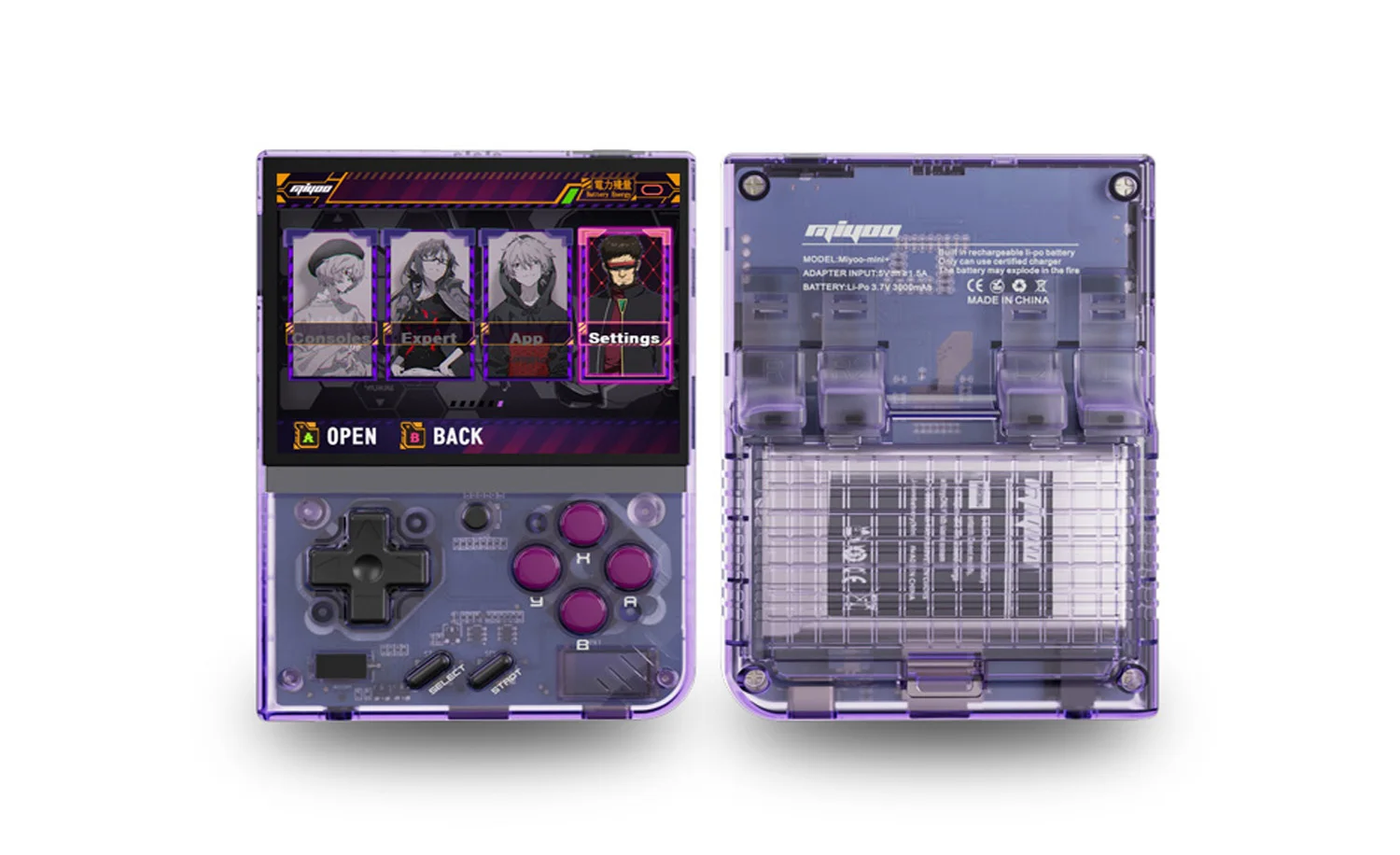
Model: MIYOO-mini+ Screen size: 3.5-inch IPS screen
Memory: 128MB Operating system: Linux
Sensor: Vibration motor
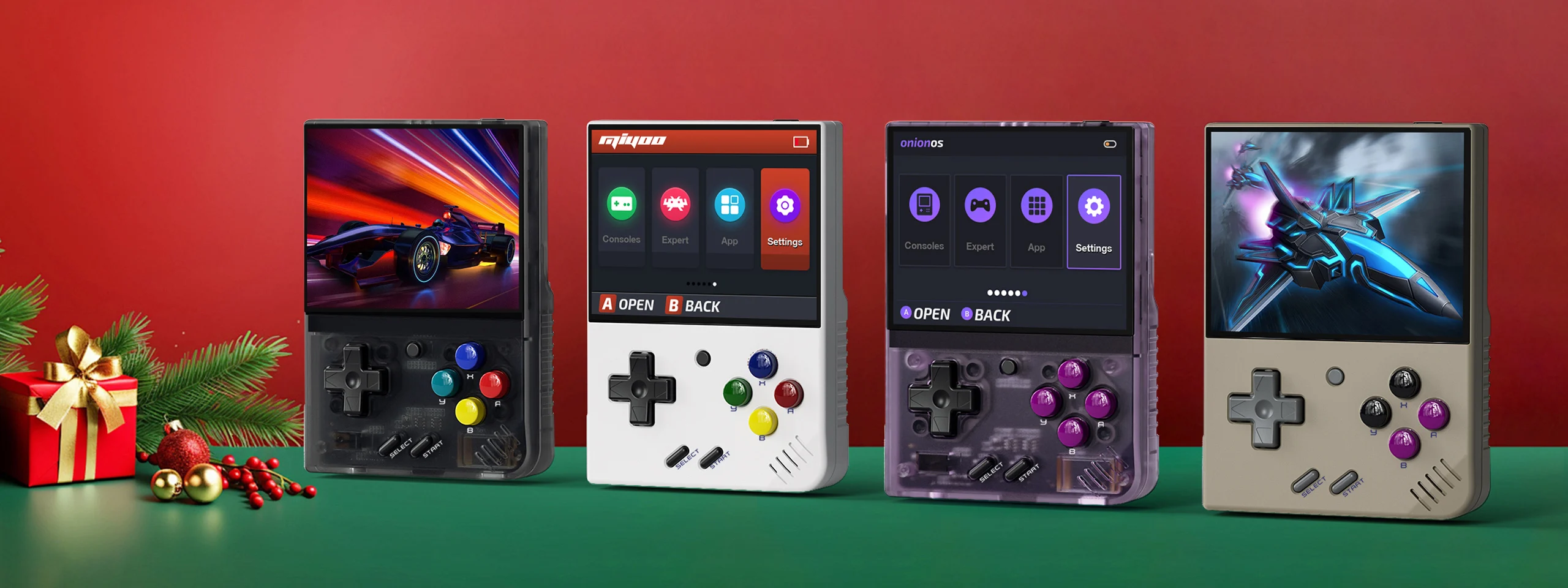
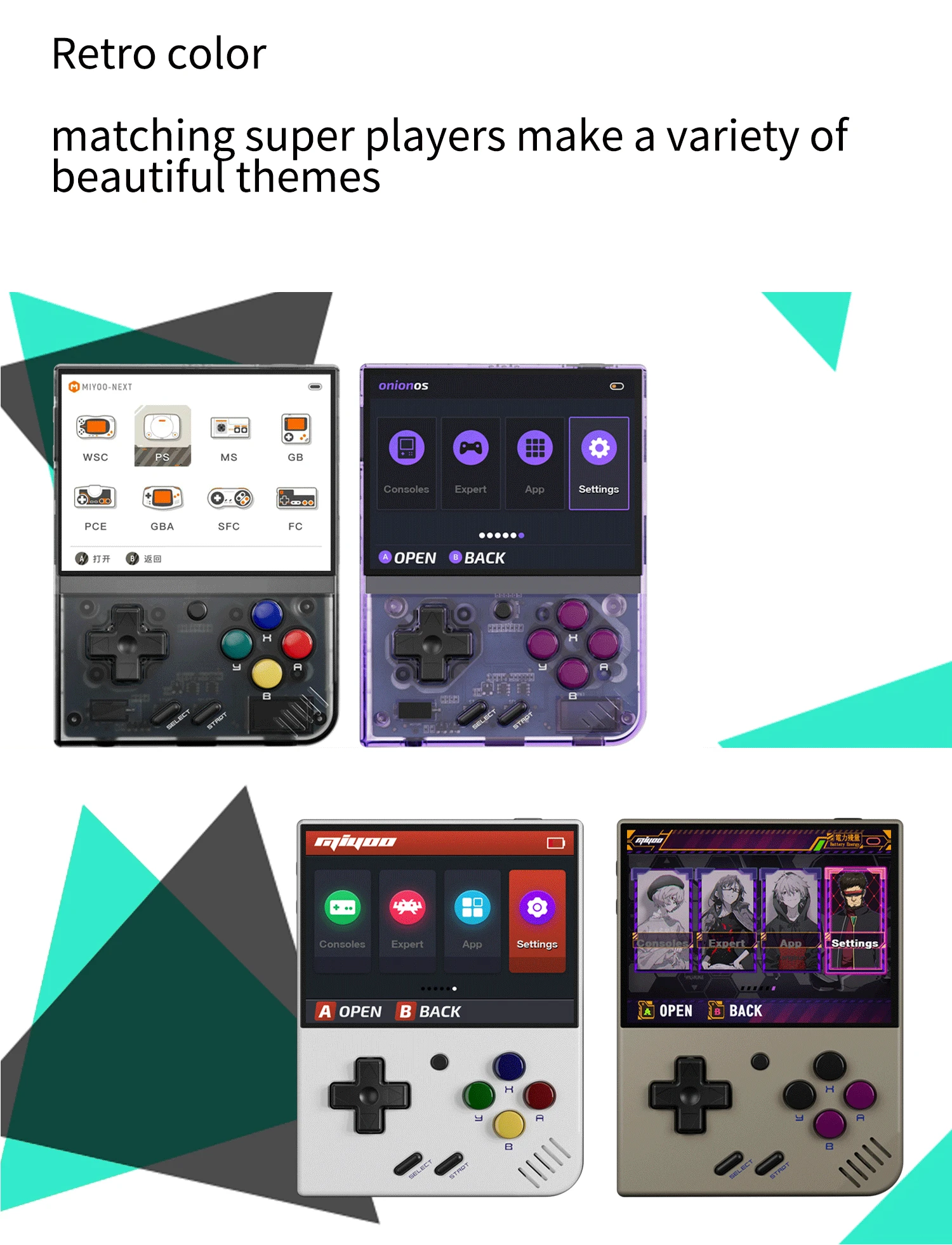
Color: black,purple, Grey , white
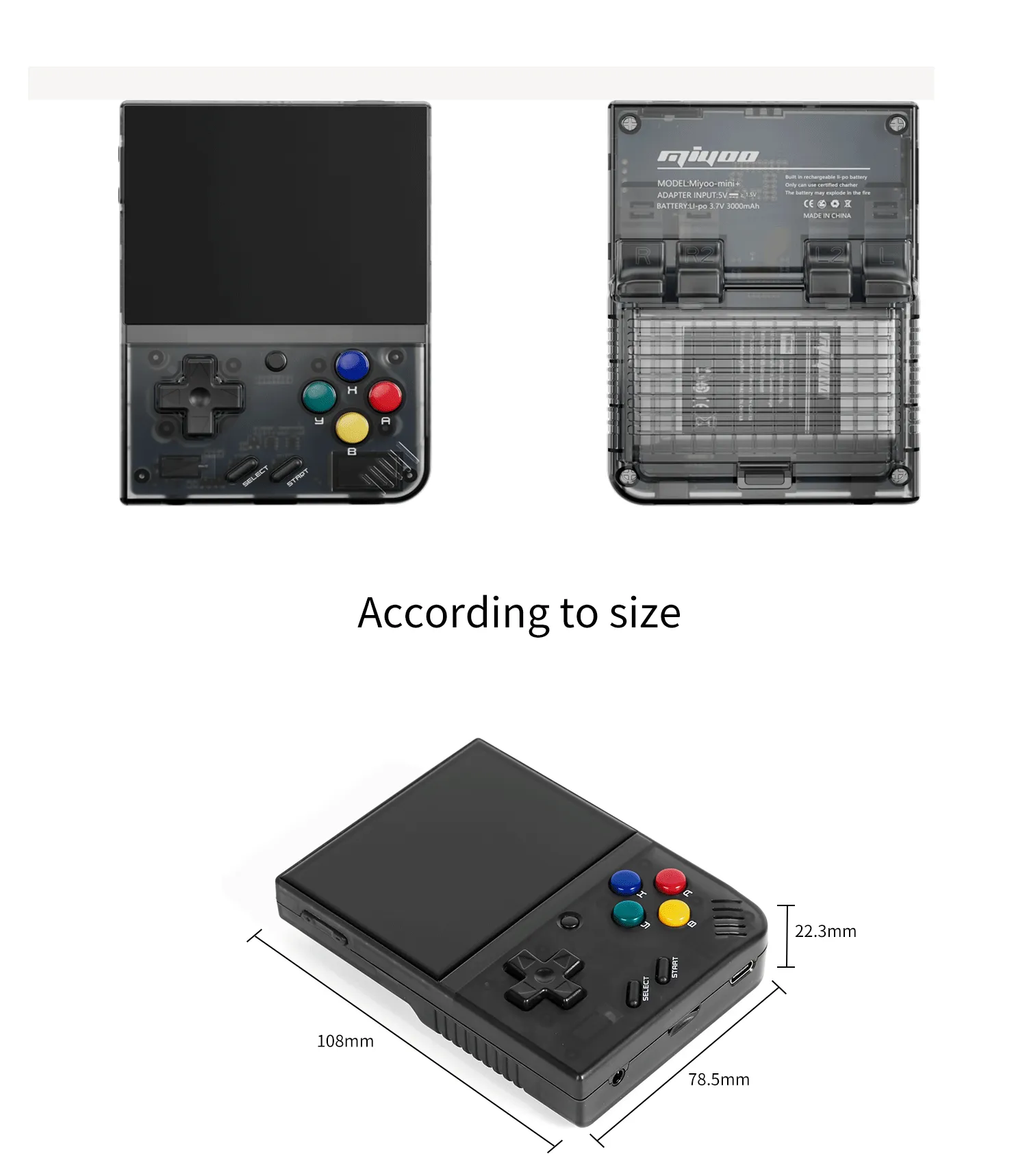
Specifications:108mmX78.5mmX22.3mm
Weight:162g
CPU: ARM Cortex-A7 dual-core 1.2G
Storage expansion: 32GB MicroSD (TF) Card Supports a maximum expansion of 128GB
Power: 3.7V 3000mAh / 5V Charging interface supports 1.5A
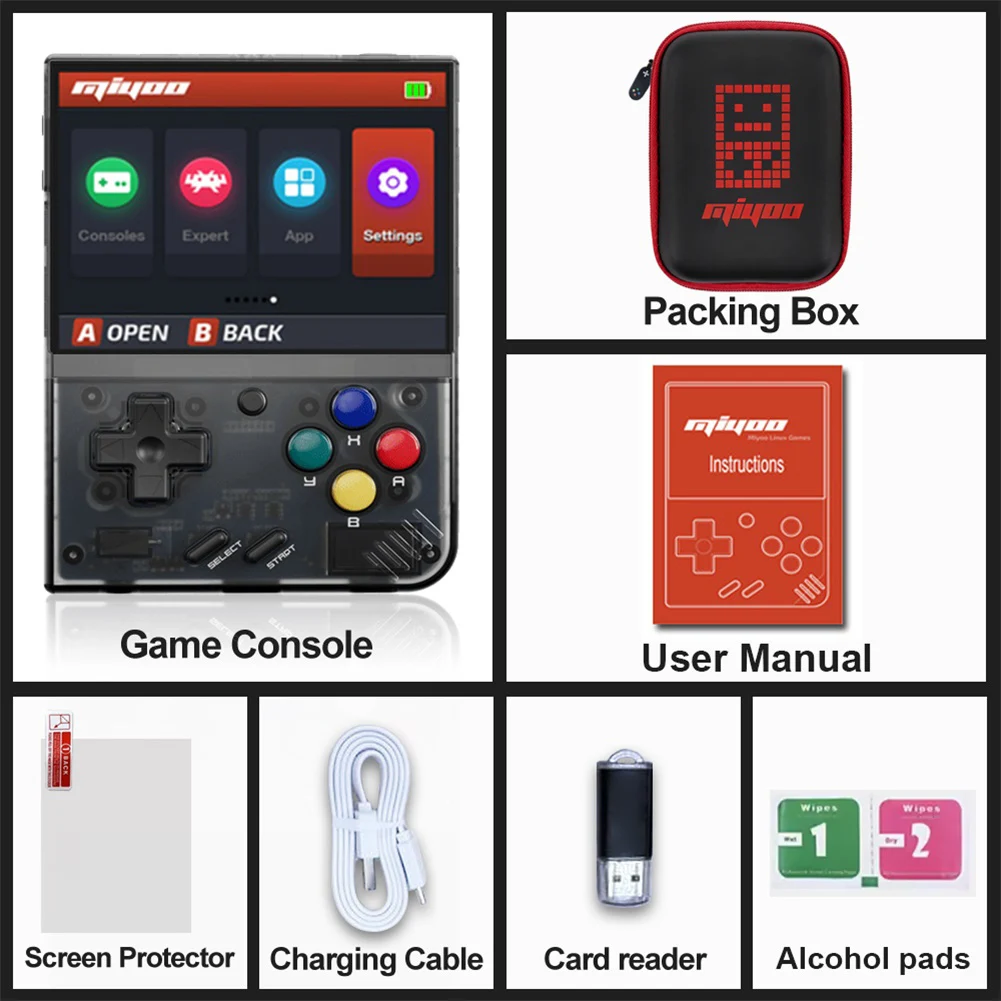
Gift accessories: 64GB TF Card x1, USB type-C data cable x1, Card reader x1, Manual x1.nswering Screen protector x1
Question answering :
Start using
1. Insert the TF card that has been installed with the game into the TF card slot;
2. Charge the equipment to ensure normal startup;
3. Start Up: press the power key for 1 seconds.
How to install games?
1. Take the TF card out of the machine,insert the card reader to connect to
the computer,
and copy the "Game ROM" to the folder of the corresponding game type in the TF card;
2. Insert the TF card into the TF card slot,Press [MENU] to open the MENU, and select "Refresh ROM".
On-off
Boot: long press the power supply for 1 seconds
Shutdown: press the power supply for 3 seconds to open the shutdown menu, and press [A] to shut down.
Idle mode, sleep mode,and wake up
60 seconds no operation enters the idle mode, and the screen becomes dark;
In idle mode, press any button to wake up;
No operation for 5 minutes or short press the power key to enter the sleep mode, close the screen and sound,
and automatically shut down after 10 minutes without operation after entering the sleep mode,
You can set the sleep time or disable sleep in the settings options;
In sleep mode, press the power key to wake up.
Firmware Upgrade
1. Shutdown status.
2. Place the Mirror file in the root directory of the TF card,
Insert the TF card slot and connect the charging line to enter the charging mode, and the nautomatically
start up and upgrade.
Do not power off during the upgrade.
Start using
In the game catalog, select a game and press[A]Start the game.
Exit the game
In the game, Press [MENU] to open the MENU, select the "Exit" option, and press [A] to Exit the game.
Save or read game progress
In the game, Press [MENU] to open the MENU, select the "Save" or "Load" option,
press the direction key [LEFT, RIGHT] to select the recording position, press [A] to
save or read the current progress. A game can save up to 10 records.
Press the arrow key [UP,DOWN] to select the setting items: screen brightness,
volume, sleep time, which can be modified by the direction key [LEFT, RIGHT];
Select setting items: Language, key mapping,
System Restore, etc., and press [A] to enter the corresponding setting page.
Pay attention to the following security precautions when using it
Do not spray any liquid on the machine body to avoid damage caused by liquid entering the machine;
Do not modify, repair or disassemble the product;
Do not use any diluent or volatile liquid to clean this product;
Avoid exposure to high temperature or direct contact with flame.





Video
Video per questo prodotto
