



Vista completa
Articoli simili
Il nuovo convertitore per tastiera e mouse supporta diverse console e controller di gioco disponibili sul mercato.
50,62€
76,10€ -33% SPENTO

Console di gioco M8 HD TV Il controller di gioco doppio M8 contiene un controller di gioco 2.4G Console di gioco doppia 4K
15,71€
31,43€ -50% SPENTO
Emulatore di console portatile per videogiochi retrò SF3000 da 4,5 pollici, 64 GB, 20000 giochi
72,66€
118,65€ -38% SPENTO
NUOVO controller wireless GD10 Stick da 128 GB/64 GB/32 GB con 40000 giochi integrati, 2,4 GHz, console per videogiochi retrò 4K HD
91,52€
117,13€ -21% SPENTO
Controller di gioco wireless Y04 per Switch/PC/PS4 – Joystick ad effetto Hall, gamepad arcade a 6 pulsanti con Turbo e retro
37,84€
Controller PS3, controller curvo PS3, controller wireless Bluetooth PS3, controller di gioco PS3, doppio motore con sei assi
37,56€
38,34€ -2% SPENTO
Convertitore di gioco cablato HXSJ P8 per tastiera e mouse, versione Android, per PUBG, controllo del rinculo, produttore di troni, disponibile in magazzino.
45,43€
64,39€ -29% SPENTO
Gamepad wireless Sup Hit con giroscopio a 6 assi, joystick, touchpad e doppia vibrazione per PS5, PS4 e PC, multifunzione.
39,68€
43,59€ -8% SPENTO
TipoCWired Bluetooth Telefono Black Myth Goku Game Controller Mangiare Pollo Artefatto Stretching Android IOS
70,51€
98,23€ -28% SPENTO
Nuovo controller di gioco PUBG Artifact DY03 con collegamento a quattro dita per il controllo del rinculo e il combattimento con le armi, periferica fisica ausiliaria
21,95€
33,27€ -34% SPENTO
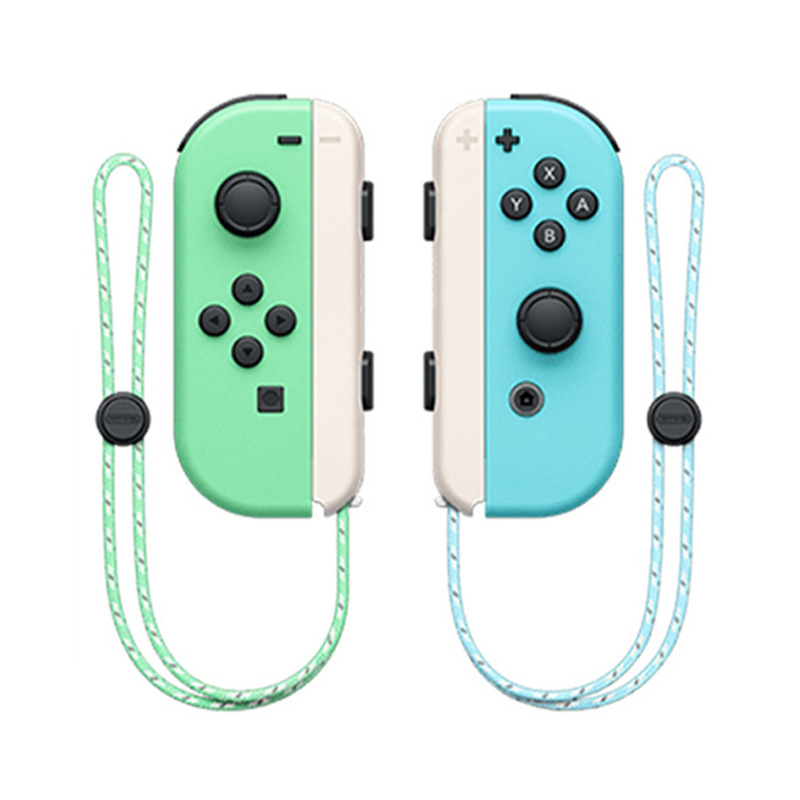
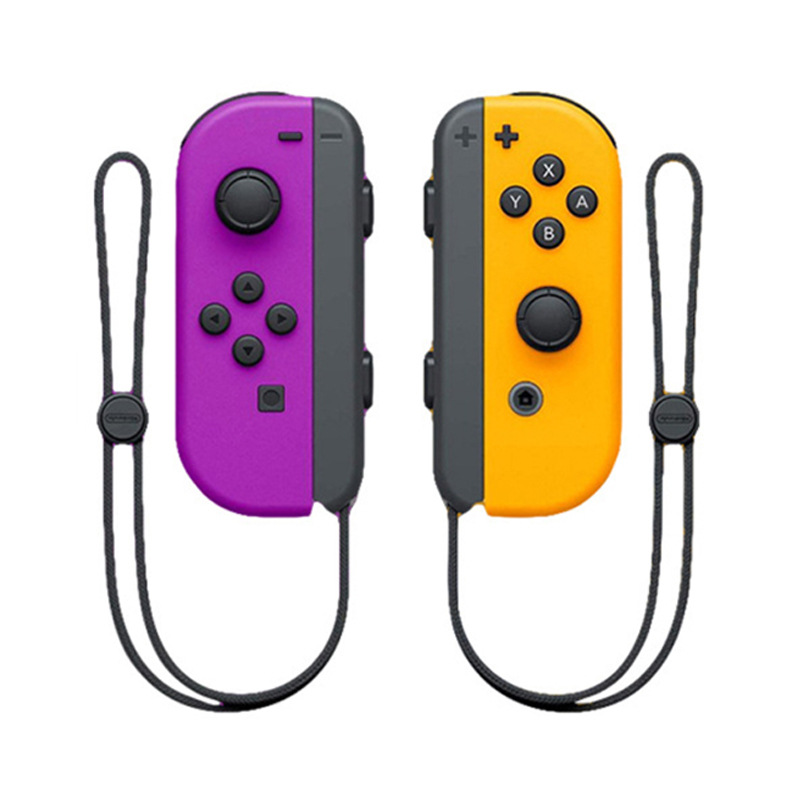
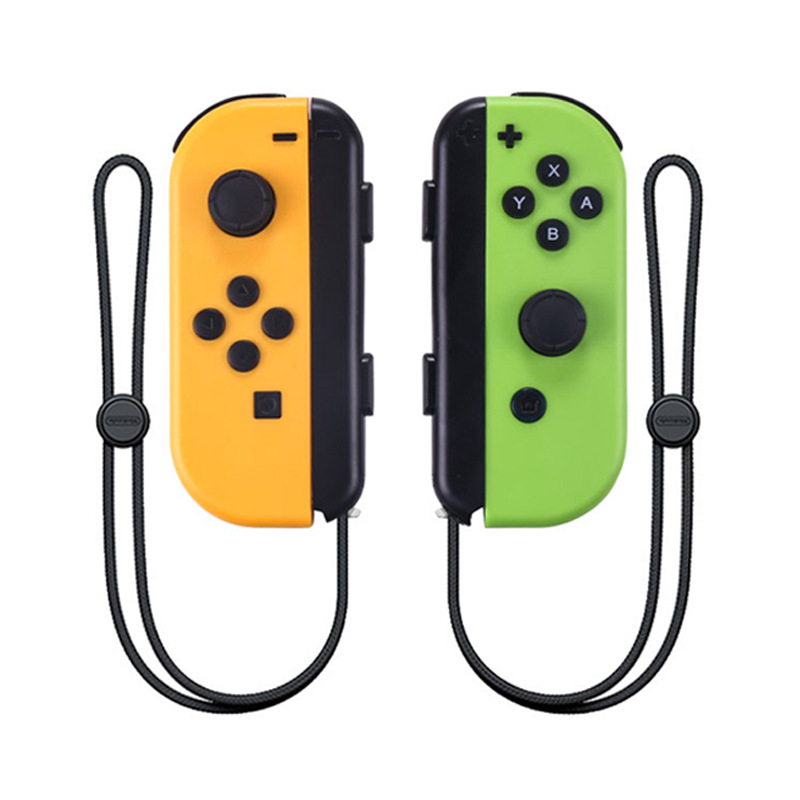
Controller wireless Bluetooth per Nintendo Switch e Switch Lite Somatic Remote Wireless Joy-Pad
68,54€86,38€
colore : rosso blu
Quantità :

Rapporto
Includere la violazione del copyrightSpedizione standard gratuita. Guarda i detagli
Stimato tra Thu, Aug 6 e Tue, Aug 11
Puoi restituire il prodotto entro 30 giorni dal ricevimento. Guarda i detagli
Acquista con fiducia

Garanzia di rimborso
Ricevi l'articolo che hai ordinato o ti verrà restituito il denaro. Saperne di più
Informazioni su questo articolo
Tratto da WEIMAI 3C
Il venditore si assume ogni responsabilità per questa inserzione.Codice articolo: 27623585
Specifiche degli articoli
Descrizione dell'articolo da parte del venditore
Joy-Con Game Controllers Gamepad Joypad for Nintend Switch Console Left + Right
Description:
Item type:Game controller
Dimensions (cm) 15.7 x 9.8 x 4
Colour: Red and blue
Operation:
1. Switch console settings
Turn on the Switch console, pressing the “setting” on the menu, click successively “system settings”→“Airplane mode”→“Controller Connection” to turn on the Bluetooth function.
b.Press 2 second for Mode button of the left controller or right controller, the led will be keeping flash and enter into the Bluetooth pairing mode.
c.Turn on the home screen of the console , click the “controllers” on the menu, then click the “change grip/order”, the console will be searching and pairing the controllers automatically. Press A button after connecting the controller, click the “close” to enter the menu, the you can play the game.
3.Automatic continuous connection
If the controller have been connected with the console and the console's Bluetooth is on, the controller will be connecting the console automatically when turn of the controller.
4.Turn on/off or charging/ sleep mode of the controller
a The 4 LED will flash slowly and circularly if the controller turn on. Pressing 3 seconds of the Mode button to enter the pairing mode, releasing the mode button after the 4 LED flashing quickly and circularly. The LED will light on if the paring is successful.
Press the Mode button for 3 seconds, the controller will turn off when connect the console.
b.Charging mode of the controller
1)Charging the controller by USB when the controller is off, the 4 LED will flash slowly. The 4 led will turn off after the fully charge.
2)When the controllers connected with the console through the slide way, the controller will be charged by the console if the console is charged by the USB.(If the console is not charged, when the voltage of the controller is lower than 3.7V, the controller also will be charged by console.
c.Sleep mode of the controller
1)Under the pairing, if the controllers can not connect with the console, the controller will turn off automatically and enter into the sleep mode.
2)The controller will turn off automatically and enter into the sleep mode, if the controller have not been operated within 5 minutes when connecting the console.
5.Re-set
Please reset the controller, if the controller is abnormal, like button disorder, crash, connecting problem, etc. Please use the slender object, like needle, insert and press the reset hole on the back
of the controller, the controller will be reset.
6.Sensor calibration
Put the controller on the table, Press “SR+Mode” to open the controller, the LED1&LED2 will light on. Then press the SL to calibration. Please note the controller must put on the table.
7.3D calibration
Press L3/R3 to turn on the controller, the LED3 &LED 4 will light on. Press SL to start the Calibration. LED 1/2/3/4 will light on. Shaking the controller for several times and press SL to finish the test.
8.The instructions of USB
USB connector is for charging and update the system of the controller. When charging the controller by USB, the controller can not connect the console through the slide way to avoid breaking the console.
9. Updating the system of the controller
If the console is updated, the controller also need to be updated. Please press the SL and UP/DOWN/LEFT/RIGHT of left controller orA/B/X/Y of right controller, the controller will enter into the PC mode. Connect the PC by USB(or press the SL and connect the PC by USB), updating the controller through the system.
10.Support the Wired function
Putting the controller on the Switch console through the slide way, the controller will connect the console automatically, then the Bluetooth part of the controller will disconnect the Bluetooth of the console. When the controller is out of power, the console will charge the controller when connecting the console by wired.
The controller is for the Switch console. The console can support up to 7 controllers(4 pcs of left controllers and 3 pcs of right controllers or 3 pcs of left controllers and 4 pcs of right controllers) to connect the console at the same time.
LED: Each controller have 4 LED, it can be used as channel or indicator.
Ricerche correlate
controller gamepad USBcontroller di gioco remotocontroller per videogiochicontroller di gioco Switchgamepadcontroller di gioco svgcontroller di gioco per telefono Androidcontroller di gioco Bluetoothgamepad USBgamepad mobilecontroller per giochi per telefonocontroller gamepadGamepad controller wireless 2.4Gcontroller per giochi per cellularicontroller per videogiochi per Mac