

Vista completa
Articoli simili
Console per videogiochi portatile retrò R39MAX con oltre 40000 giochi, ampio schermo IPS HD da 4 pollici, sistema Linux supportato, scheda da 256 GB.
87,08€
111,76€ -22% SPENTO

Console portatile Retro Flip V90S con schermo IPS da 3,5 pollici 640*480, processore A133 Plus e funzione di vibrazione, ideale come regalo per bambini.
87,54€
115,23€ -24% SPENTO
Disponibile - Console di gioco portatile open source retrò nostalgica con sistema Linux, anno 2025
130,09€
167,61€ -22% SPENTO
Nuova console portatile retrò HC8000 da 7 pollici, 64 GB, ideale come regalo per PSP.
104,33€
132,49€ -21% SPENTO
Pixel Pocket Puzzle Gamer DIY 51 Kit di esperimenti di elettronica per circuiti con microcontrollore, per l'insegnamento e la pratica della saldatura
34,65€
45,82€ -24% SPENTO
Console portatile Trimui Smart Pro con schermo IPS da 4,96'', sistema Linux, joystick e illuminazione RGB. Lettore di videogiochi retrò Smartpro.
132,73€
171,05€ -22% SPENTO
Anbernic RG 35XXPRO Console portatile per videogiochi retrò Linux a 64 bit con schermo IPS da 3,5'' e simulatore portatile RixelHK HD-Out da 64 GB
97,89€
137,93€ -29% SPENTO
Console portatile retrò HC8000 con ampio schermo da 7 pollici e 64 GB di memoria, ideale come regalo.
Regalo perfetto!
137,10€
248,00€ -44% SPENTO
RF40H Console portatile retrò con Linux 4.0, schermo IPS, supporto WiFi, pulsanti luminosi, lettore di videogiochi tascabile portatile
67,53€
94,55€ -28% SPENTO
Anbernic RG34XX RG 34XX Console portatile per videogiochi 3.4'' IPS Linux Retro 256G Giochi PSP
91,68€
114,86€ -20% SPENTO
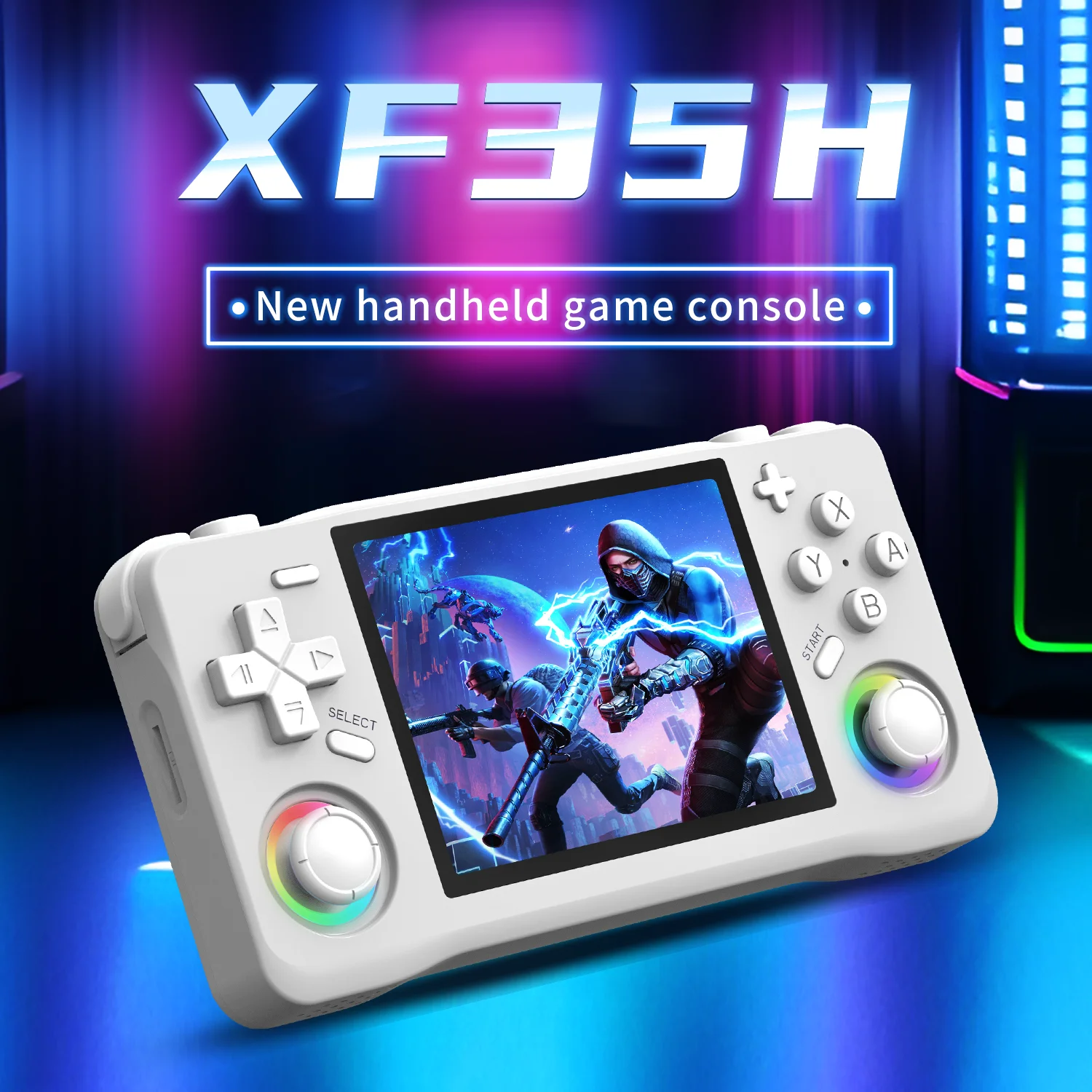
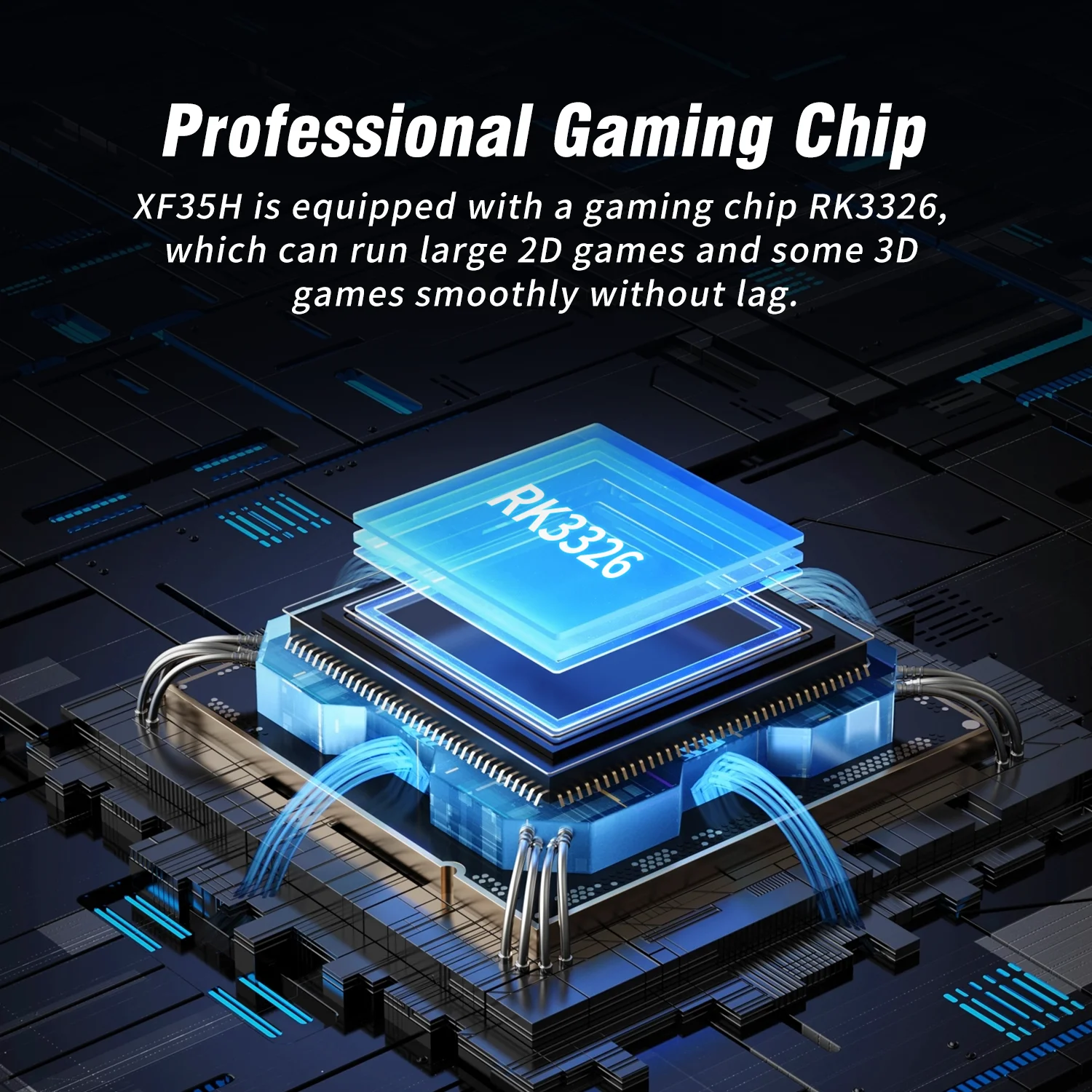
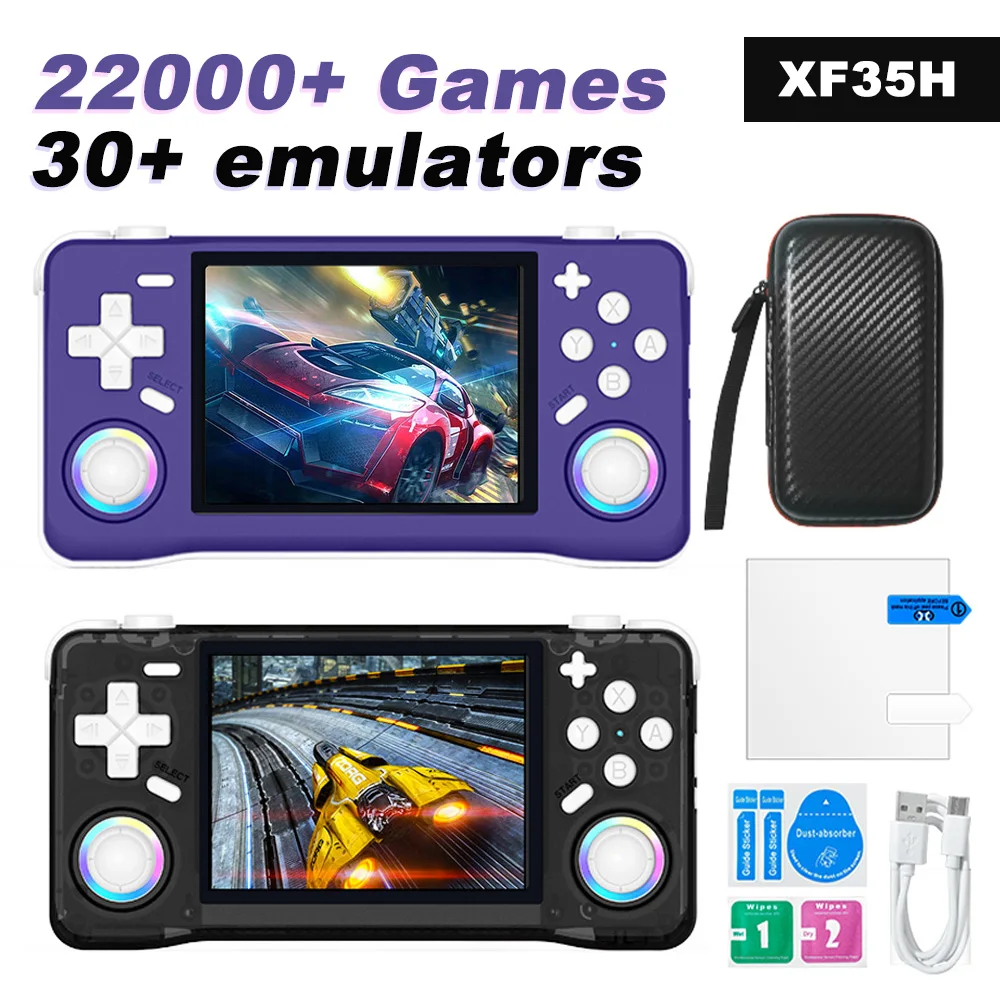
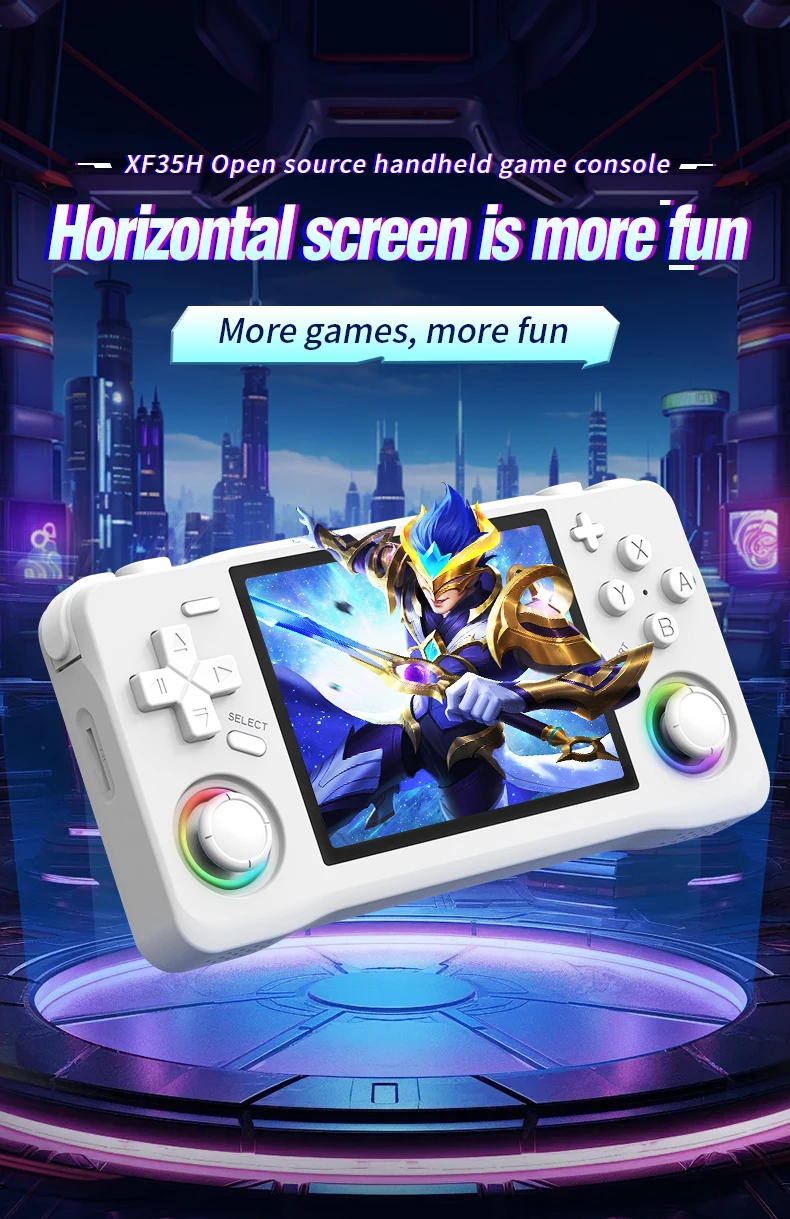
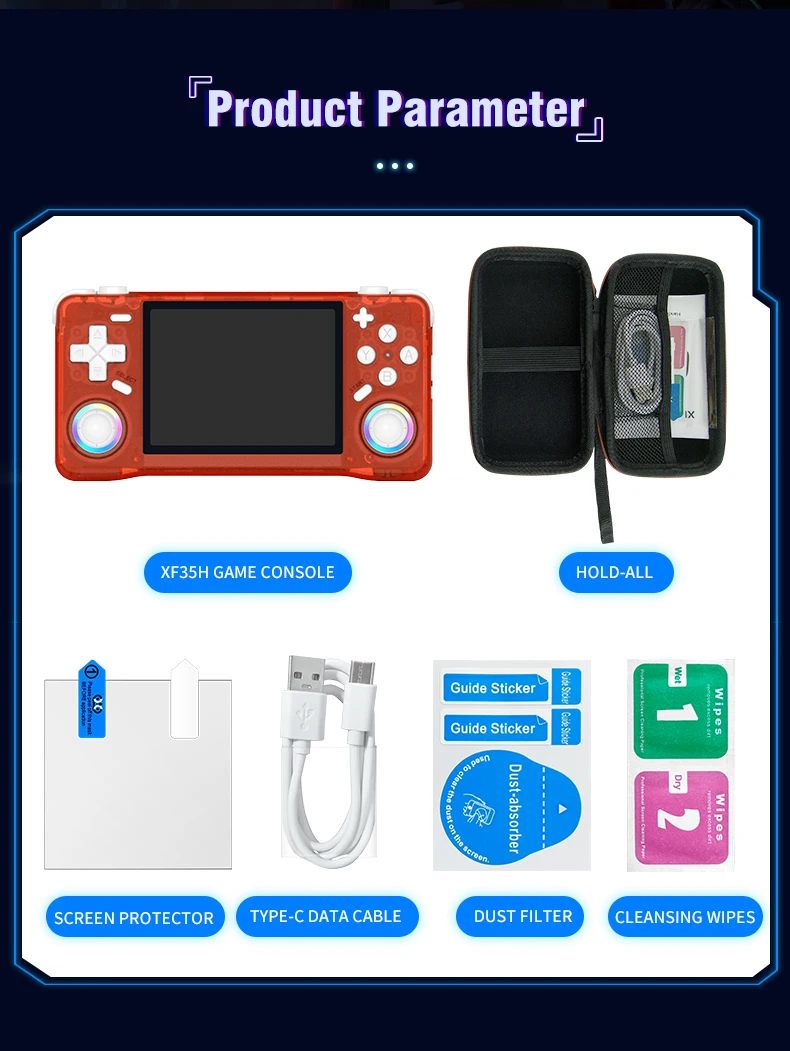
La console per videogiochi portatile retrò XF35H è dotata di sistema Linux, schermo IPS da 3,5 pollici e dimensioni tascabili.
54,25€82,25€
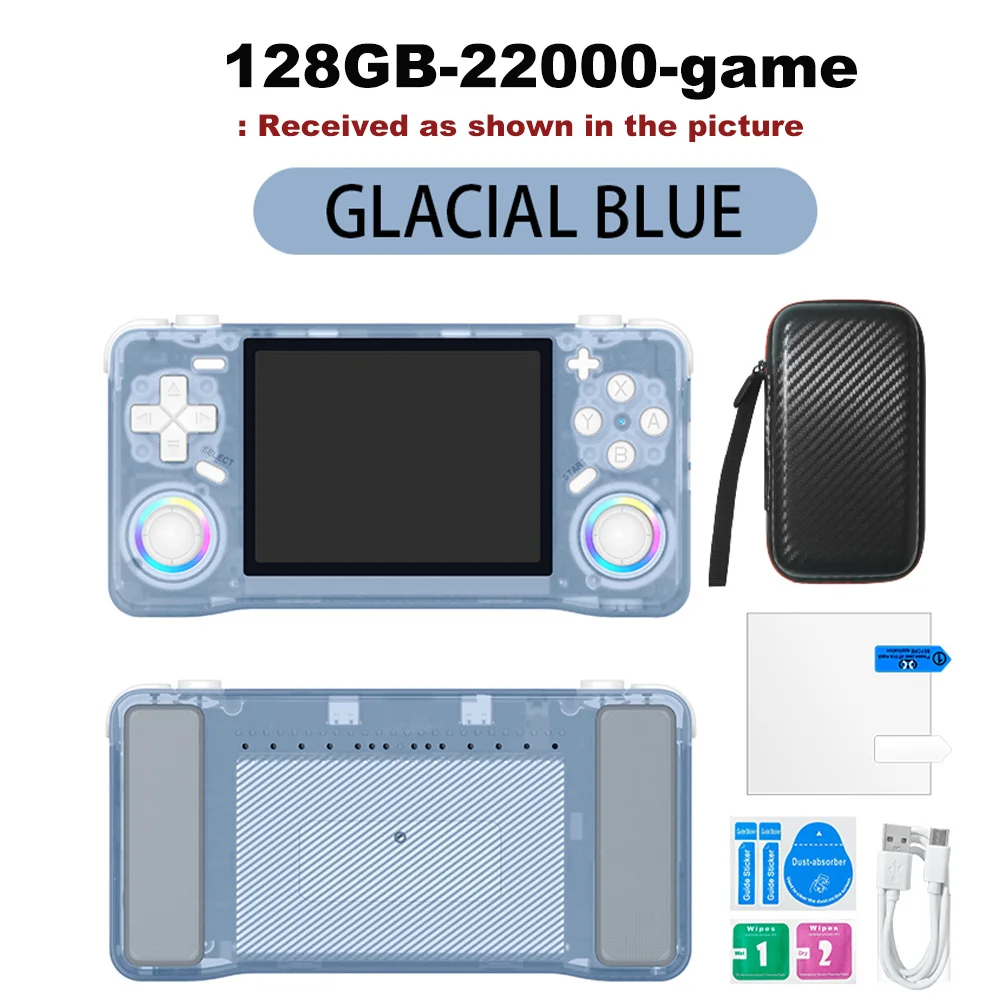
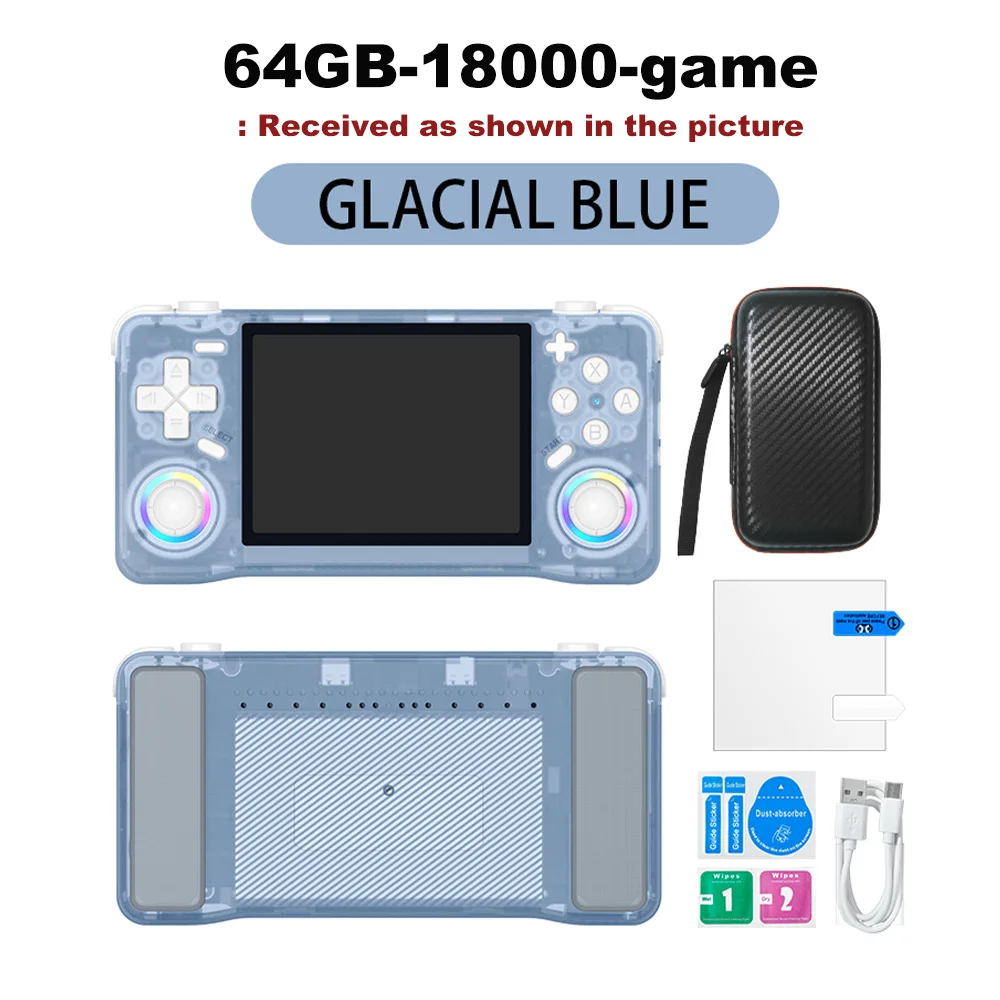
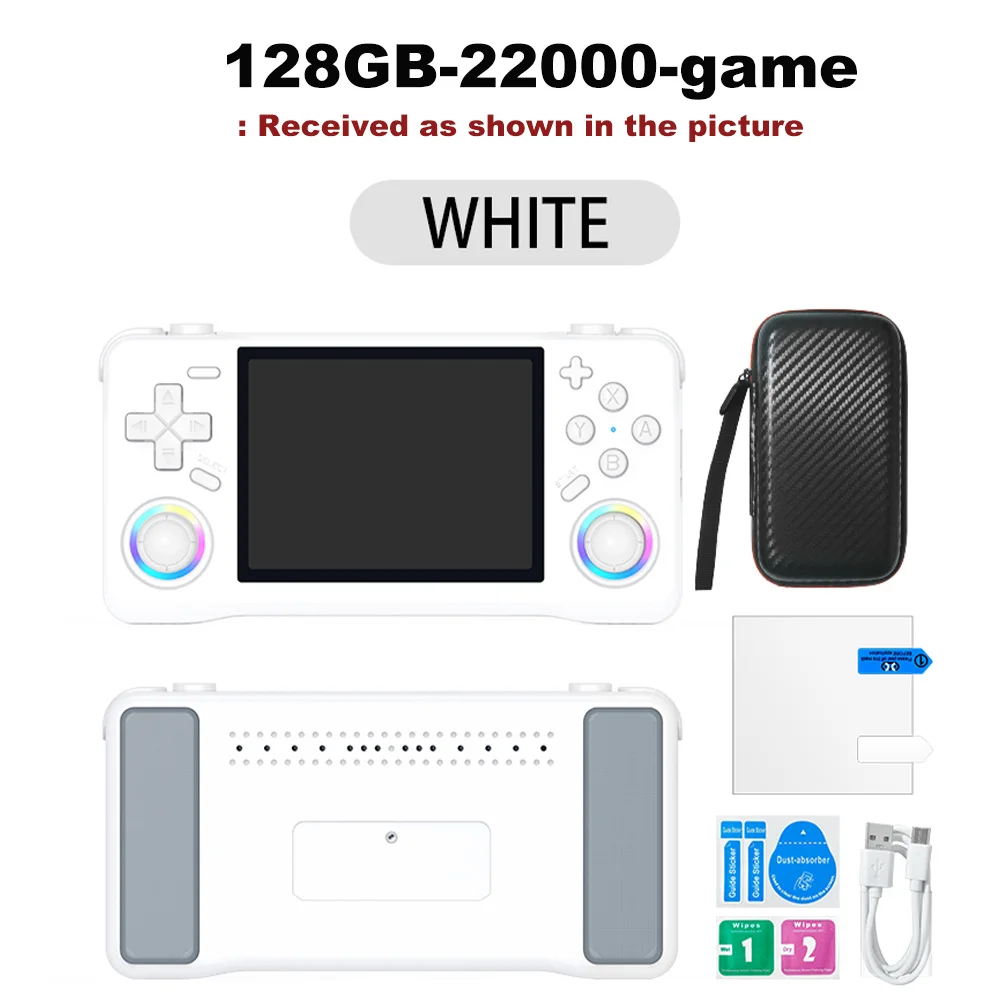
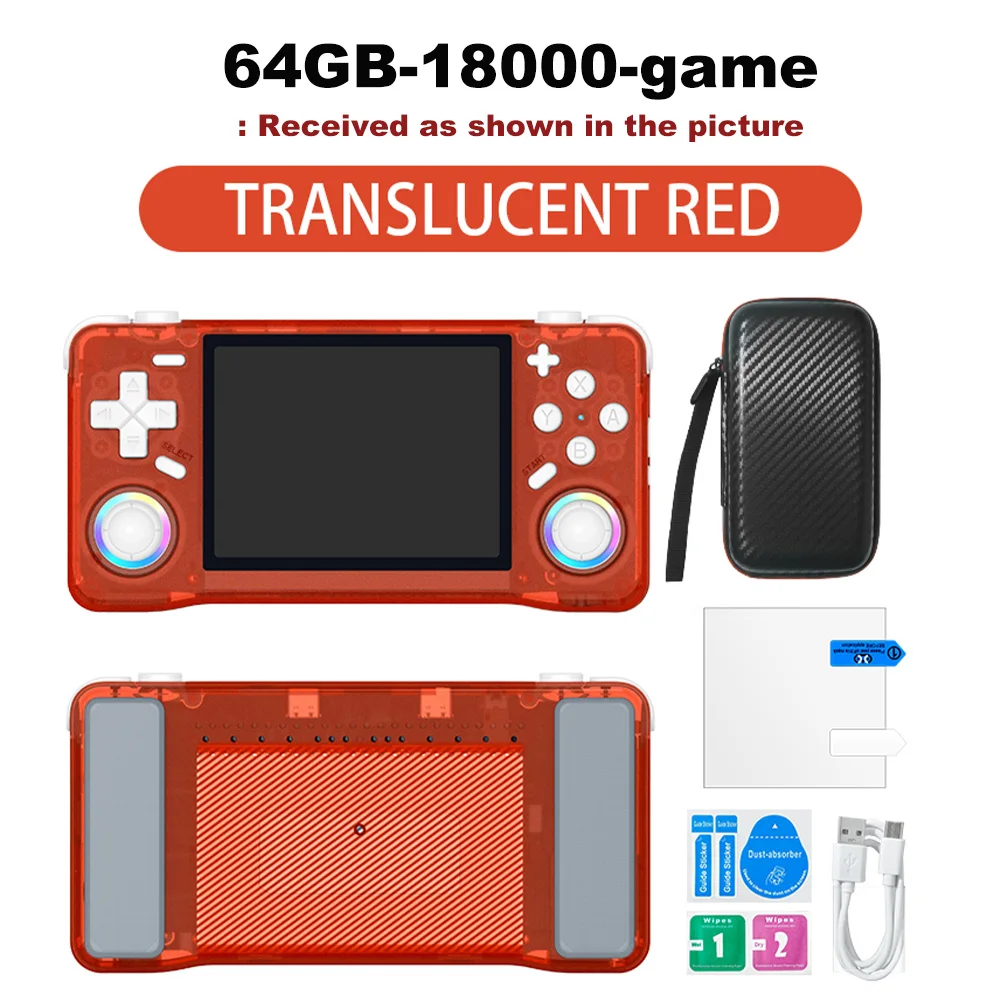
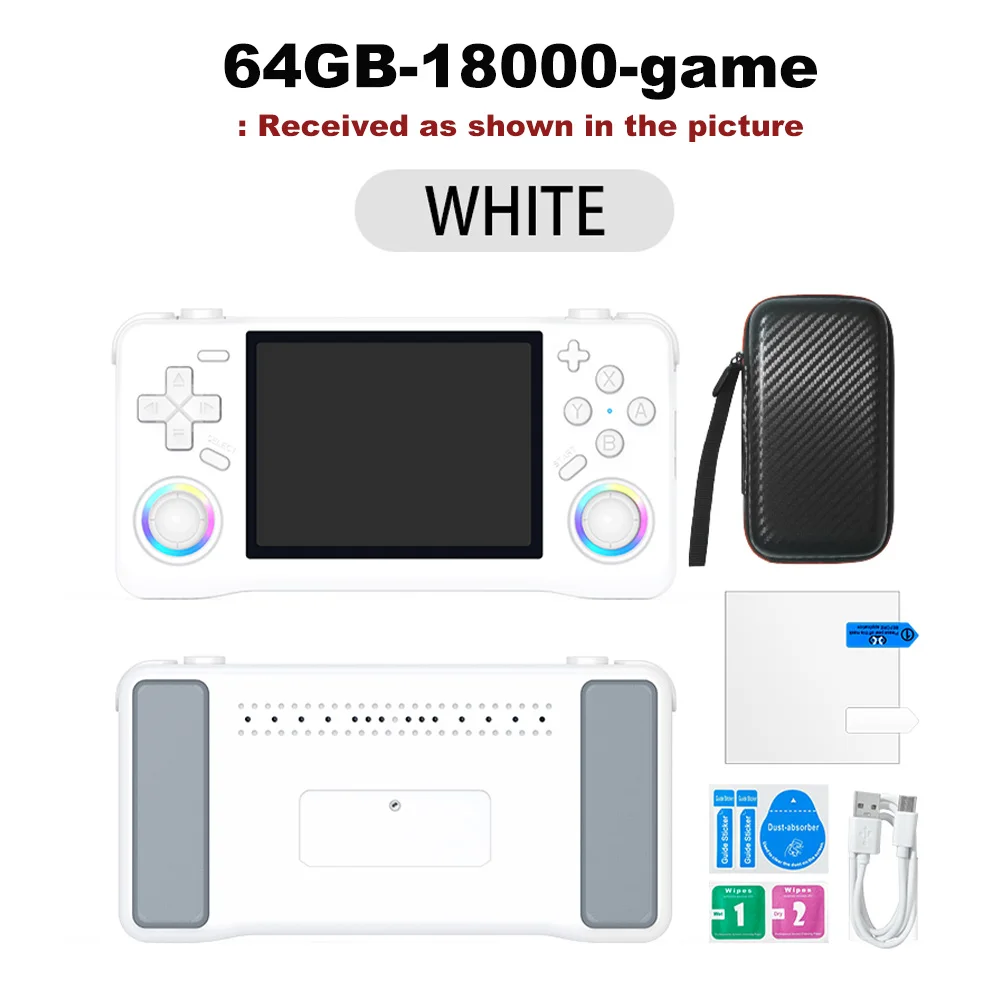
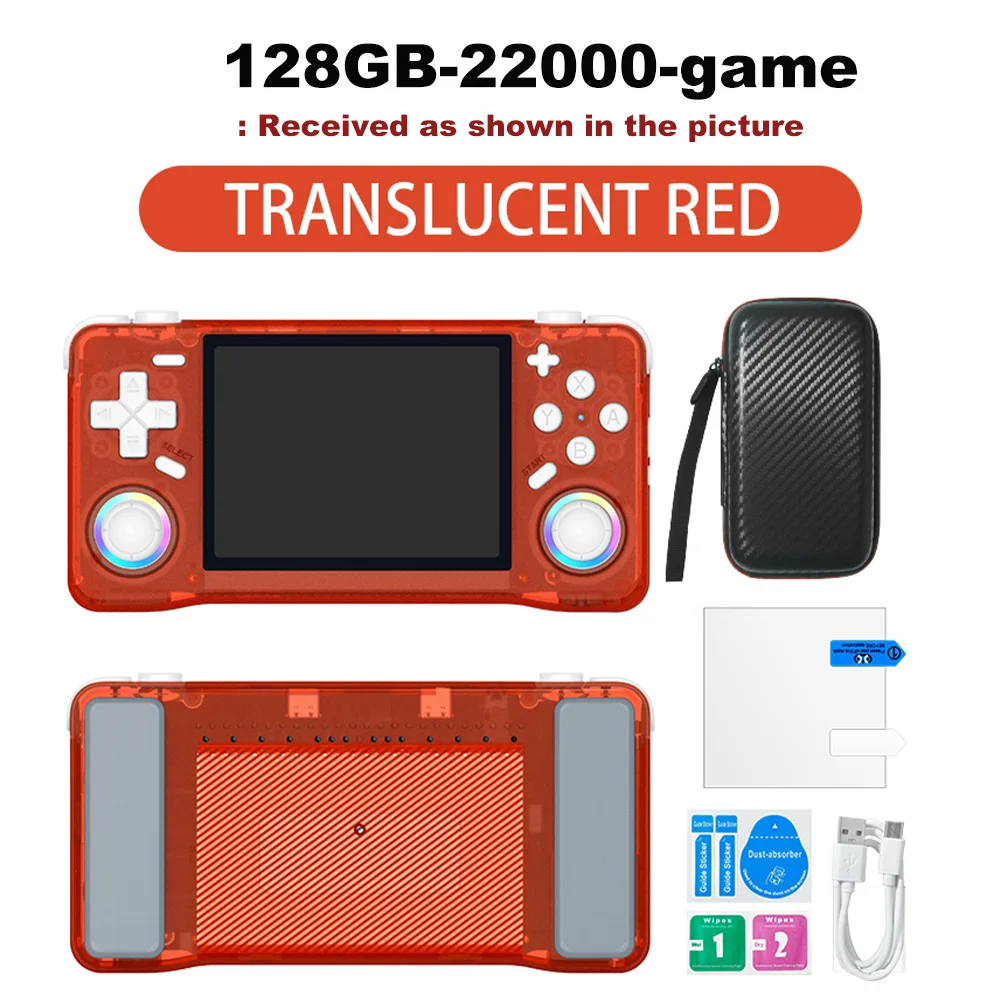
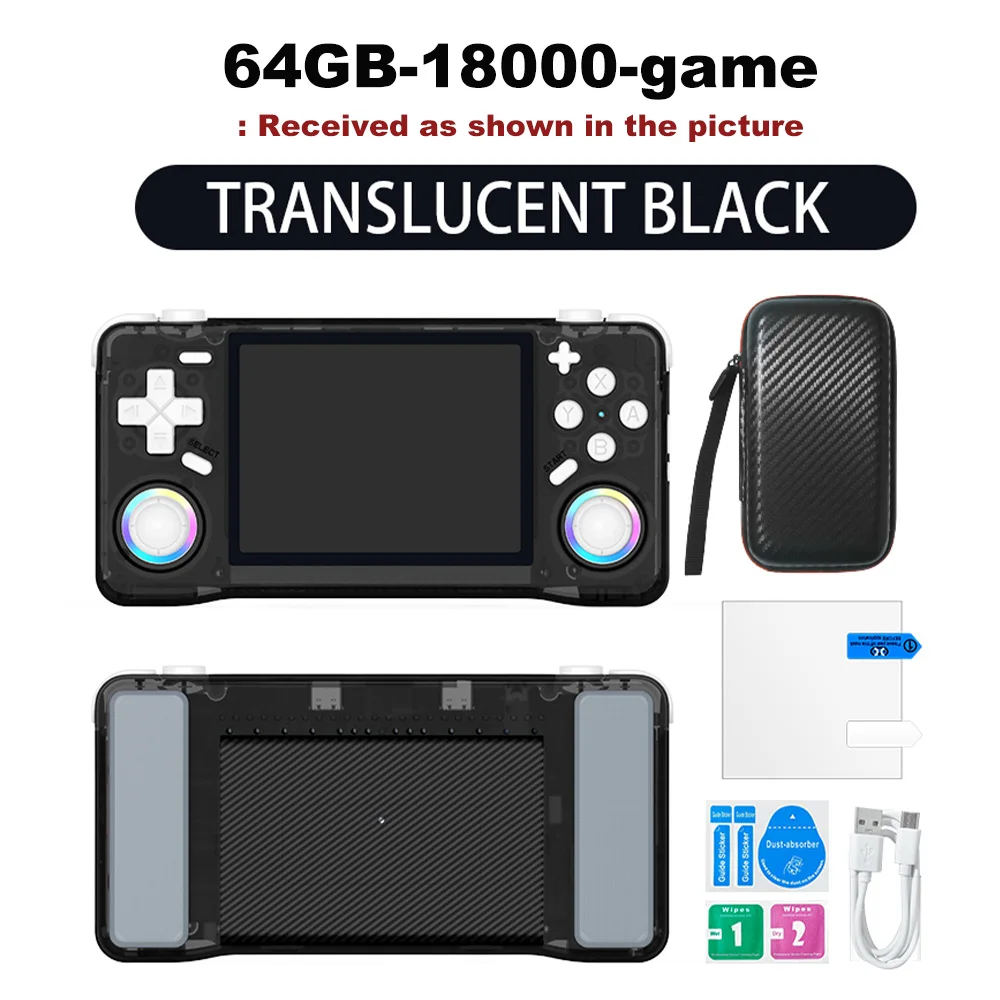
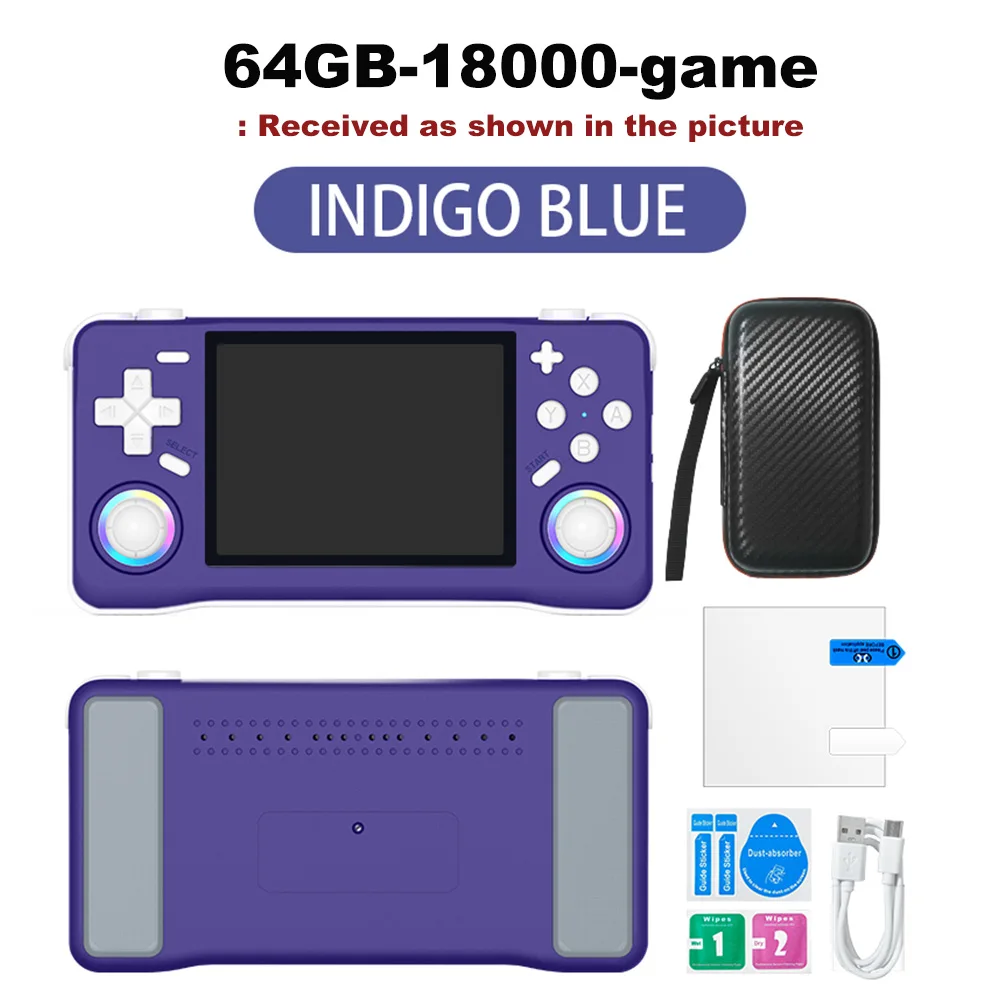
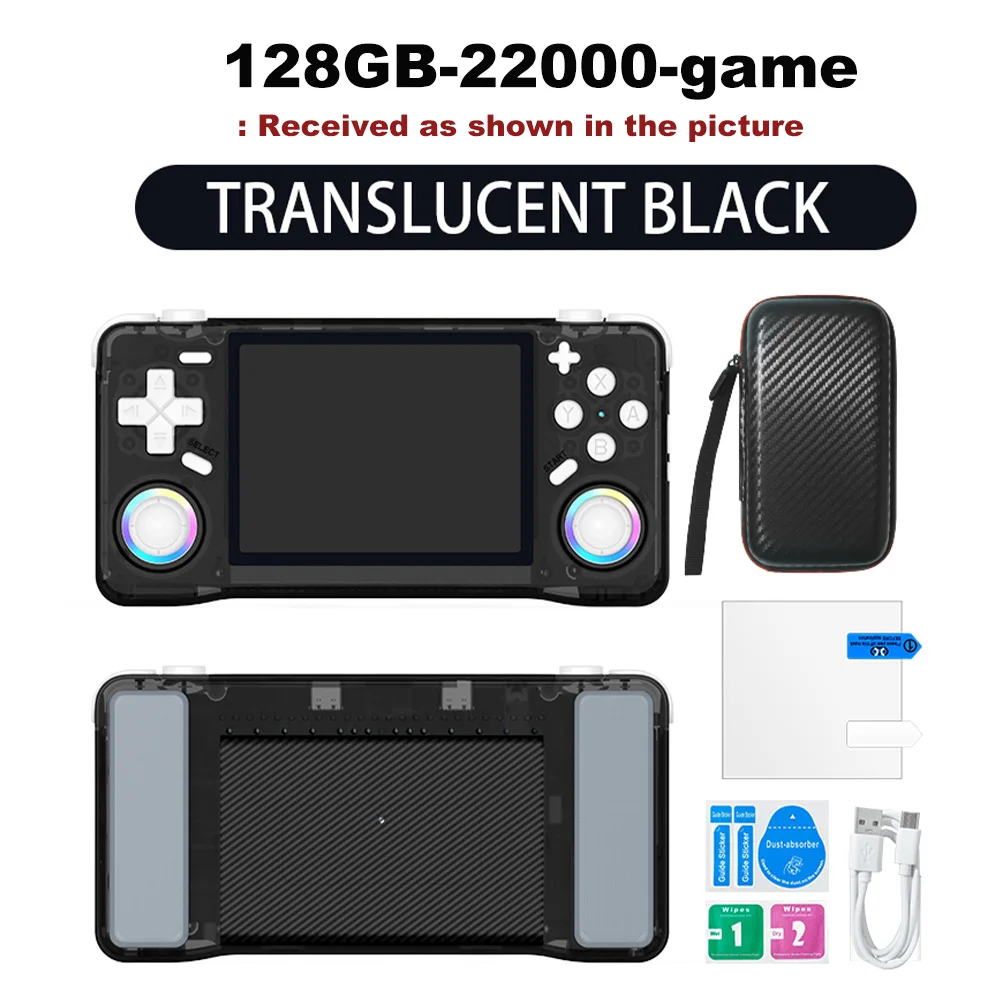
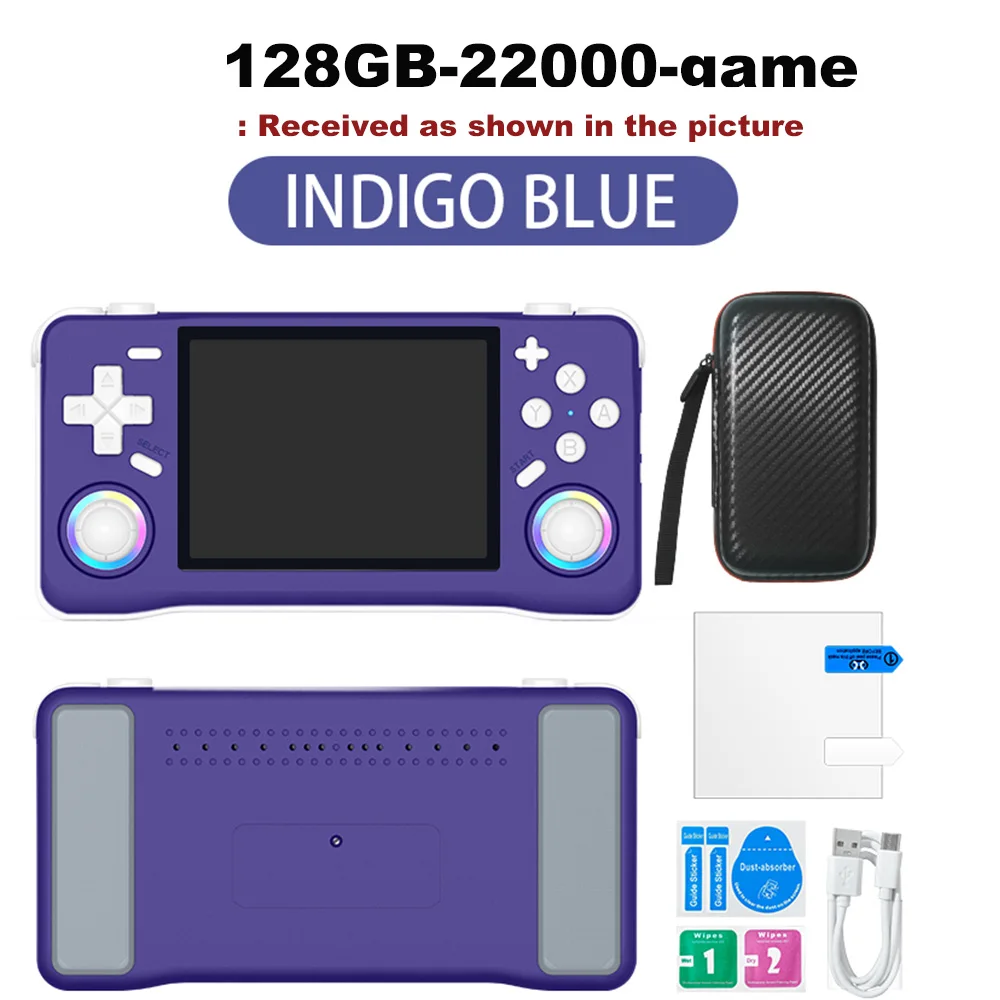
Colore : Blu 64 GB
Quantità :

Rapporto
Includere la violazione del copyrightSpedizione standard gratuita. Guarda i detagli
Stimato tra Tue, Aug 4 e Sun, Aug 9
Puoi restituire il prodotto entro 30 giorni dal ricevimento. Guarda i detagli
Acquista con fiducia

Garanzia di rimborso
Ricevi l'articolo che hai ordinato o ti verrà restituito il denaro. Saperne di più
Informazioni su questo articolo
Tratto da TechNex
Il venditore si assume ogni responsabilità per questa inserzione.Codice articolo: 39304692
Specifiche degli articoli
Visualizzazione a colori
Si No
Connessione
Wi-Fi, Bluetooth, USB
Dimensioni di visualizzazione
2, 7", 3, 0", 3, 25"
Schermo tattile
Si No
Descrizione dell'articolo da parte del venditore
Multilingual Support
Enjoy games in Japanese, expanding your gaming horizons with this multilingual handheld console.
Ample Storage
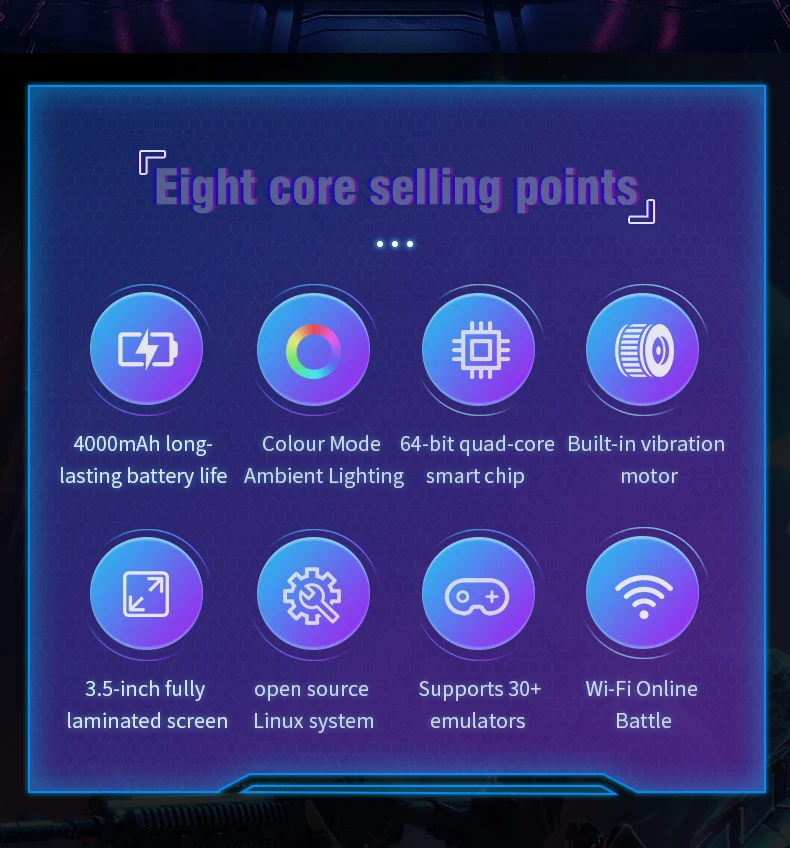
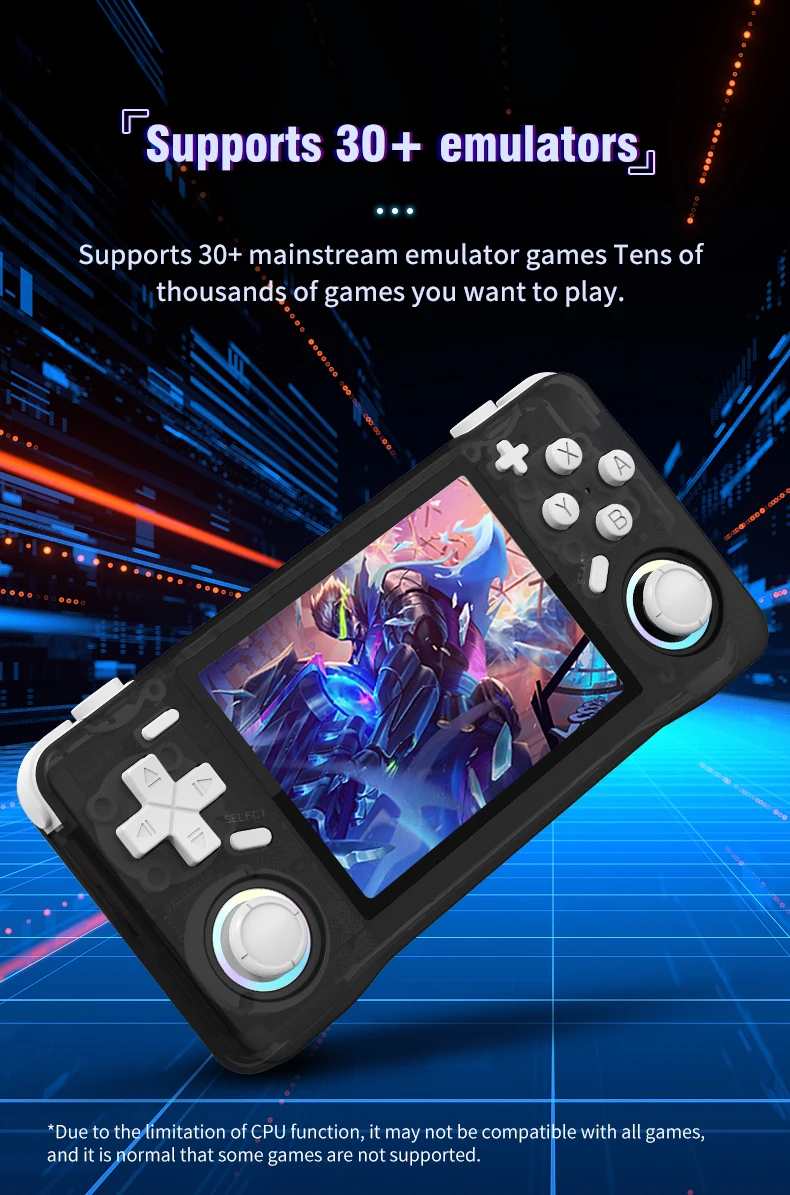
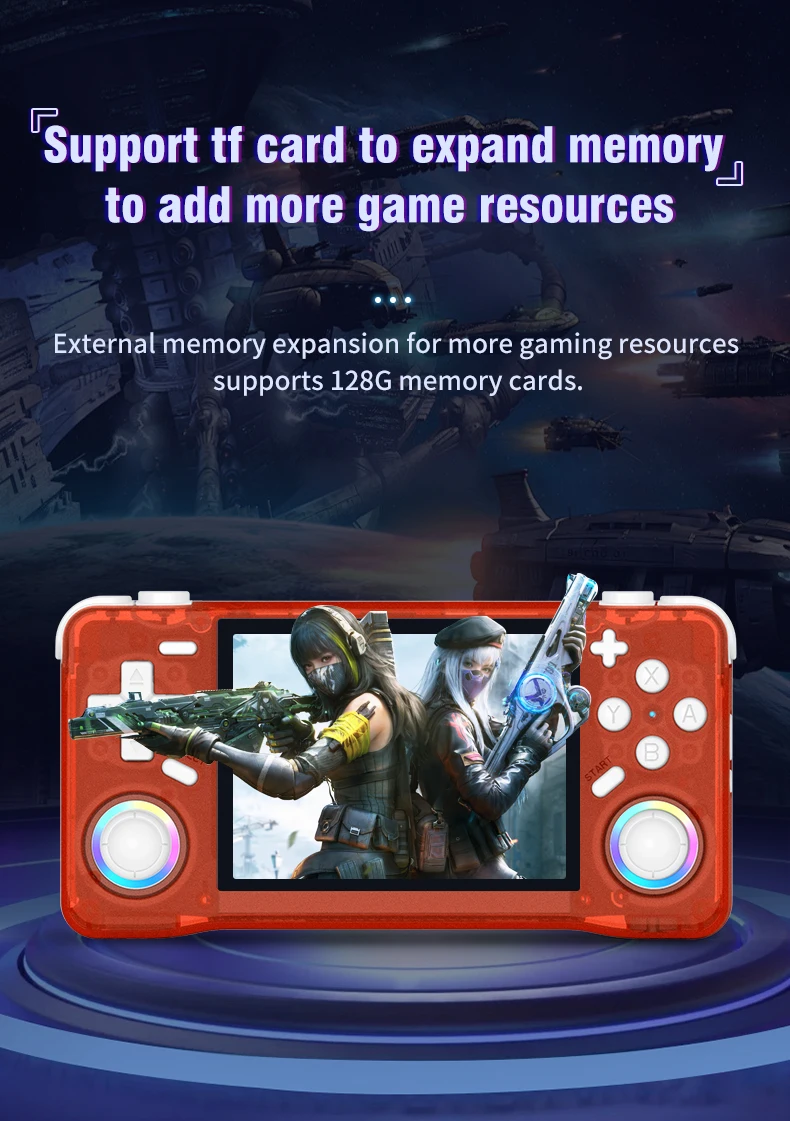
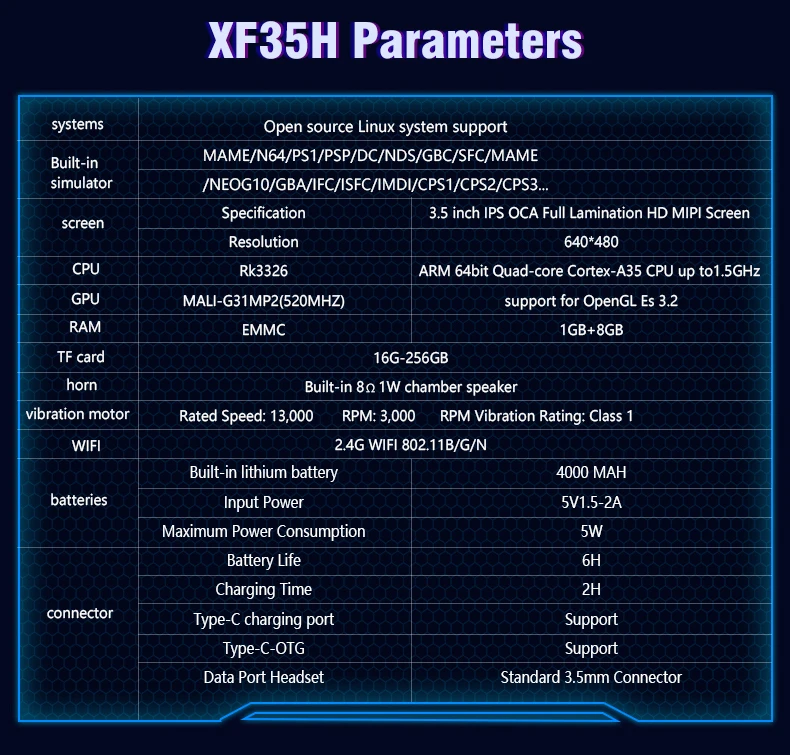
The XF35H comes with 128GB of preloaded games, ensuring you have plenty of entertainment wherever you are.
High-Resolution Display
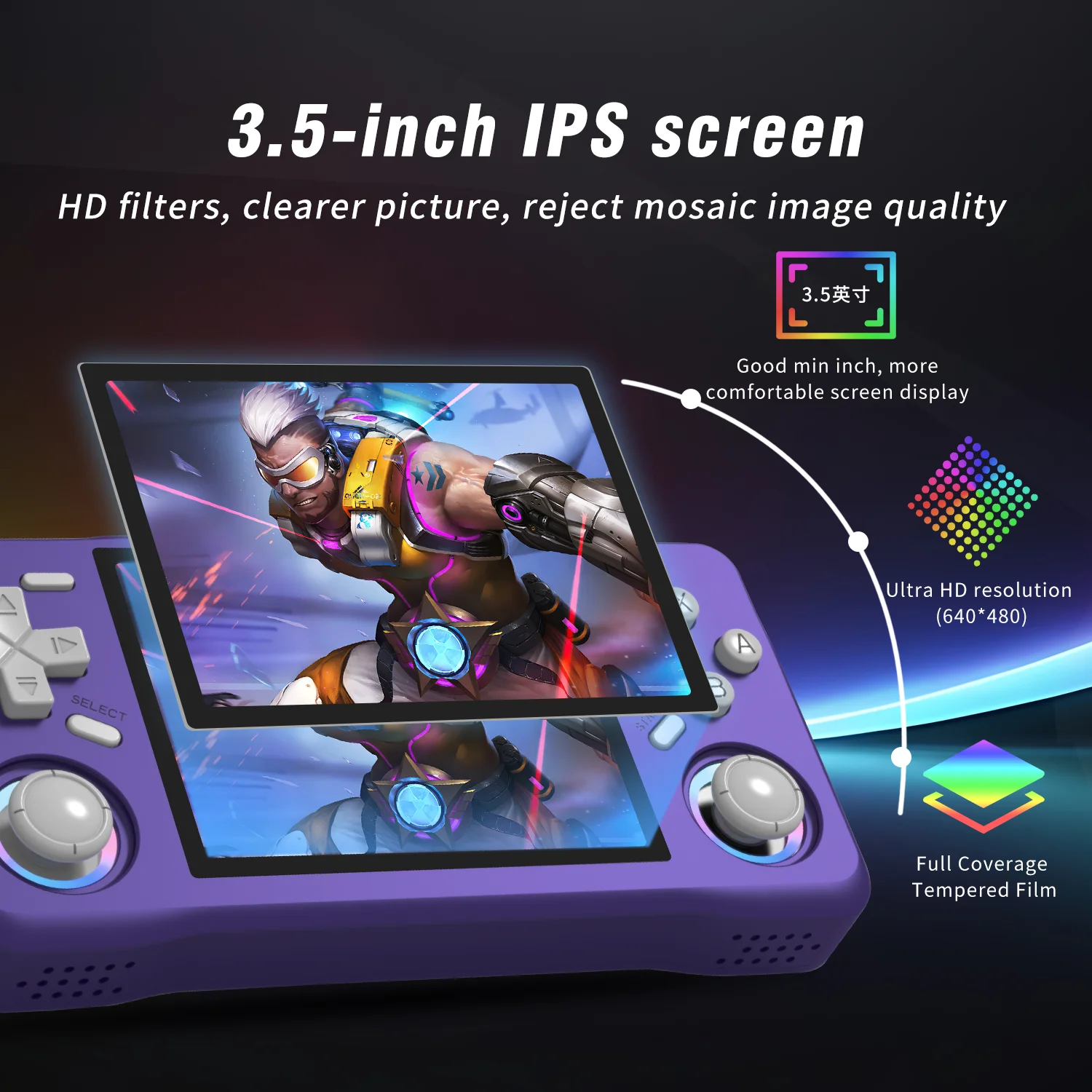
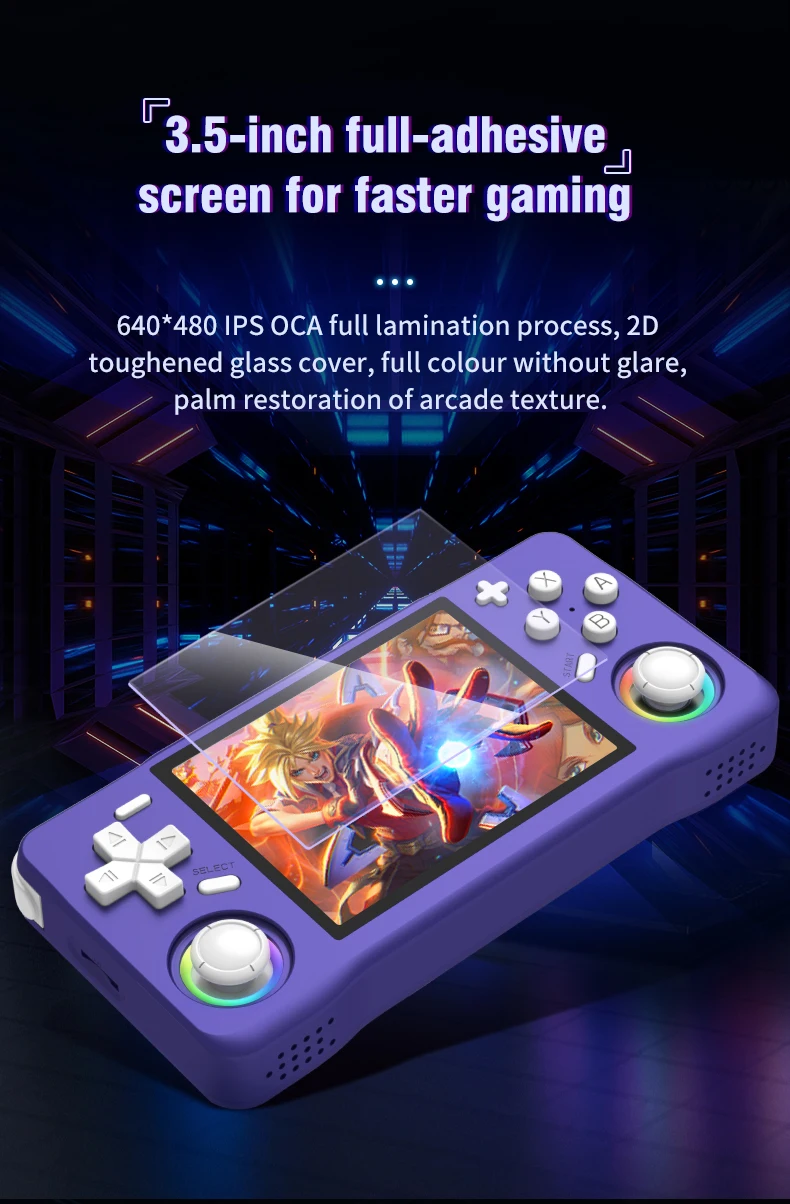
Experience clear visuals with a 3.5" IPS screen offering a resolution of 640x480, perfect for gaming on the go.
Linux System
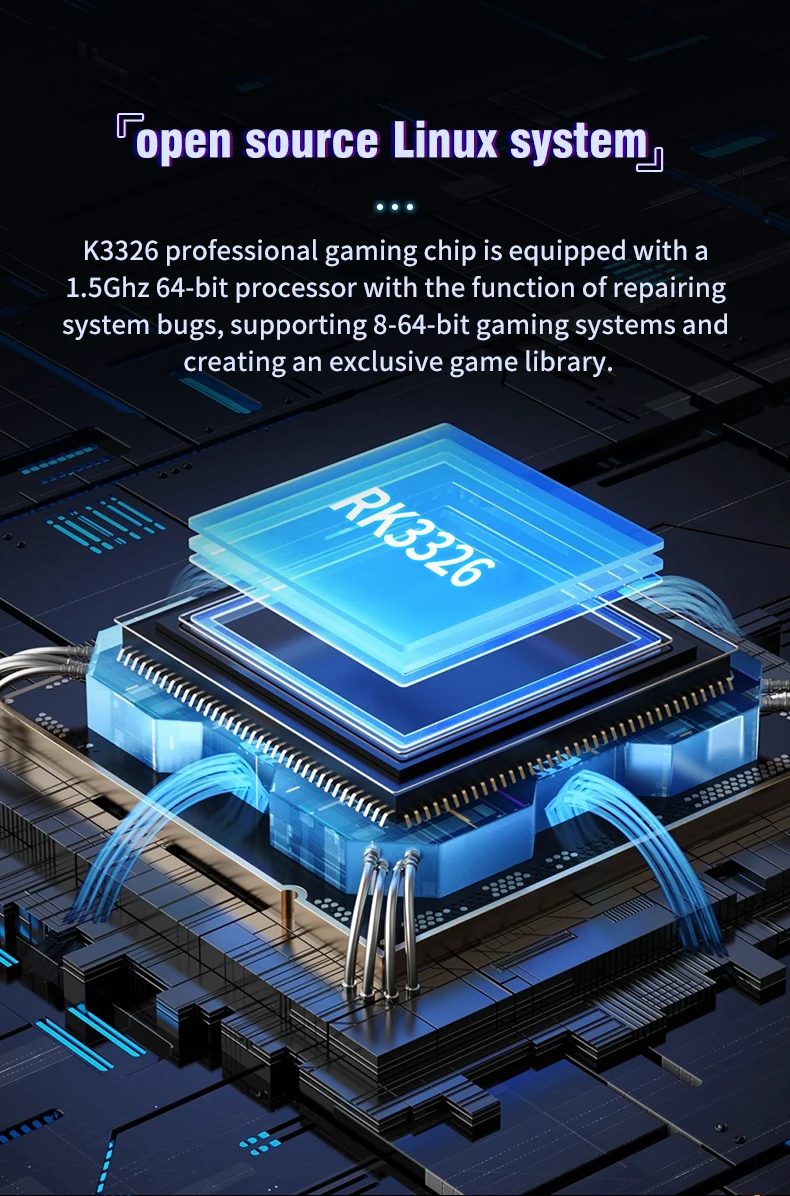
Equipped with a Linux system, this handheld offers a unique gaming experience with a wide range of compatibility.
Portable Design
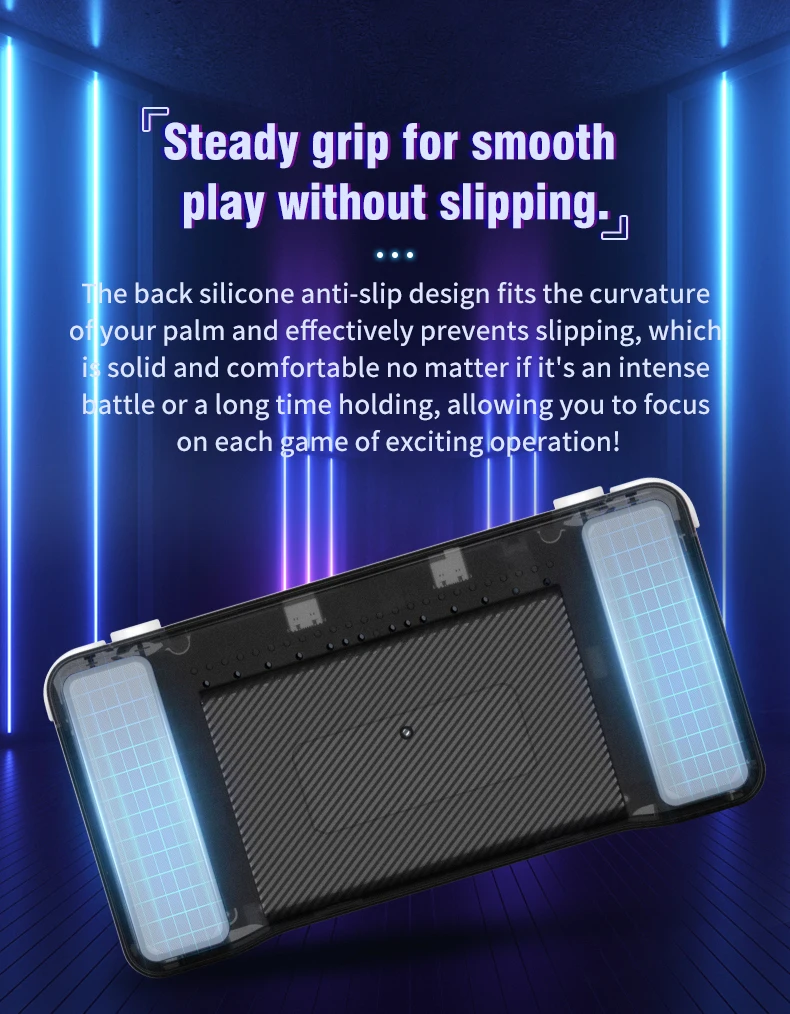
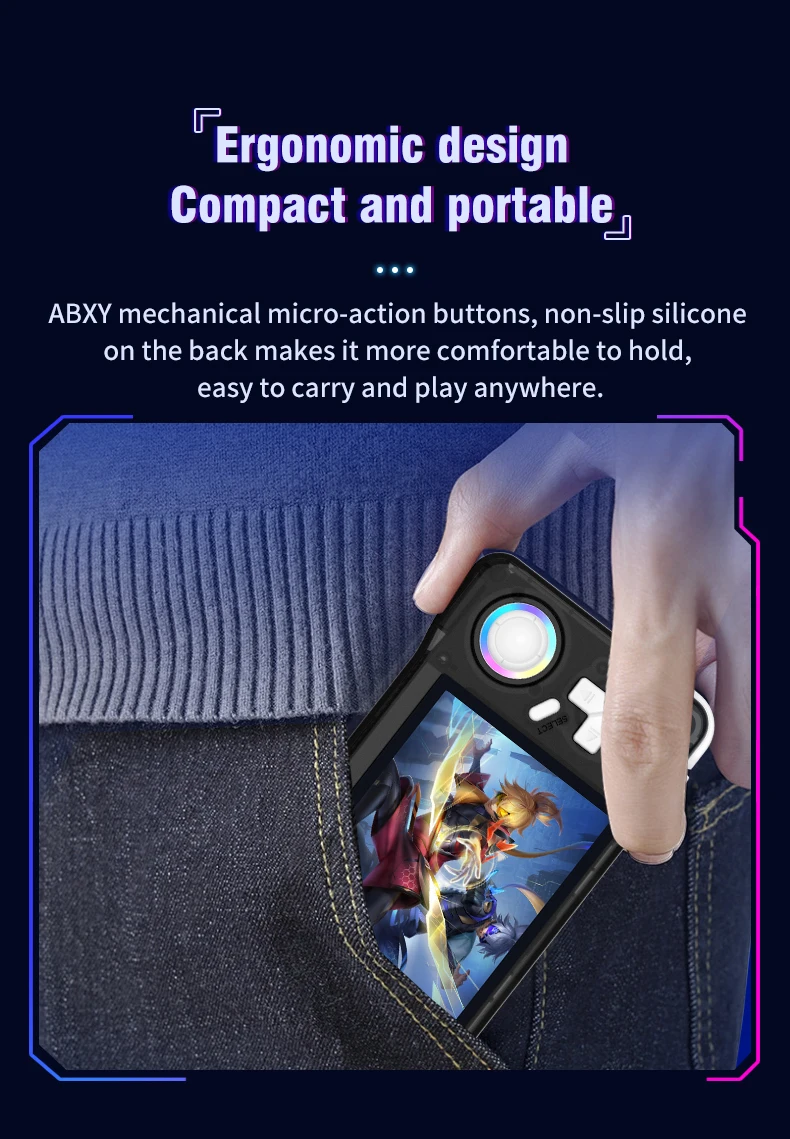
This pocket-sized player is designed for convenience, making it an ideal companion for travel or leisure.
A nanny-style tutorial:
Three power on and off instructions
Power on: Press and hold the power button for 5 seconds, wait patiently for about 25 seconds, and enter the operation interface.
Power off: Press and hold the power button for 7 seconds to display the power off menu. Press the A button by default to power off.
Note: Please exit the game before shutting down, and do not press any keys when the system starts up.
Charging instructions
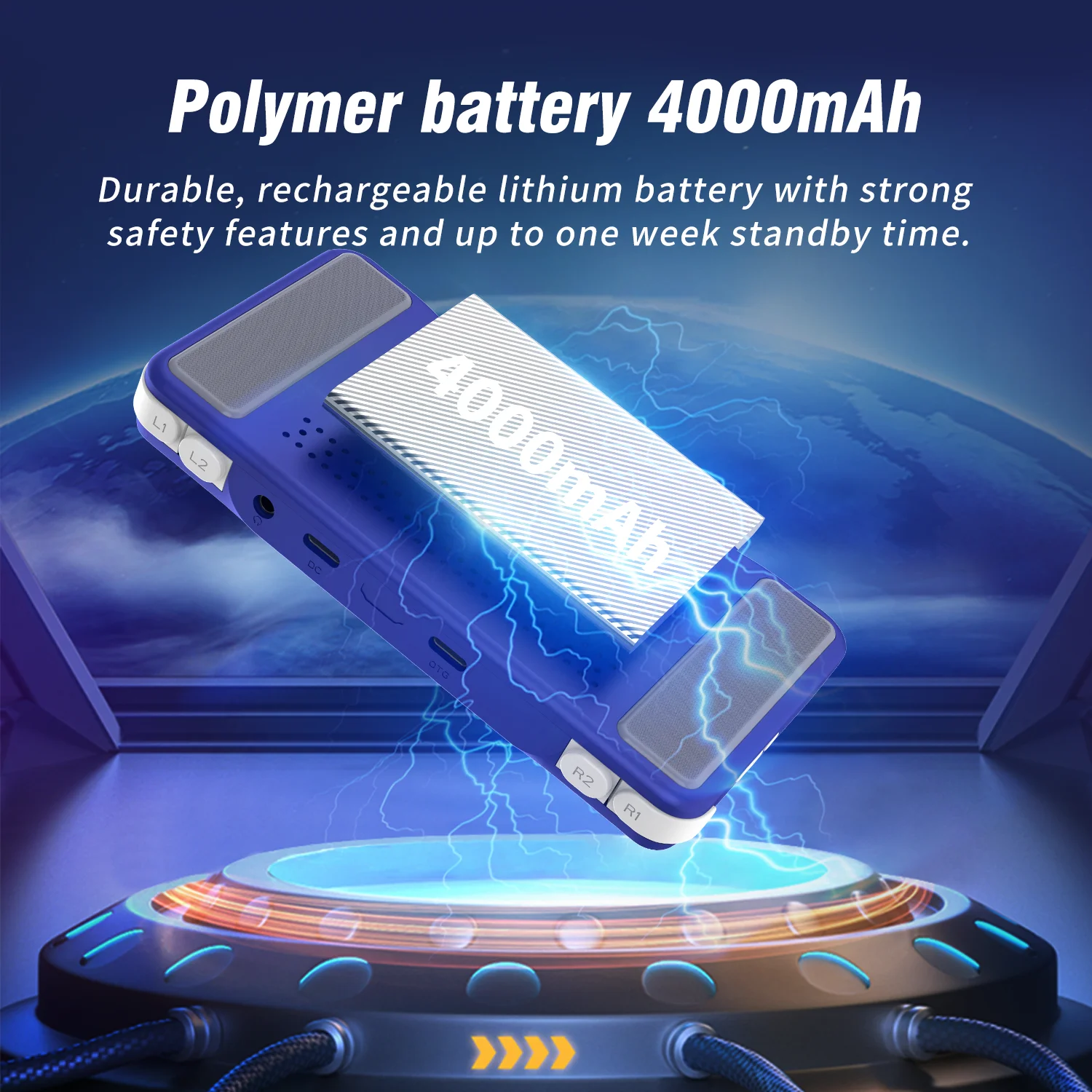
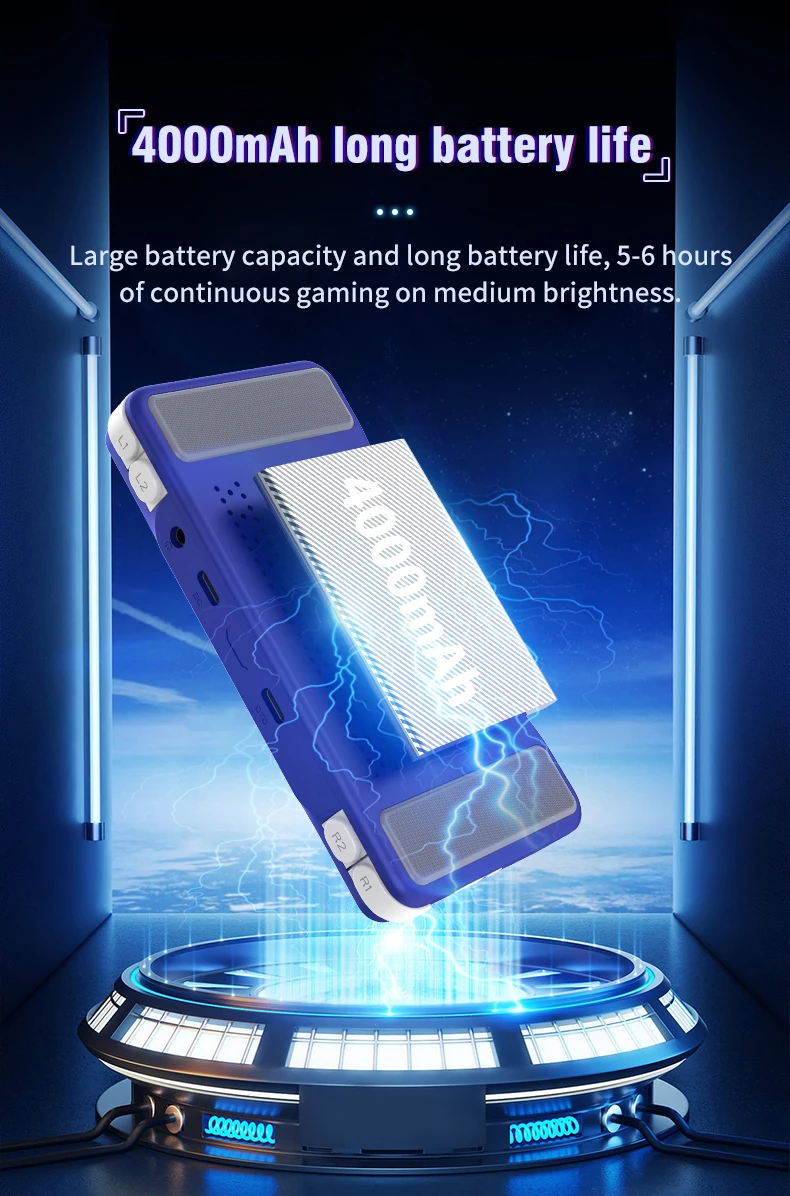
When the red light on the main unit illuminates, please charge it promptly by connecting the charging cable to the DC port. The red light will automatically turn off when fully charged.
Note: Do not press the restart button while charging; the charger parameters must not exceed 5V2A.
Function shortcut key combination:
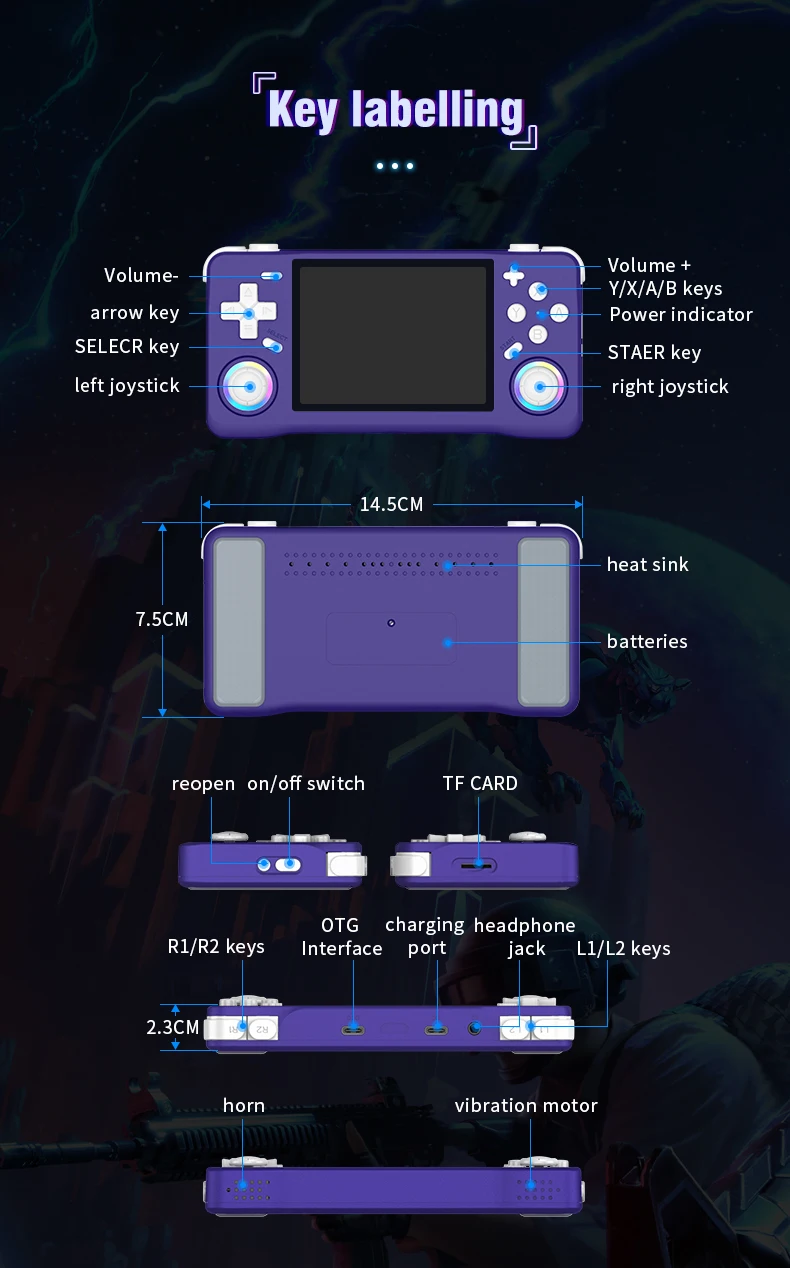
Three system bug fixes: L1+L2+R1+R2+ (SELECT*3)
Game shortcut key combinations (except PSP and NDS):
Three ways to save your game progress: SELECT + R1
Load saved game progress: SELECT +L1
Exit game: (SELECT+START) *2
Display FPS: SELECT+B
Three pause or cancel the game: SELECT+A
RA Menu: SELECT+X
To enable or disable game acceleration: SELEC+R2
Three game screenshots: SELECT+Y
PSP game button description:
PSP Menu: SELECT+B
PSP game saving steps: Press SELECT + B to enter the PSP menu, then select 1. Settings 2. System →
3.Auto loadsavestate
4. Slot 15. Back 6. Save state (save successful) → 7. Exit to menu (exit menu) → 8. Exit (exit)
-NDS Game Button Instructions:
Press R2: Switch between landscape and portrait screen display;
Press L2: Toggle full-screen mode;
Press the right joystick: Simulate pen mark click:
Press the left joystick: Enter the game's background menu.
How to unlock the three-child mode?
Press the START button three times, select UNLOCK USER INTERFACE MODE, press A, and then press AAABA in sequence to unlock.
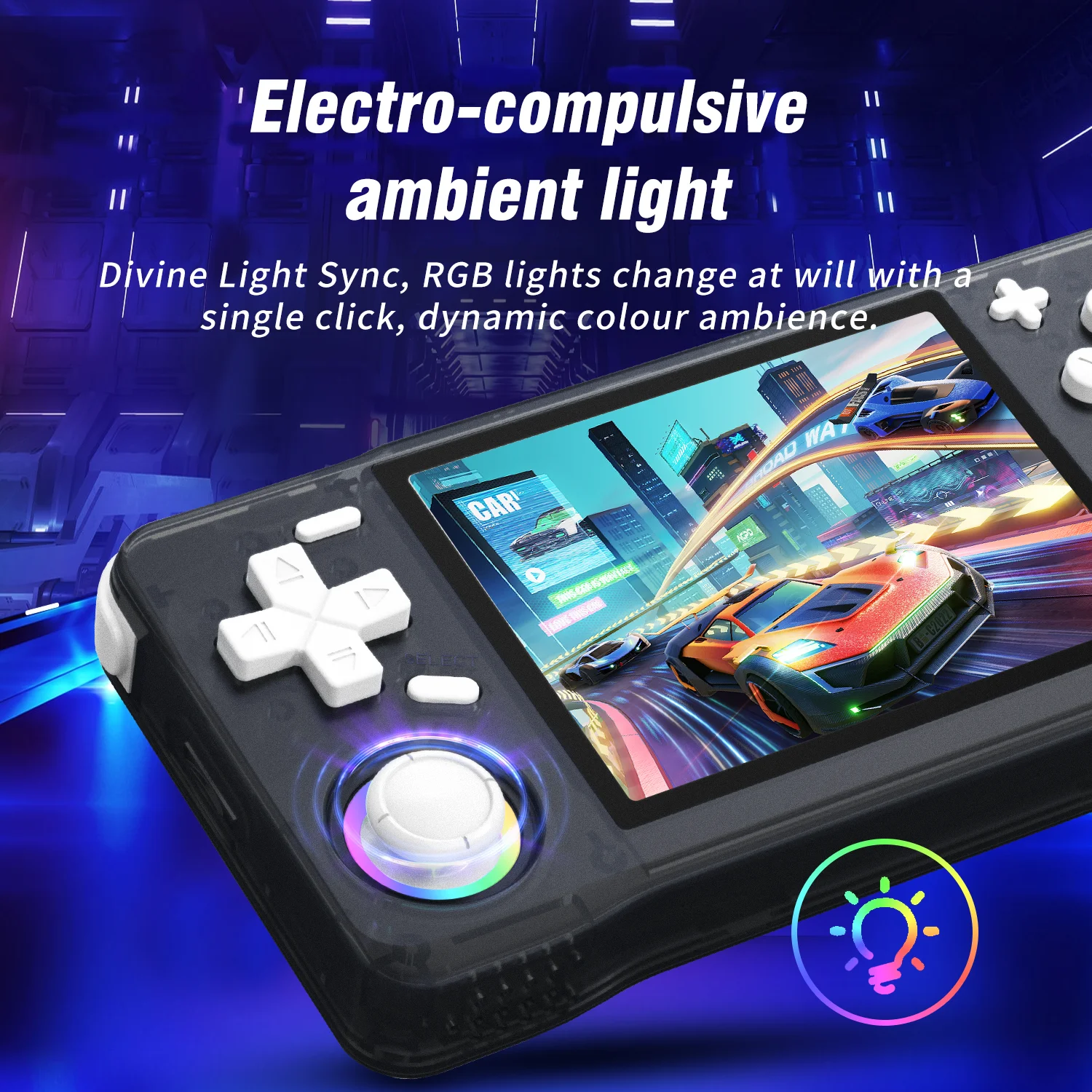
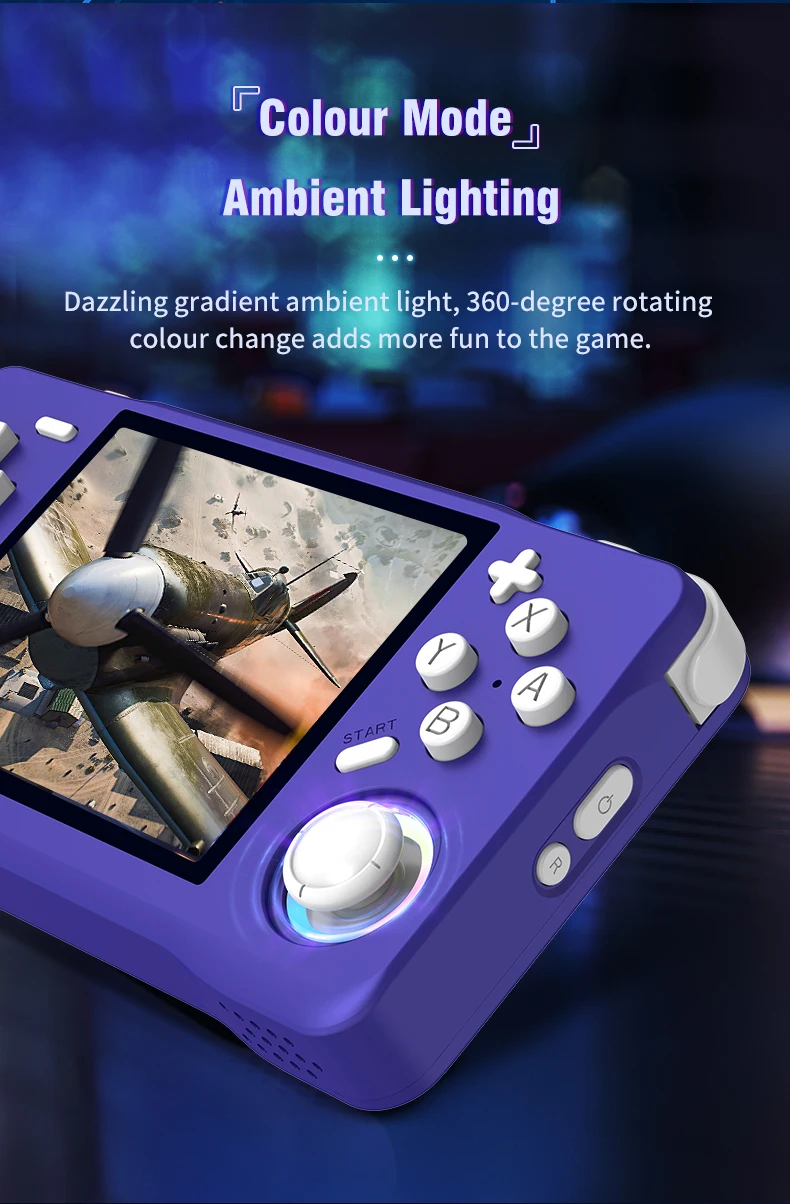
Joystick light settings:
Press the "START" button to enter the menu, and press the button at "LEDS SETTINGS" to enter the option selection.

Video
Video per questo prodotto
